Advanced Multimodal Reference Input
Guide your video generation with more than a prompt — add photos, videos, and audio clips as references so the output matches what you had in mind.
All-in-One Video Toolkit
Convert, download, edit, enhance, create, transcribe, and process video in one place — with advanced controls and built-in AI tools.
 AI GenerationAI EnhancementAI TranscriptionSmart Trimming
 Switch to Mac Version
 Switch to Windows Version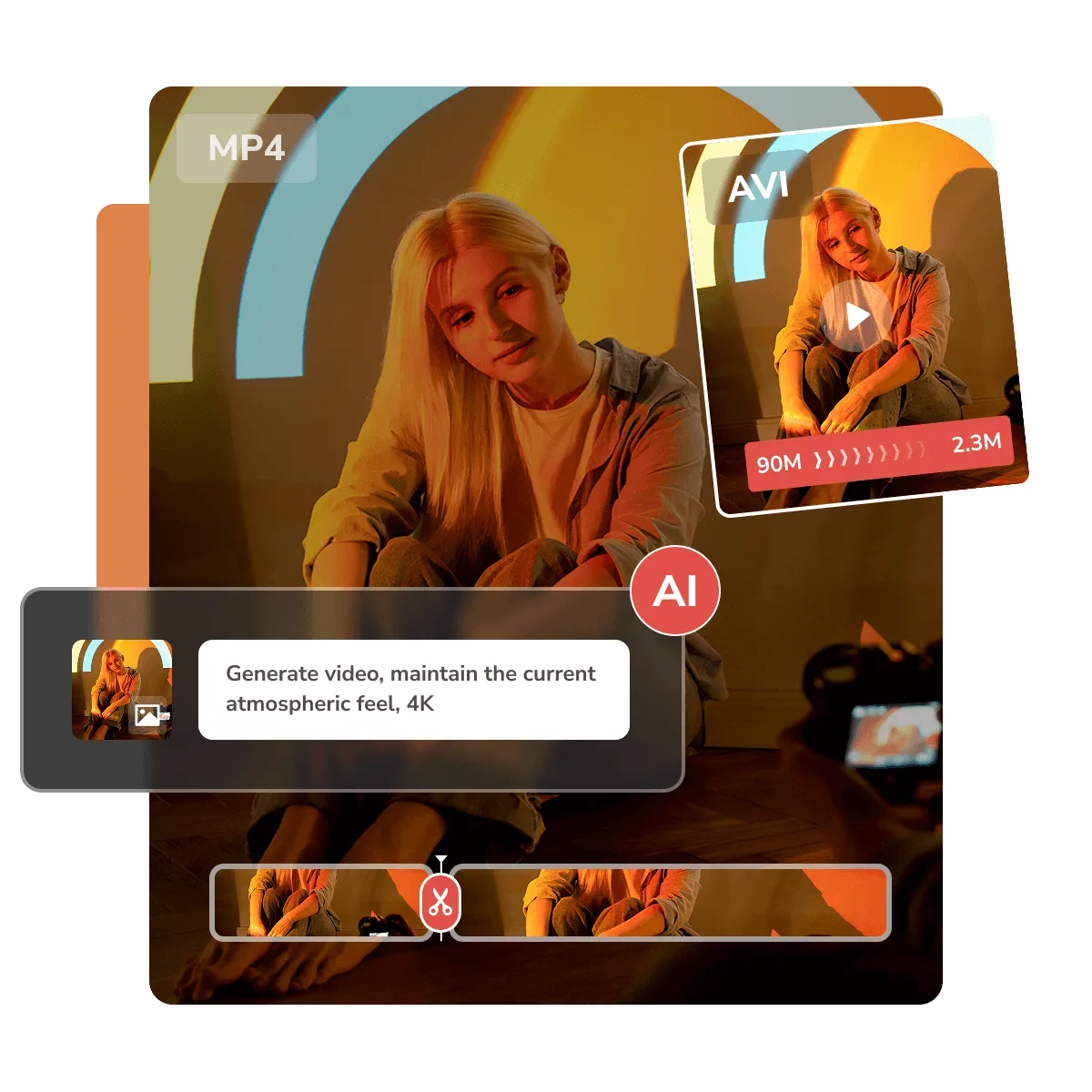
 Any Video Converter Ultimate
From setup and processing to AI-powered creation and final output, all in one app

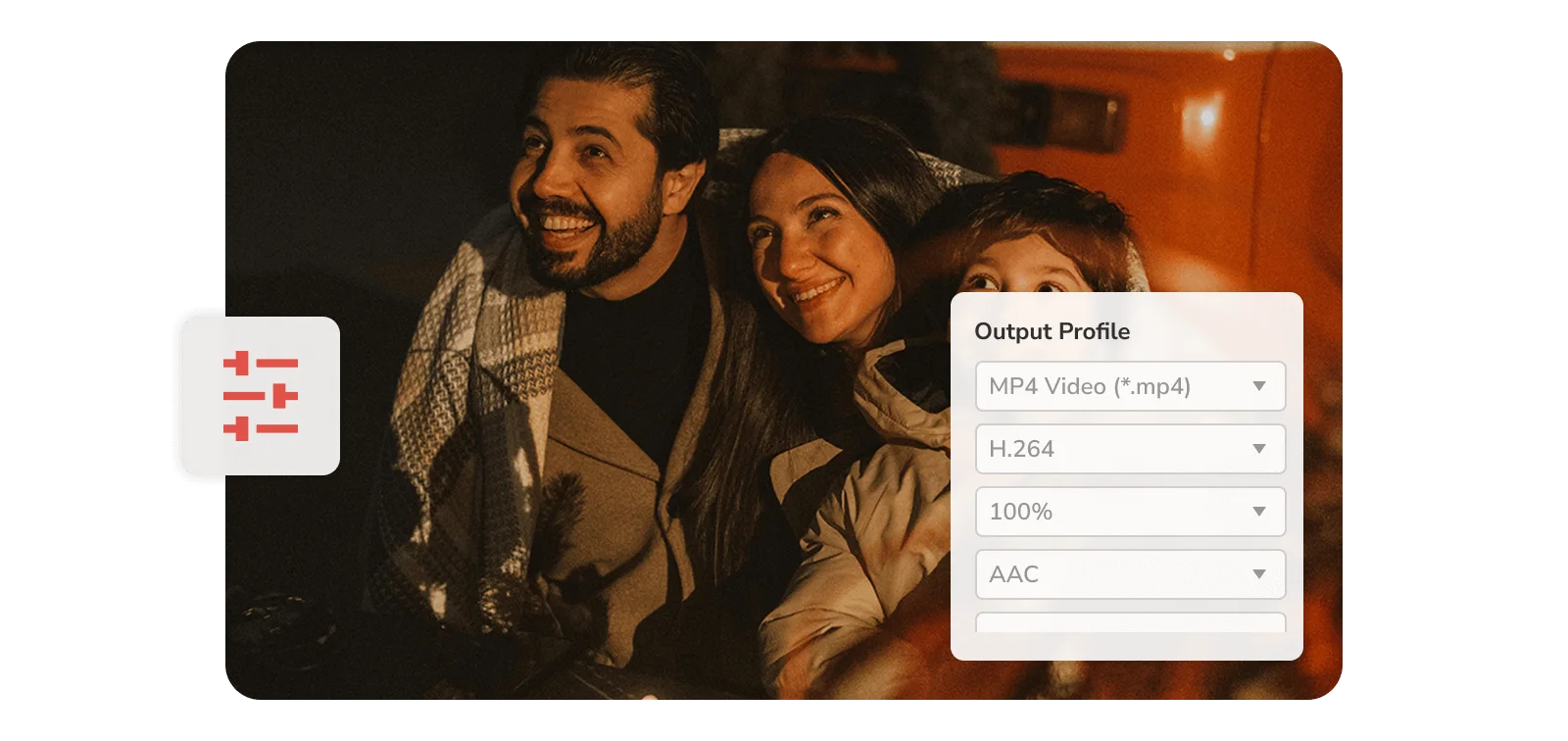
Set up your format, quality, audio, subtitle, and advanced settings, then save your preferences as a preset. Reuse your preferred setup across similar tasks instead of configuring each time. This helps keep output settings consistent and simplifies repeat workflows.

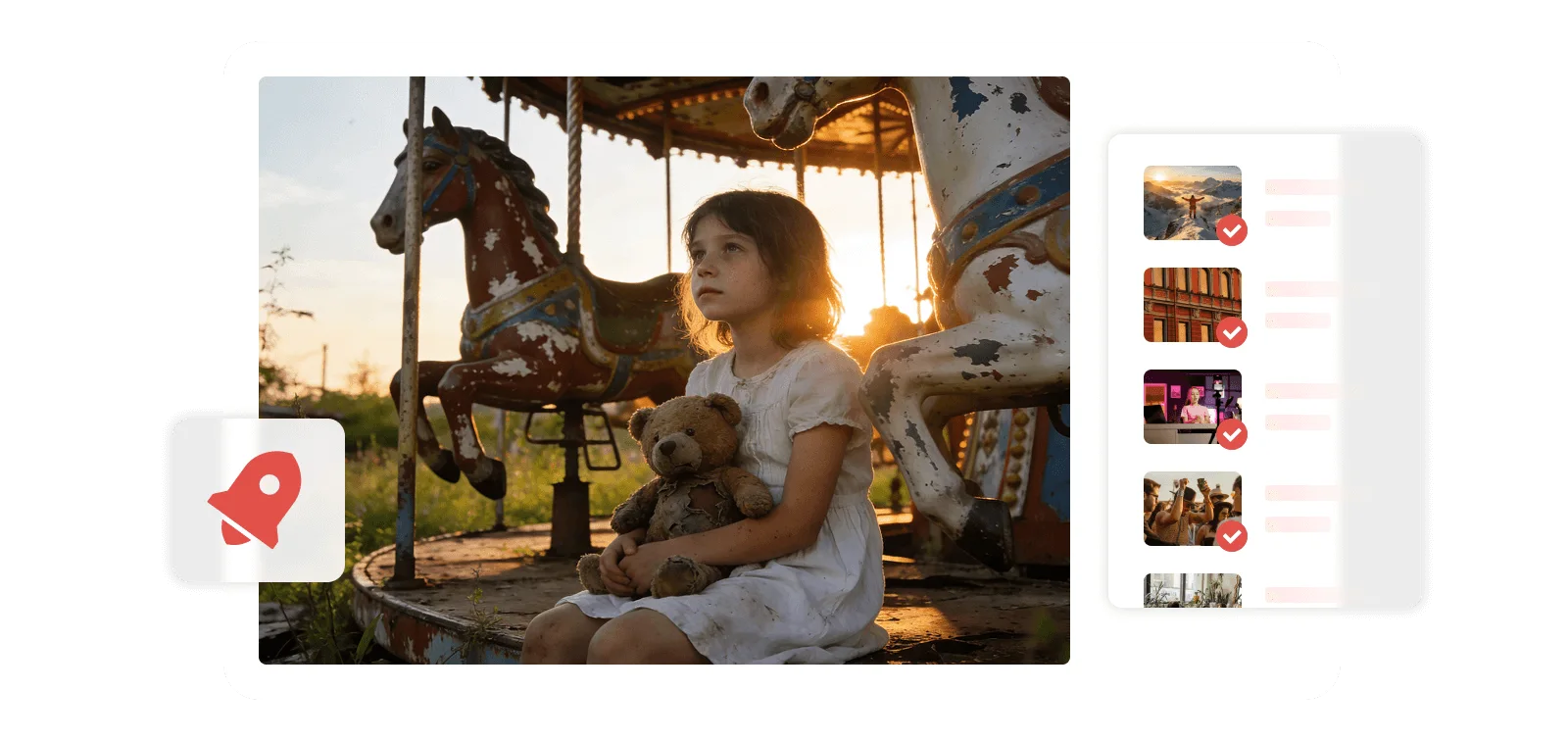
Run multiple video tasks efficiently with batch conversion and parallel downloading instead of one by one. Work with multiple files or downloads simultaneously and keep different tasks moving without supervision. It is especially useful for larger batches, playlists, or repeat processing jobs.
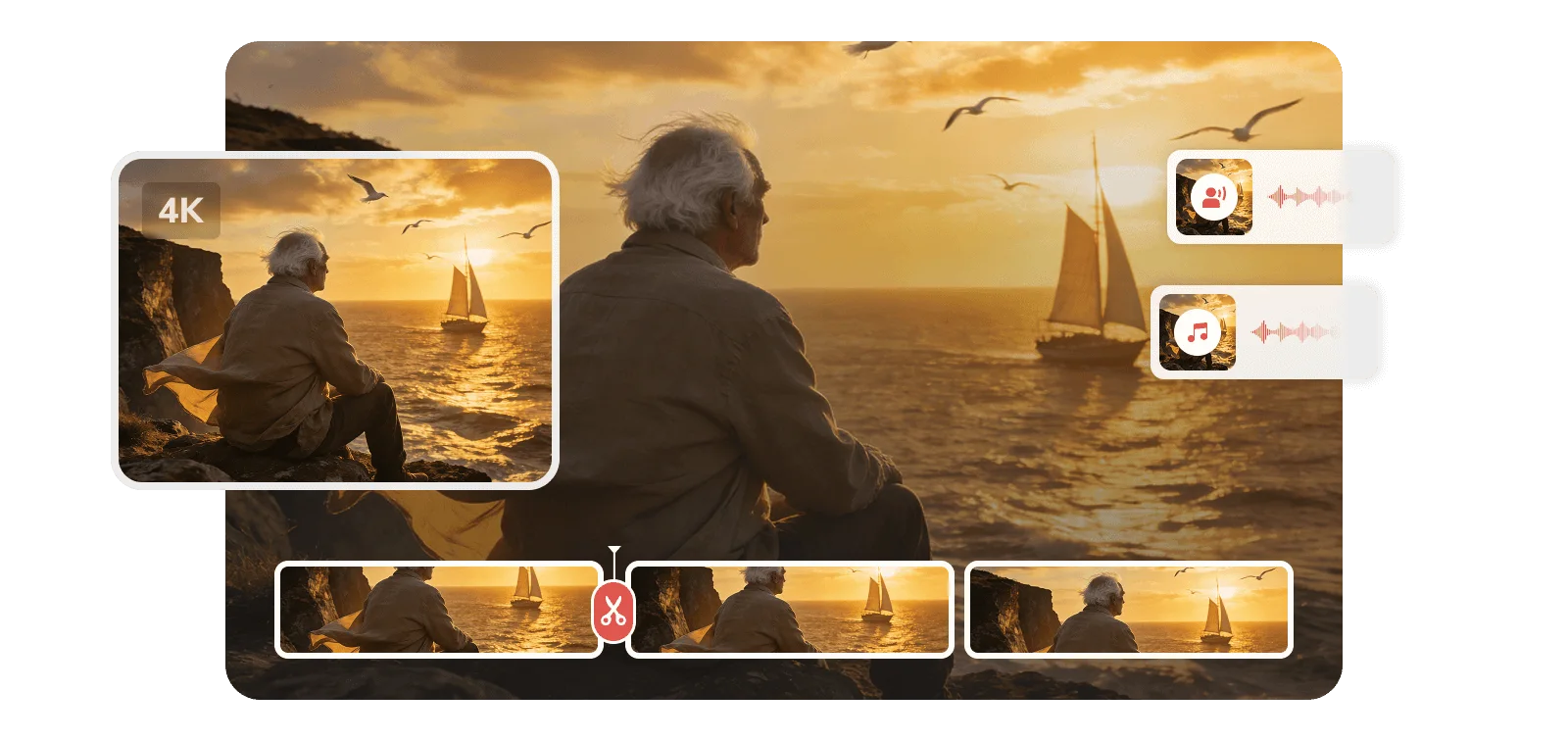
Generate, enhance, transcribe, trim, and more with built-in AI tools when your workflow needs more. Use AI to create new clips, improve existing footage, extract text from speech, or simplify repetitive editing work. All of these tools stay within the same workflow, so you can move between tasks without switching applications.
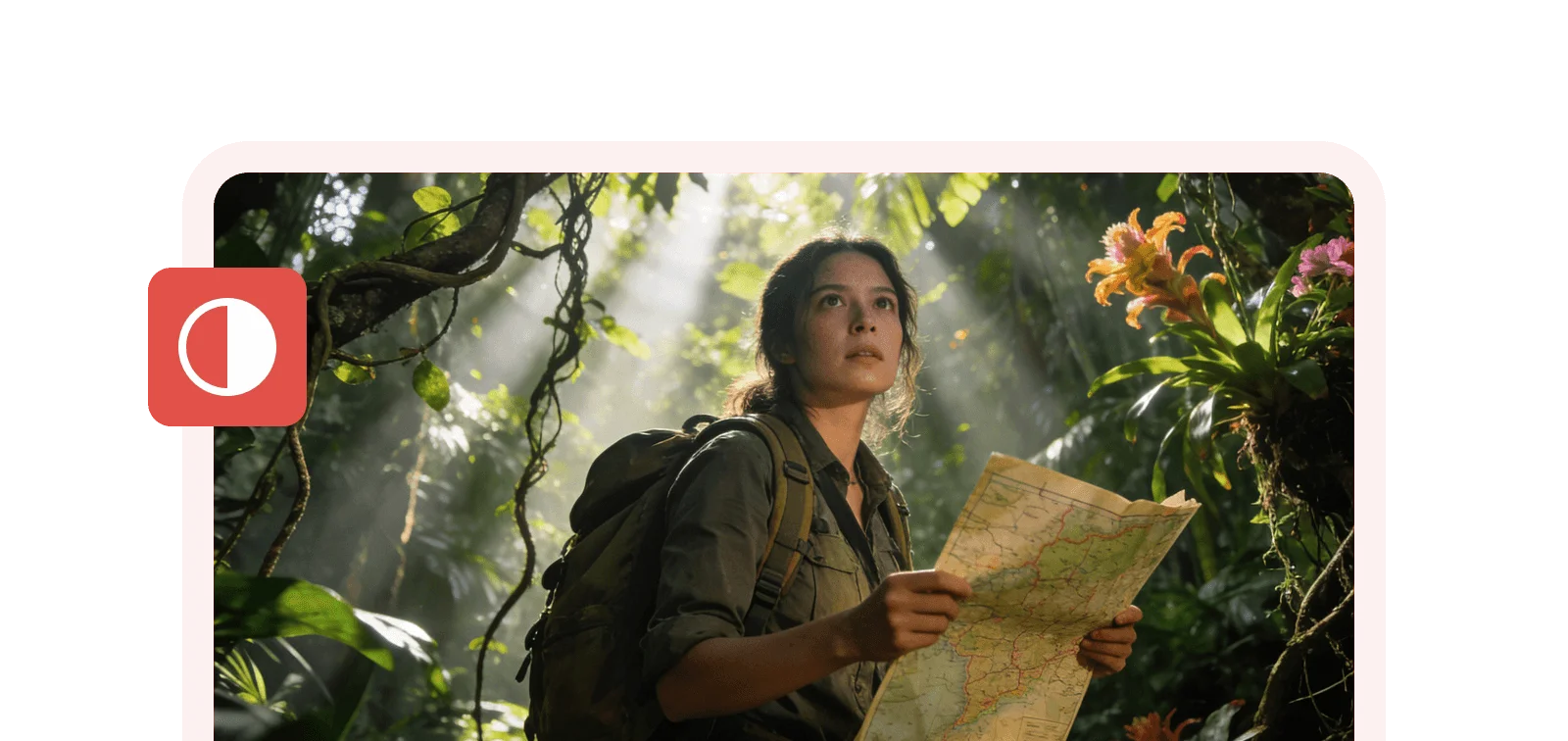
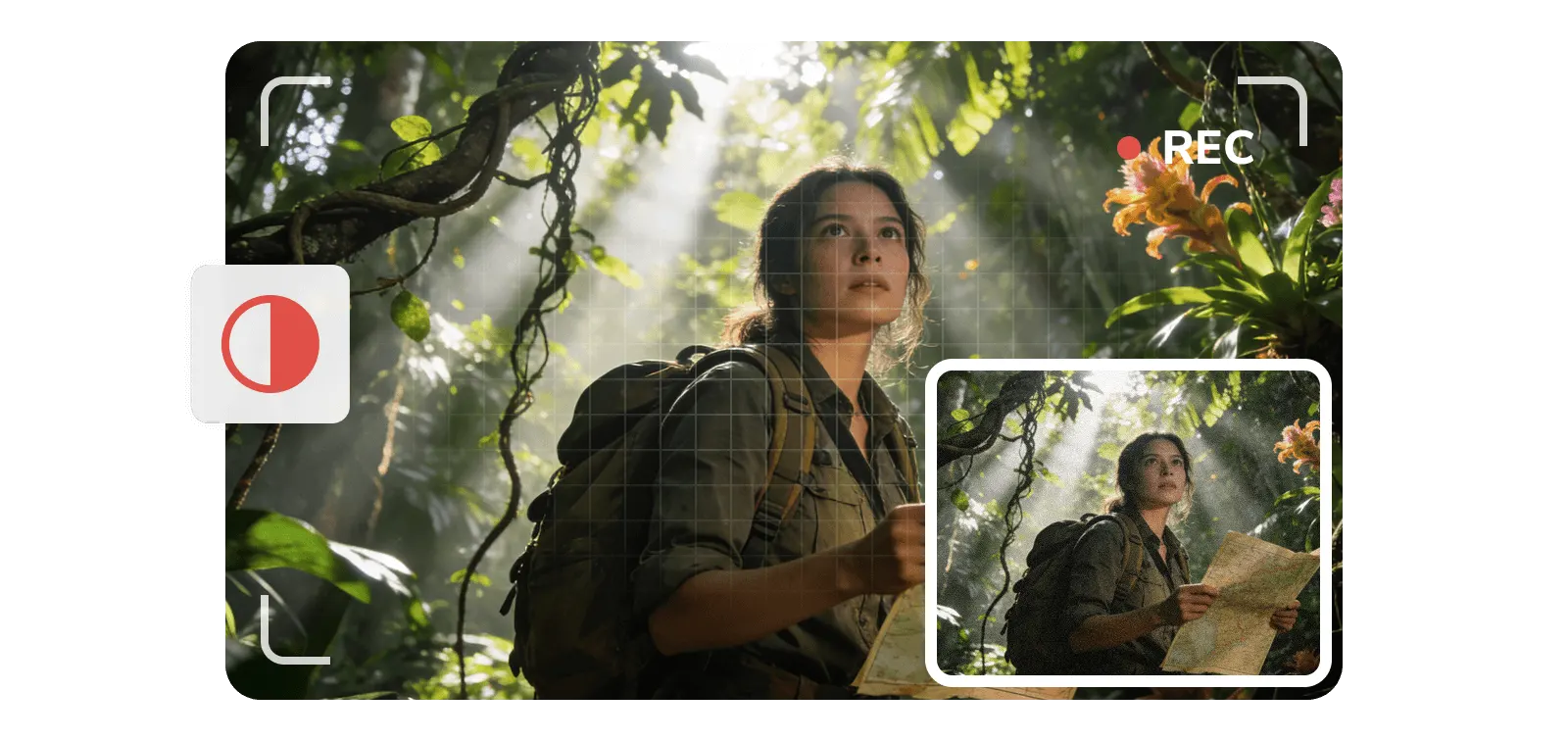
Export your finished video in the format and resolution you need, including 4K and higher-quality output. Adjust the output for smooth playback, easier sharing and archiving, or further editing while keeping precise control over output quality. Once processing is complete, your media is ready for the next step.
Combine text, images, video, and audio references to direct the result more precisely
Guide your video generation with more than a prompt — add photos, videos, and audio clips as references so the output matches what you had in mind.
Replicate intricate choreography, complex camera sweeps, and high-octane action sequences to create pro-level, cinematic scenes.
Keep narration, dialogue, sound effects, and visuals aligned across scenes, making it ideal for short films, commercials, music videos, and storytelling projects.
Enhance clarity, restore details, remove noise, and upscale low-quality videos with AI
Recover natural facial details from blurry, compressed, or low-quality portrait footage.
Restore mountain textures, flowing water, and natural color across expansive outdoor scenes.
Enhance anime footage with cleaner linework, sharper details, and smoother-looking frames.
Restore clarity and definition in movie footage while preserving natural motion and texture.
Extract the best moments, turn speech into editable text, and separate vocals from music with AI
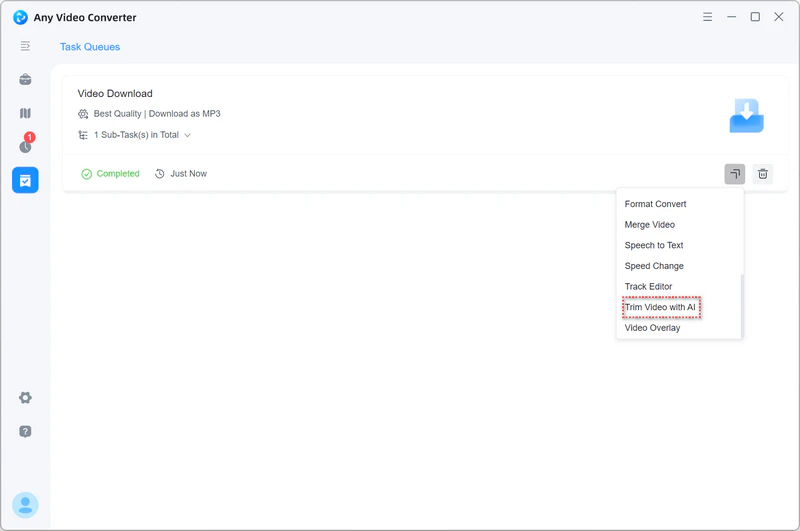
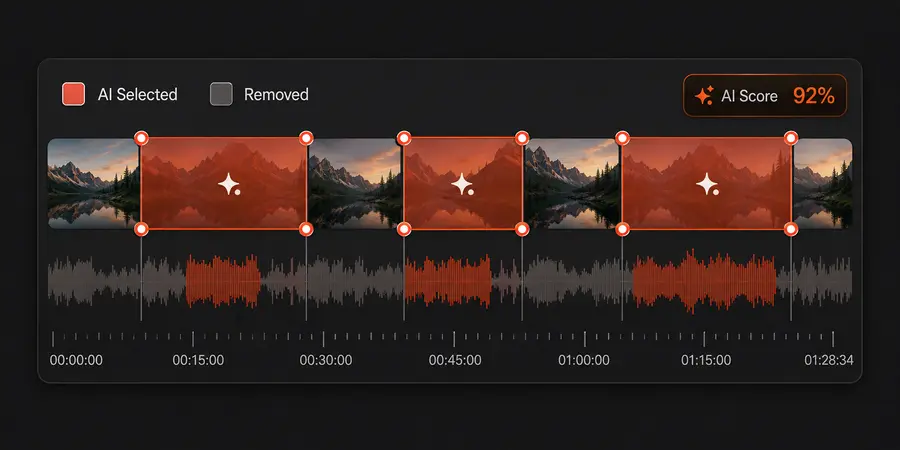
Splitting a long video into scenes by hand is tedious work. This tool finds the cuts and does it for you.
Want to set the boundaries yourself? Manual trim mode lets you set the start and end points.
Once you have your scenes, reorder them and merge them back into one video.
Explore Smart Trim
Get an editable transcript of everything spoken.
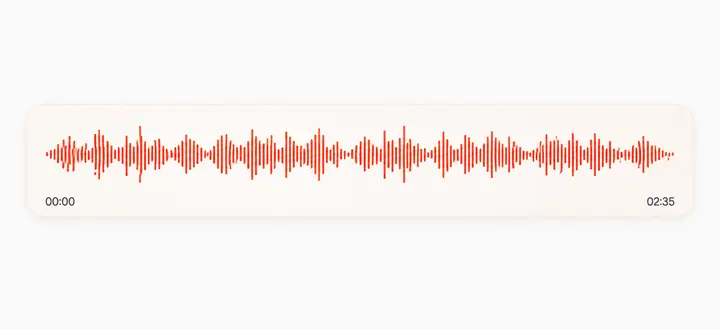
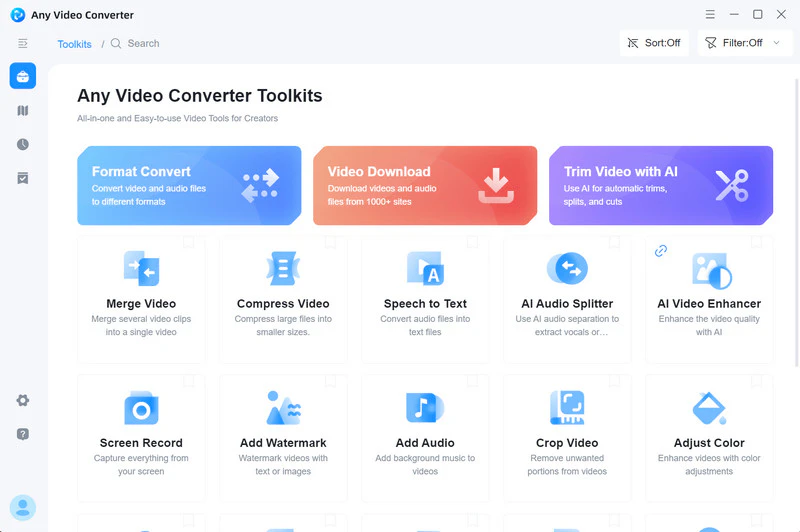
Welcome to Any Video Converter Ultimate.
Explore how AI tools can save time and simplify editing.
Let's get started with Smart Trim.
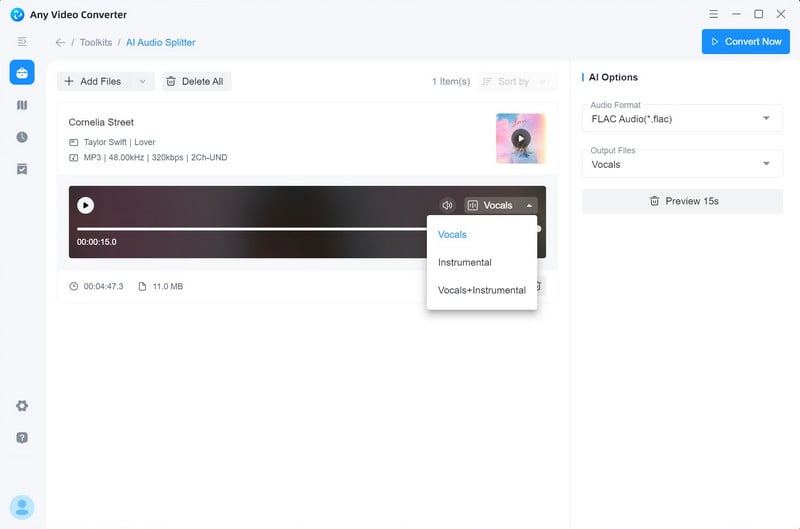
Pull the vocals out of a track — or strip them for an instrumental.
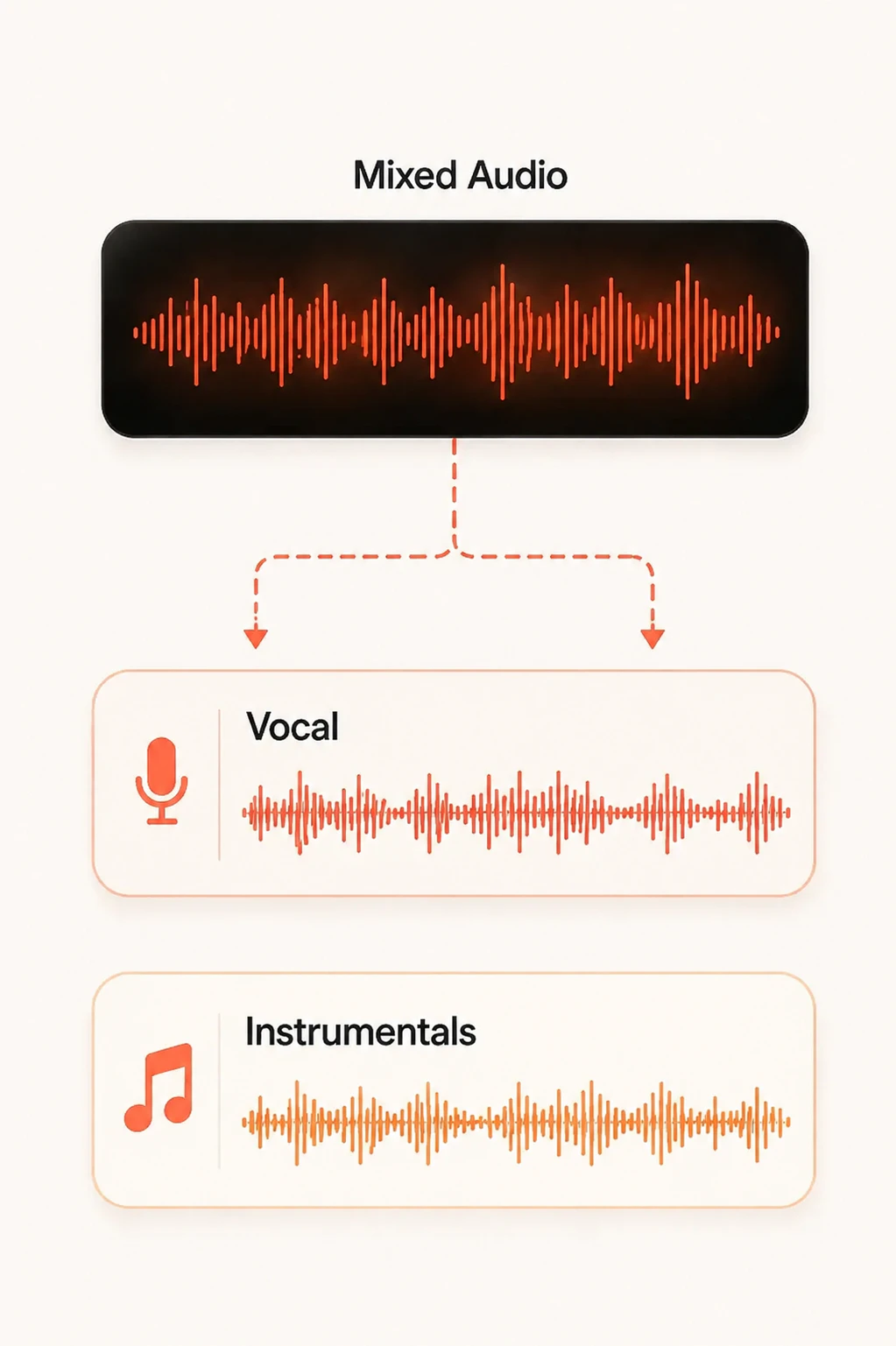 Explore AI Audio Splitter
Select the right version tailored to your needs

 Unlimited video downloads1000+ formats conversionUnlimited video compressionBasic video editing tools
 Save custom settings as presetsSave videos in your preferred formatAdvanced 'Custom' download modeCurate your audio and subtitlesRecord screen in HD and 4K qualityBurn videos to DVD with templatesParallel power downloadsAuto-download new contentBonus credits for AI creationImprove video quality with AIAuto-transcribe media to textSplit vocal & instrumental
 Unlimited video downloads1000+ formats conversionUnlimited video compressionBasic video editing toolsSave custom settings as presetsSave videos in your preferred formatAdvanced 'Custom' download modeCurate your audio and subtitlesRecord screen in HD and 4K qualityBurn videos to DVD with templates
 Parallel power downloadsAuto-download new content300 bonus credits for AI creationImprove video quality with AIAuto-transcribe media to textSplit vocal & instrumental
 Unlimited video downloads1000+ formats conversionUnlimited video compressionBasic video editing toolsSave custom settings as presetsSave videos in your preferred formatAdvanced 'Custom' download modeCurate your audio and subtitlesRecord screen in HD and 4K qualityBurn videos to DVD with templatesParallel power downloadsAuto-download new contentBonus credits for AI creationImprove video quality with AIAuto-transcribe media to textSplit vocal & instrumental
Unlimited video downloads1000+ formats conversionUnlimited video compressionBasic video editing toolsSave custom settings as presetsSave videos in your preferred formatAdvanced 'Custom' download modeCurate your audio and subtitlesRecord screen in HD and 4K qualityBurn videos to DVD with templatesParallel power downloadsAuto-download new content600 bonus credits for AI creationImprove video quality with AIAuto-transcribe media to textSplit vocal & instrumental
Unlimited video downloads1000+ formats conversionUnlimited video compressionBasic video editing toolsSave custom settings as presetsSave videos in your preferred formatAdvanced 'Custom' download modeCurate your audio and subtitlesRecord screen in HD and 4K qualityBurn videos to DVD with templatesParallel power downloadsAuto-download new contentBonus credits for AI creationImprove video quality with AIAuto-transcribe media to textSplit vocal & instrumental
Unlimited video downloads1000+ formats conversionUnlimited video compressionBasic video editing toolsSave custom settings as presetsSave videos in your preferred formatAdvanced 'Custom' download modeCurate your audio and subtitlesRecord screen in HD and 4K qualityBurn videos to DVD with templatesParallel power downloadsAuto-download new contentBonus credits for AI creationImprove video quality with AIAuto-transcribe media to textSplit vocal & instrumental
Unlimited video downloads1000+ formats conversionUnlimited video compressionBasic video editing toolsSave custom settings as presetsSave videos in your preferred formatAdvanced 'Custom' download modeCurate your audio and subtitlesRecord screen in HD and 4K qualityBurn videos to DVD with templatesParallel power downloadsAuto-download new content700 bonus credits for AI creationImprove video quality with AIAuto-transcribe media to textSplit vocal & instrumental
Unlimited video downloads1000+ formats conversionUnlimited video compressionBasic video editing toolsSave custom settings as presetsSave videos in your preferred formatAdvanced 'Custom' download modeCurate your audio and subtitlesRecord screen in HD and 4K qualityBurn videos to DVD with templatesParallel power downloadsAuto-download new contentBonus credits for AI creationImprove video quality with AIAuto-transcribe media to textSplit vocal & instrumental
Unlimited video downloads1000+ formats conversionUnlimited video compressionBasic video editing toolsSave custom settings as presetsSave videos in your preferred formatAdvanced 'Custom' download modeCurate your audio and subtitlesRecord screen in HD and 4K qualityBurn videos to DVD with templatesParallel power downloadsAuto-download new contentBonus credits for AI creationImprove video quality with AIAuto-transcribe media to textSplit vocal & instrumental
Unlimited video downloads1000+ formats conversionUnlimited video compressionBasic video editing toolsSave custom settings as presetsSave videos in your preferred formatAdvanced 'Custom' download modeCurate your audio and subtitlesRecord screen in HD and 4K qualityBurn videos to DVD with templatesParallel power downloadsAuto-download new contentBonus credits for AI creationImprove video quality with AIAuto-transcribe media to textSplit vocal & instrumental
Unlimited video downloads1000+ formats conversionUnlimited video compressionBasic video editing toolsSave custom settings as presetsSave videos in your preferred formatAdvanced 'Custom' download modeCurate your audio and subtitlesRecord screen in HD and 4K qualityBurn videos to DVD with templatesParallel power downloadsAuto-download new content600 bonus credits for AI creationImprove video quality with AIAuto-transcribe media to textSplit vocal & instrumental
Unlimited video downloads1000+ formats conversionUnlimited video compressionBasic video editing toolsSave custom settings as presetsSave videos in your preferred formatAdvanced 'Custom' download modeCurate your audio and subtitlesRecord screen in HD and 4K qualityBurn videos to DVD with templatesParallel power downloadsAuto-download new contentBonus credits for AI creationImprove video quality with AIAuto-transcribe media to textSplit vocal & instrumental
Unlimited video downloads1000+ formats conversionUnlimited video compressionBasic video editing toolsSave custom settings as presetsSave videos in your preferred formatAdvanced 'Custom' download modeCurate your audio and subtitlesRecord screen in HD and 4K qualityBurn videos to DVD with templatesParallel power downloadsAuto-download new contentBonus credits for AI creationImprove video quality with AIAuto-transcribe media to textSplit vocal & instrumental
Unlimited video downloads1000+ formats conversionUnlimited video compressionBasic video editing toolsSave custom settings as presetsSave videos in your preferred formatAdvanced 'Custom' download modeCurate your audio and subtitlesRecord screen in HD and 4K qualityBurn videos to DVD with templatesParallel power downloadsAuto-download new content700 bonus credits for AI creationImprove video quality with AIAuto-transcribe media to textSplit vocal & instrumental
Unlimited video downloads1000+ formats conversionUnlimited video compressionBasic video editing toolsSave custom settings as presetsSave videos in your preferred formatAdvanced 'Custom' download modeCurate your audio and subtitlesRecord screen in HD and 4K qualityBurn videos to DVD with templatesParallel power downloadsAuto-download new contentBonus credits for AI creationImprove video quality with AIAuto-transcribe media to textSplit vocal & instrumental
Converting, downloading, editing, transcribing — one app handles all of it.

No ads, no pop-ups, no prompts to upgrade mid-task.

Your tickets go to the front of the queue, with faster response times and direct help.

Every future version, including major releases, at no extra cost.
23 years of development, millions of users, and a new generation of AI tools.

Your license covers the AI tools available today, plus new ones as they ship.
AI tools and precise editing to turn raw footage into finished stories
See what users say about Any Video Converter Ultimate
I've been using AVC Ultimate for two years and really love the product for its ease of use, clean interface, wide variety of tools and options, and great quality. AVC also has a vast amount of online support help pages with easy-to-understand directions and photos.


Any Video Converter Ultimate is an impressive and versatile tool that gets the job done smoothly. The interface is user-friendly, making it easy for both beginners and advanced users to navigate. I especially appreciate its wide range of format options, allowing you to convert almost any video file to your desired format.

I highly recommend Any Video Converter Ultimate (the upgraded version) for your software collection. My main reasons are the following - AVC has user-friendly features, drag and drop capabilities, and batch conversion options which make Any Video Converter an excellent application for everyone, even the technically challenged, so jump right in folks and try them for yourselves.

I recommend Any Video Converter Ultimate not only for its conversion tool but for all other functions, including the video player, which displays a smooth image, screen recorder, DVD/CD import, and video editing.

I have been using Any Video Converter Ultimate for a number of years now, and it has become one of my useful utilities for working with video and extracting audio. I am a teacher and musician, and often make videos to demonstrate various tips and techniques to help illustrate aspects for my students. And I have found it very important to sometimes need to change the size of the video file.

I use it a great deal for my projects, and it normally works magnificently. Overall, my experience with this multimedia software has been overwhelmingly positive. The toolkit has a selection of video and audio editing and montage elements. If you need more functions, you can have a try with Ultimate.

 4.9 on




Convert, download, generate, record, enhance, and edit video seamlessly
Find quick answers about Ultimate features, AI tools, licenses, credits, compatibility, and upgrades
Any Video Converter is available in three versions: Free, Pro, and Ultimate. Ultimate includes everything in Free and Pro, plus parallel downloads, AI video generation, AI video enhancement, speech to text, AI audio splitting, and access to all current and upcoming AI tools. It's designed for people who want their entire video workflow in one place, such as video conversion, downloading, recording, editing, enhancement, AI creation, and everything in between, without switching apps.
Yes, Any Video Converter Ultimate is safe to use. Any Video Converter has been a trusted name in video converter software for 23 years. The installer is clean, reliable, and free of malware, viruses, and bundled software. Core video processing runs locally on your PC or Mac, giving you greater control over your files and privacy. With a long-standing reputation and a secure desktop experience, you can process your media with confidence.
Yes. Any Video Converter Ultimate V7 was sold with a lifetime license only. Starting with V9.1.0, Any Video Converter Ultimate is available with monthly, yearly, and perpetual license options, giving you more flexibility to choose the plan that best fits your needs.
Yes! If you already have a V7 lifetime license, you can upgrade to V9 or later versions for free. Just contact our support team to request your free upgrade.
Any Video Converter Free is designed for users who want to convert, download, compress, and edit videos at no cost, with no hidden fees or usage limits. Ultimate includes everything in Free, plus advanced encoding controls, parallel downloads, AI generation and enhancement, speech to text, and AI audio splitting. Ultimate is the better choice for users who regularly work with video and want greater efficiency, finer control over their output, plus the full set of AI tools.
Any Video Converter Ultimate includes a full set of AI tools for video, image, and audio workflows, such as AI Video Enhancer, AI Video Generator, AI Image Generator, Speech to Text, AI Audio Splitter, and Smart Trim. With access to all current and upcoming AI tools, Ultimate lets users create, enhance, transcribe, trim, and process media without a second application, helping save both time and money.
Yes. Any Video Converter Ultimate is available for both Windows and Mac. It supports Windows 11 and Windows 10 (64-bit), as well as macOS 12 and later.
Only the AI generation features require credits, while other AI tools (AI Video Enhancer, Speech to Text, AI Audio Splitter, and Smart Trim) do not. Any Video Converter Ultimate includes bonus AI credits for the AI Video Generator and AI Image Generator. After purchase, credits are automatically added to your account:
Free AI credits are also available for evaluation, and additional credits can be purchased when needed.
Explore advanced features, AI tools, and practical guides for a faster and more flexible video workflow
Fine-tune bitrate, FPS, denoising, sharpening, color space, etc.
Learn MoreDownload multiple videos at once with maximum speed and stability.
Learn MoreAuto-download new content from channels and playlists.
Learn MoreUpscale to 4K/8K, reduce noise, restore details, and enhance video quality.
Learn MoreTranscribe video or audio into accurate text and easy-to-edit transcripts.
Learn MoreSeparate vocals and instrumentals from any song with AI.
Learn MoreAutomatically detect and remove unwanted parts to save time editing.
Learn MoreRecord anything on your screen in high quality, up to 4K resolution.
Learn More