Download Free MP3 Converter
 Download Free MP3 Converter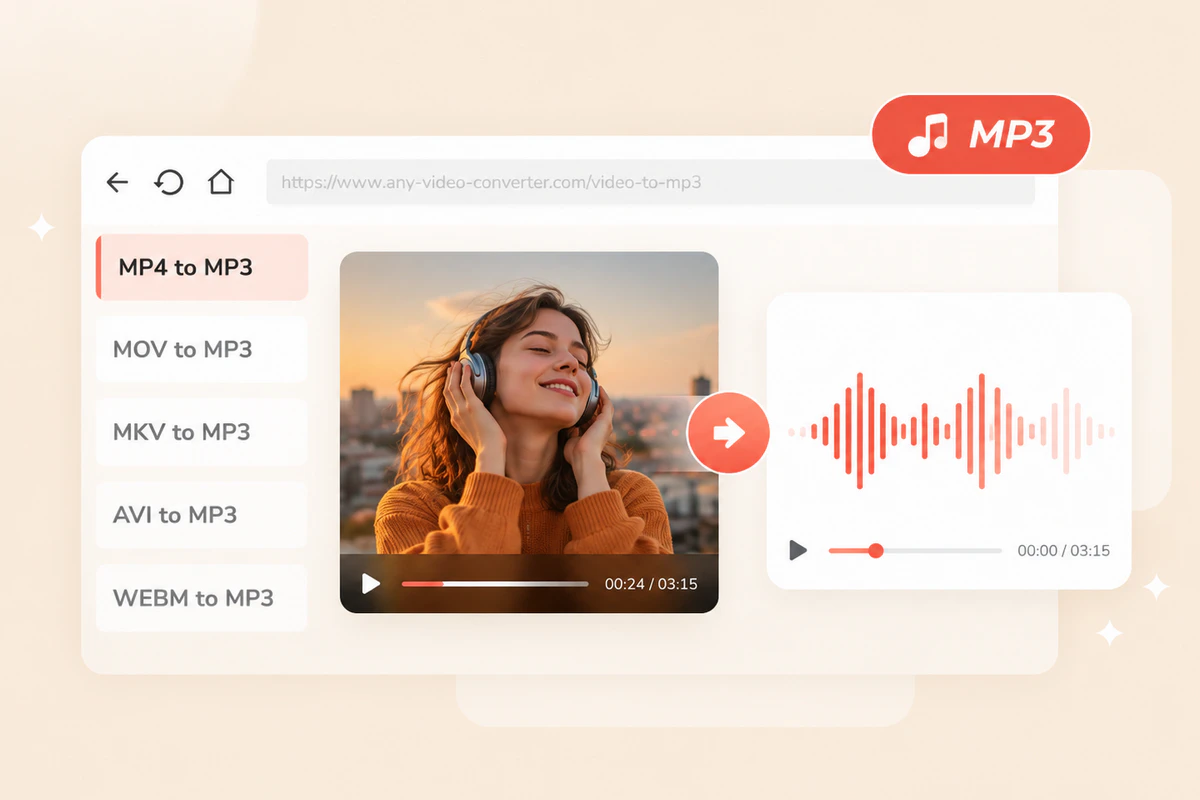
Extract Audio from Video
The simplest way to extract high-quality audio files (music tracks, lectures, meeting recaps, and podcasts) from almost all video formats, including MP4, MOV, MKV, and more, so you can play them on the go.
Convert to MP3 →Convert 1000+ video and audio formats to MP3 online for free
Convert video and audio files to MP3 for free — no installation required
-
MP3 Audio
Add a video or audio file to start MP3 conversion
Preparing file...
Preparing conversion...
Convert any video and audio files to MP3 to make sharing and storage easier than ever
The simplest way to extract high-quality audio files (music tracks, lectures, meeting recaps, and podcasts) from almost all video formats, including MP4, MOV, MKV, and more, so you can play them on the go.
Convert to MP3 →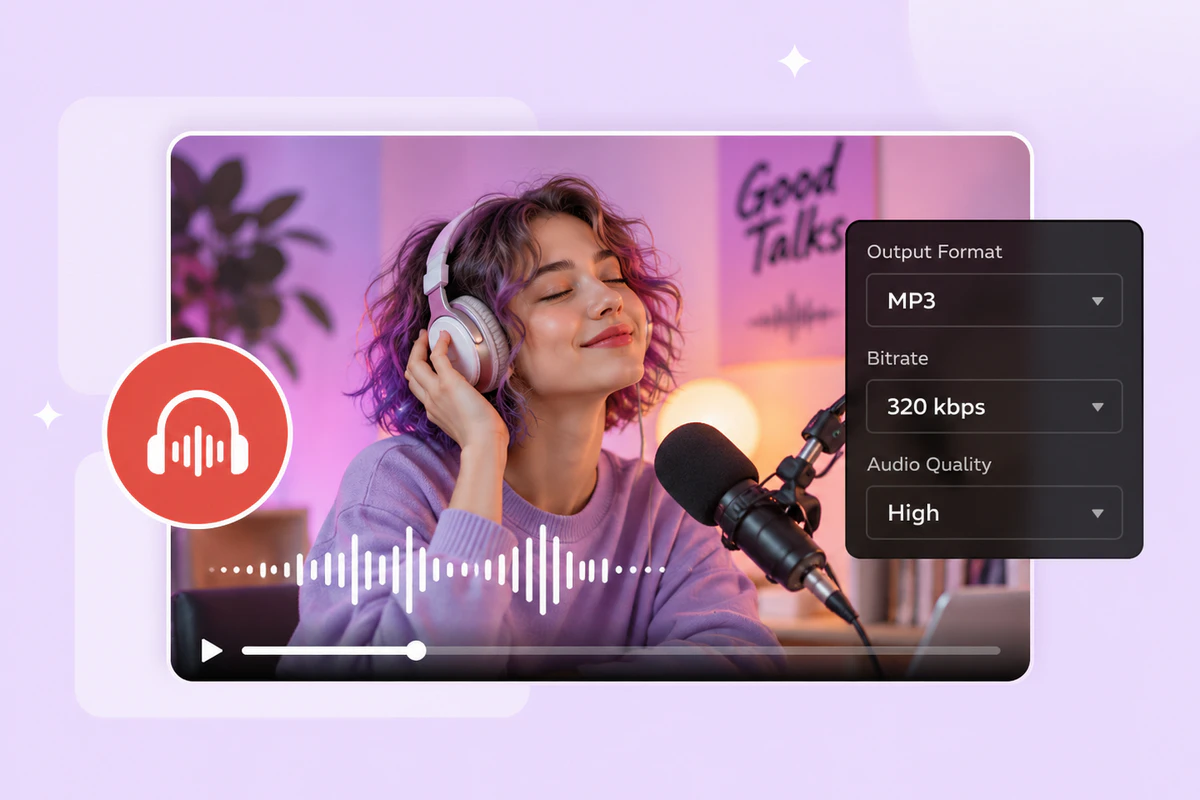
It's a free audio converter that helps you convert audio files to MP3, supporting all major audio formats, including WAV, FLAC, OGG, AAC, M4A, Opus, M4R, AIFF, AC3, CAF, etc.
Compare Conversion Options →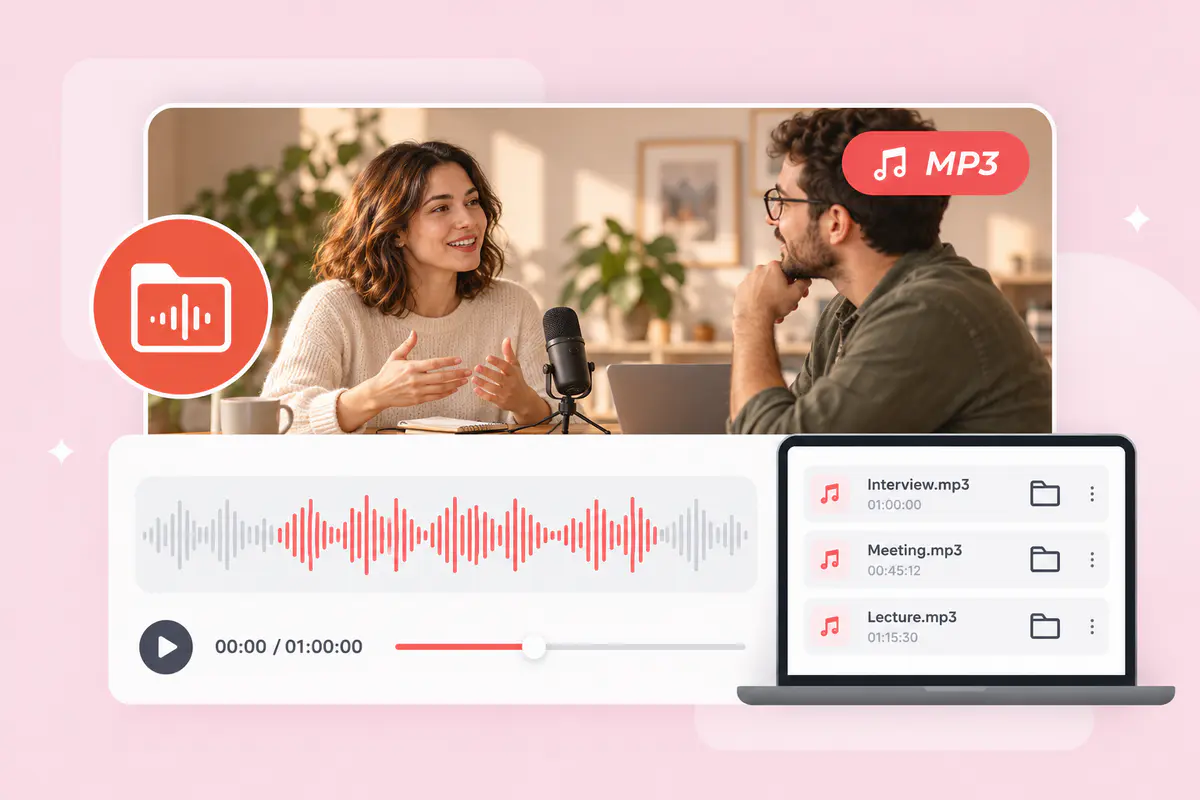
Convert video recordings to smaller MP3 files for reviewing interviews, revisiting meetings, or listening to classroom discussions. Keep the audio you need in files that are easier to organize, store, and share.
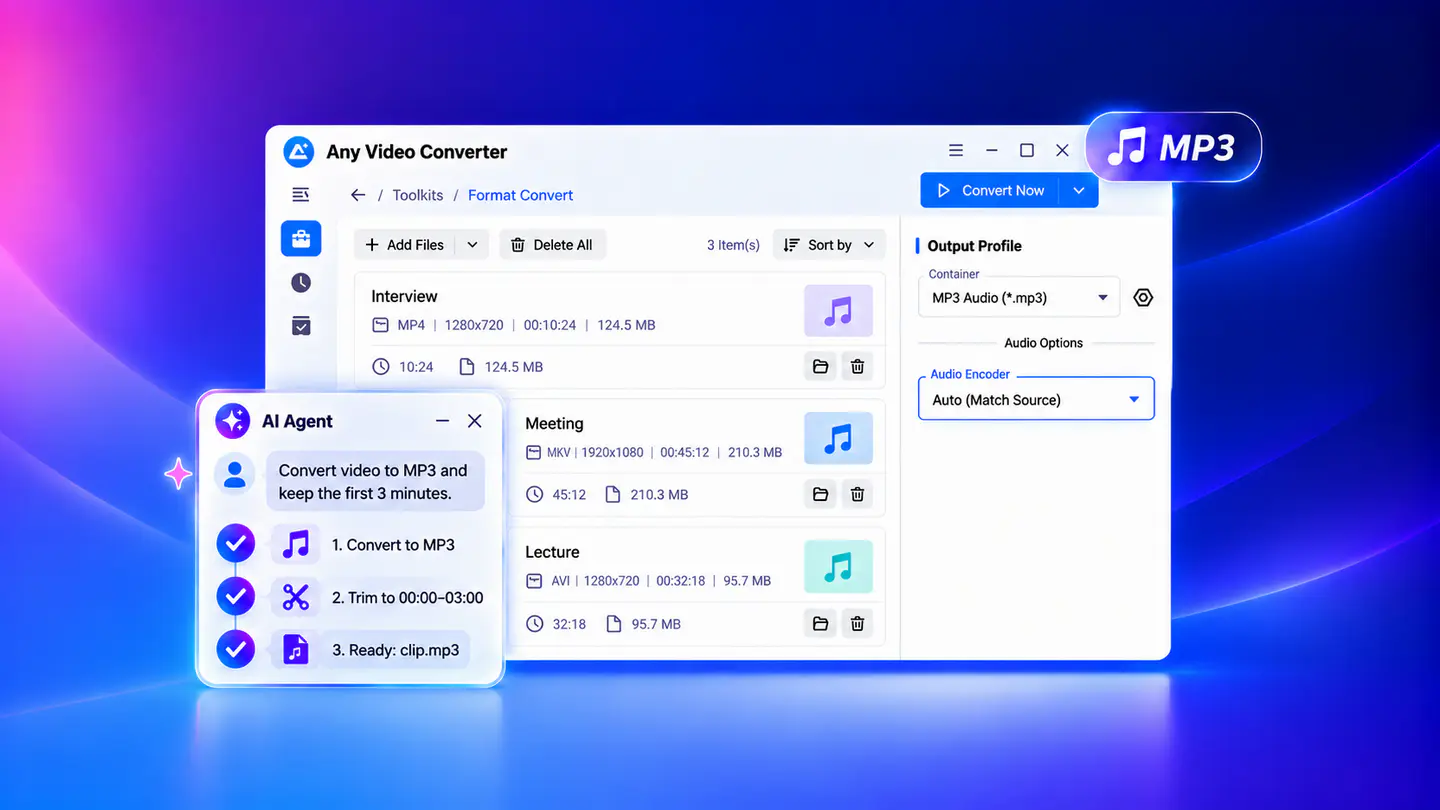
Explore Desktop Features →Convert individual video and audio files to MP3 online. Switch to the desktop app for large files, batch conversion, and advanced audio settings.
A convenient choice for converting individual video or audio files without installing software.
Convert large files and entire collections to MP3 in batches, with more control over audio quality.
| Capability | Online | Desktop |
|---|---|---|
| Quick single MP3 conversion | ✓ | ✓ |
| Convert large files to MP3 | Limited | ✓ |
| Convert videos and audio in batch | Limited | ✓ |
| Audio settings | Basic | Advanced |
| Extract original audio (track editor) | — | ✓ |
| Convert online videos and audio to MP3 | — | ✓ |
| Fast Conversion mode | — | 130x |
| Audio editing tools | — | ✓ |
| AI audio tools / AI Agent | — | ✓ |
Explore dedicated MP3 converters for popular video and audio formats
Tutorials about how to convert video and audio files to MP3 online for free

Upload a video or audio file that you want to convert to MP3.
Choose the output audio quality as 128 kbps, 192 kbps, or 320 kbps.
Click Convert to MP3 to begin. When the conversion is complete, click Download MP3 to save the file to your device.
Download, convert, and edit your MP3 files - all in one place
Quick answers to common questions about converting video and audio files to MP3
Yes. Both the online and desktop versions of Any Video Converter can convert both video and audio files to MP3 for free. You can extract audio from videos such as MP4, MOV, MKV, and more, or convert audio files such as FLAC, WAV, and OGG to MP3. The online MP3 converter is best for individual and quick conversions, or the desktop app is best for batch conversion, larger files, and advanced audio settings.
Yes. MP3 conversion is completely free in both the online and desktop versions of Any Video Converter, with no hidden fees, registration, or required upgrades.
The best MP3 converter depends on your needs. Online tools are convenient for occasional, single-file conversions, while desktop software is better suited to batch conversion, large files, and advanced audio controls. We’ve tested and compared both options in our MP3 converter comparison guide.
Yes. You can use the desktop version of Any Video Converter to convert multiple video and audio files to MP3 in one batch. Simply add your video, DVD, or audio files, or even the entire folder, select MP3 as the output format, adjust the audio options, and start converting. The online version supports one file at a time.
Yes, absolutely. MP3 uses lossy compression, so converting to MP3 can reduce audio quality, though the difference may not be noticeable at a higher bitrate, such as 320 kbps. To reduce quality loss, you can use the desktop version of Any Video Converter and choose Auto (Match Source) as the audio encoder. To preserve the original audio quality, you can use the built-in Track Editor to extract the original audio track without re-encoding, keeping its original format.
To convert YouTube to MP3 safely, you can use trusted online YouTube to MP3 converters that contain no ads, viruses, malware, misleading buttons, or malicious redirects. Alternatively, you can use reliable software such as Any Video Converter, 4K Video Downloader, or MediaHuman YouTube to MP3 to convert YouTube videos, playlists, or channels locally. Note that you can only convert content you own or have permission to download, and follow YouTube’s terms.
Convert video and audio files to MP3 in batches and handle large recordings. For multi-step tasks, simply tell the AI Agent what you need and let it handle the workflow.