Any Video Converter Free
 Any Audio Converter
 AVCLabs Video Enhancer AI
 AVCLabs Video Blur AI
 AVCLabs Photo Enhancer AI
 AVCLabs PhotoPro AI
 Mobile Data Manager
 Mobile Data Transfer
 WhatsApp Data Transfer
 PC Data Recovery
 iOS Data Recovery
 Location Changer
 iPhone Unlocker
 MKV to MP4
 AVI to MP4
 WEBM to MP4
 MOV to MP4
 HEVC to MP4
 MP4 to GIF
 4K Video Converter
 HD Video Converter
 Video to MP3
 MP4 to MP3
 MP4 to WAV
 Video to Audio
 FLAC to MP3
 Text to Image
 Text to Video
 Enhance Video
 Trim Video
 Merge VIdeo
 Compress Video
 Add Subtitles
 Add Watermark
 Text to Image AI
 Text to Video AI
 Image to Video AI
 AI Art Generator
 AI Headshot Generator
 AI Logo Generator
 Ghibli Video Generator
 Seedance AI Video Generator
 Video to Text
 Video Splitter
 Video Stabilizer
 Audio to Text
 Vocal Remover
 Image Enhancer
 Image Upscaler
 Image Denoiser
 Background Remover
 Object Remover
 Photo Restoration
 Color Correction

AI Art Generator | Get Inspired & Spark Your Ideas
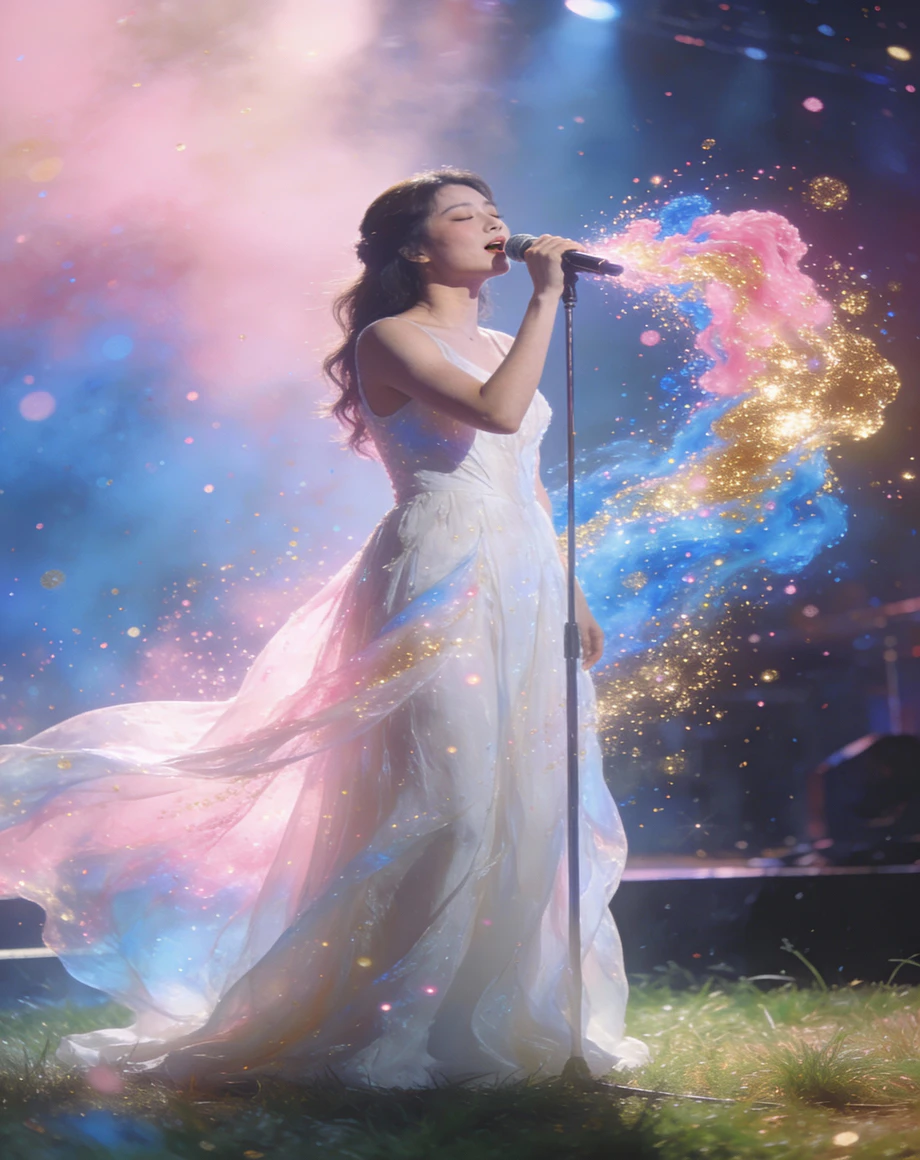
AI artistic creation assistance, exploring infinite styles. This is where creativity starts
- From bold visual experiments to realistic 4K scenes
- Easily imitate or blend different artists, styles, and genres
- Transform the concepts in the mind or dreams into visual arts
- Creative filling, material generation, personalized art - you name it
- A time-saving, labor-saving, and cost-saving powerful assistant
 Hyper-RealisticPixel-PerfectInstant CreationLimitless Styles
 Switch to Mac Version
 Switch to Windows Version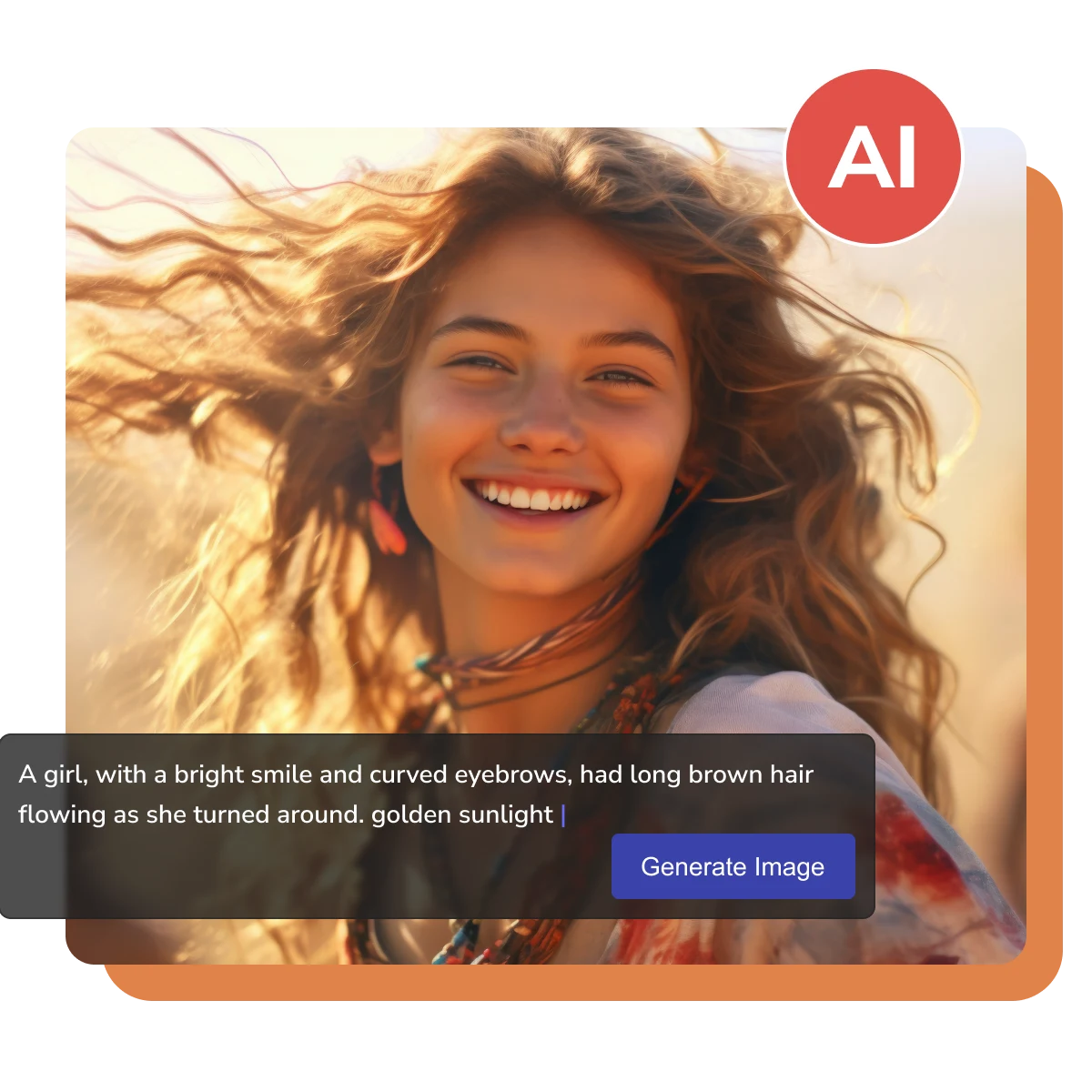
- Features
- User Guide
- FAQ
-
 Text to Image AI Generator
 -


What is AI Art Generator
By training on a vast amount of image data to create entirely new images
From Sketches to AI Artworks
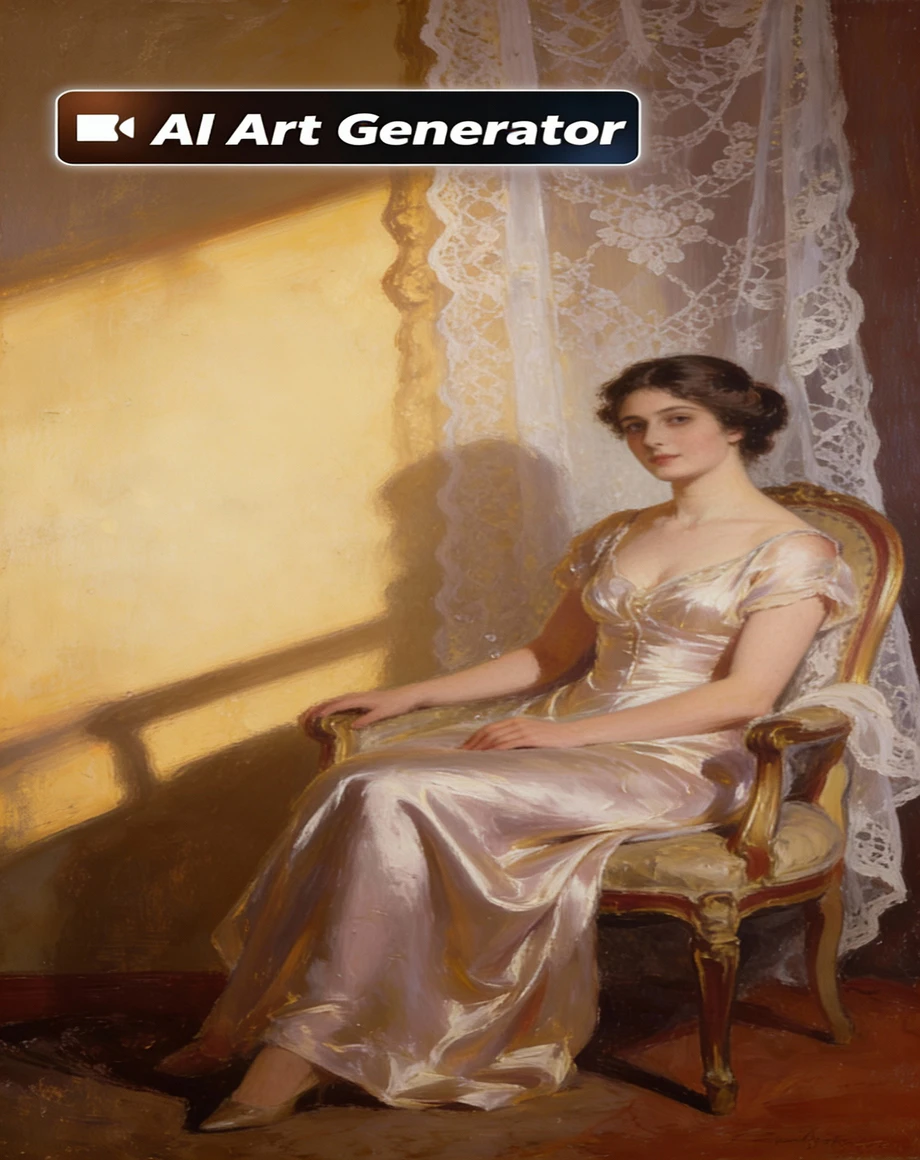
Transform simple hand-drawn sketches into richly detailed complete works. Generate illustrations and backgrounds for articles and videos. AI intelligently supplements colors and textures, mimicking styles like Van Gogh, Monet, ink painting, and more.
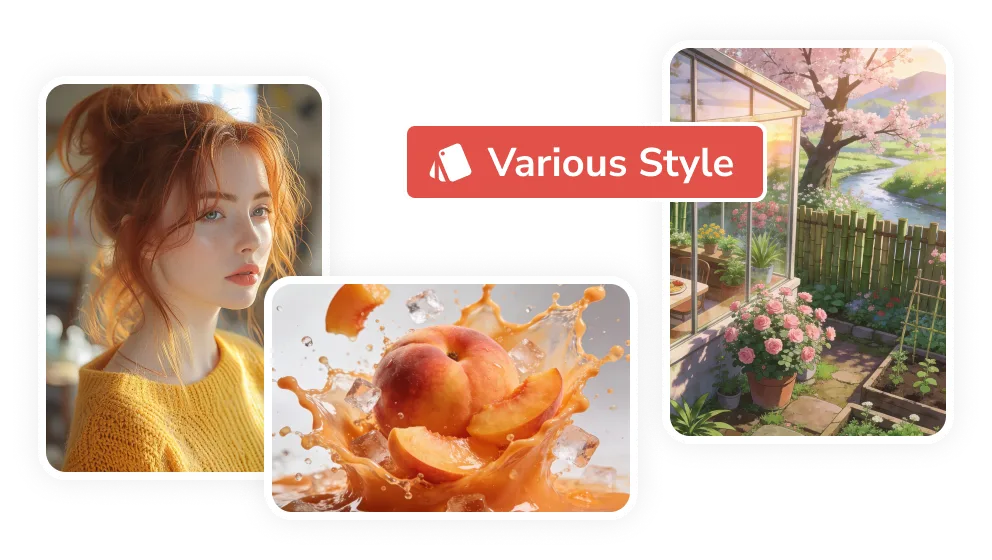
Transcend Artistic Skill Barriers
Whether you have formal art training or not, simply describe your vision in words or provide a simple image, and AI can generate the 2K/4K artwork you envision. This means that artistic creation no longer requires years of dedicated practice or exceptional talent; everyone can more easily express their ideas and unleash their creative potential.
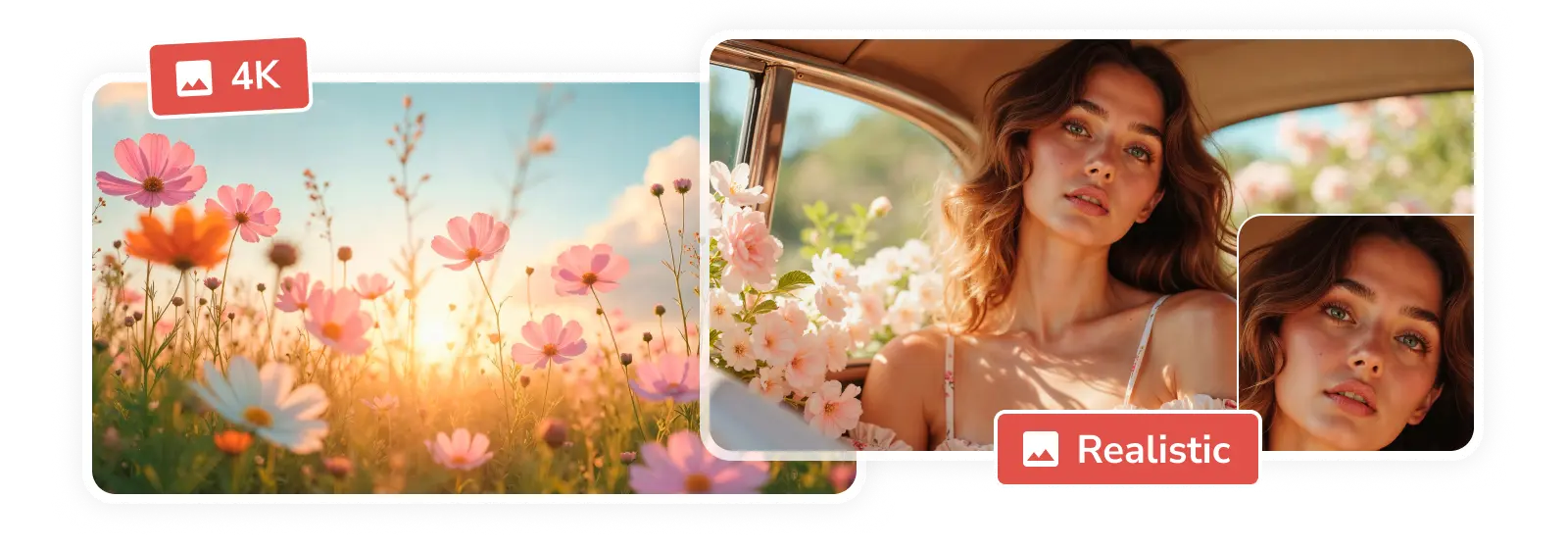
Personal Narratives and Memorials
AI art generator can help you transform precious memories, life stories, or feelings into unique artwork. They can also turn your photos into oil paintings, comics, or other styles to record important moments, remember loved ones, or express unspoken emotions. This gives your personal story a more beautiful and artistic expression.
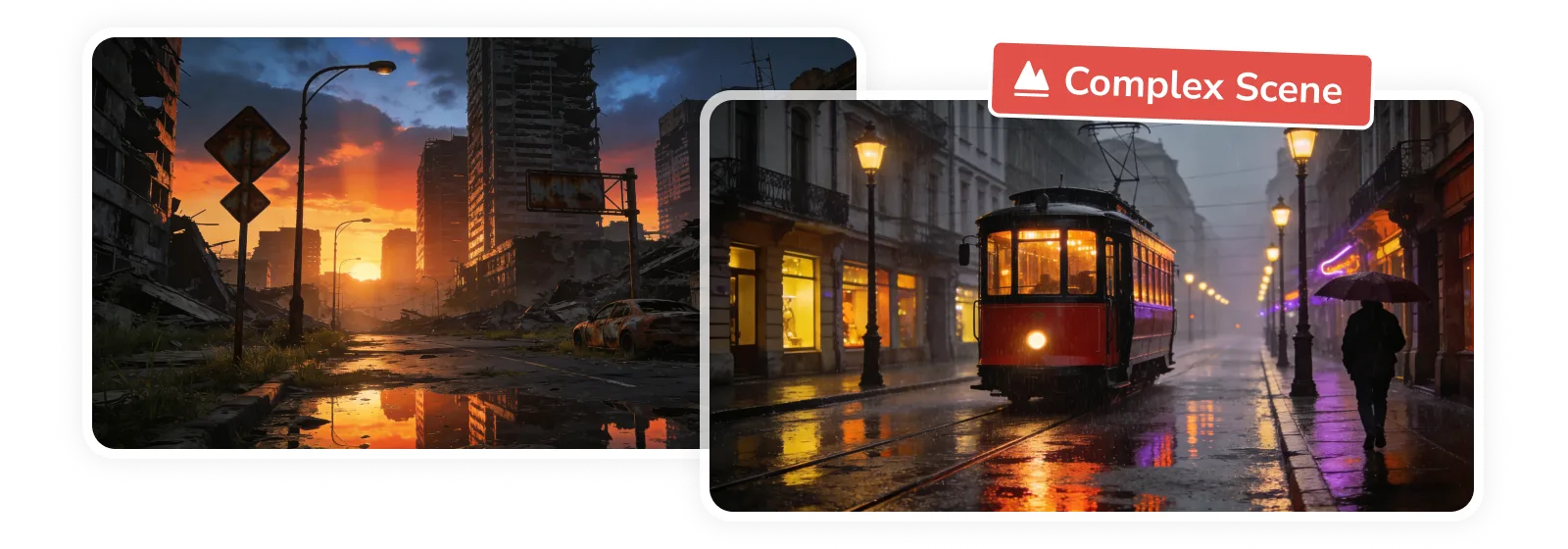
Cosplay and Fan Creation
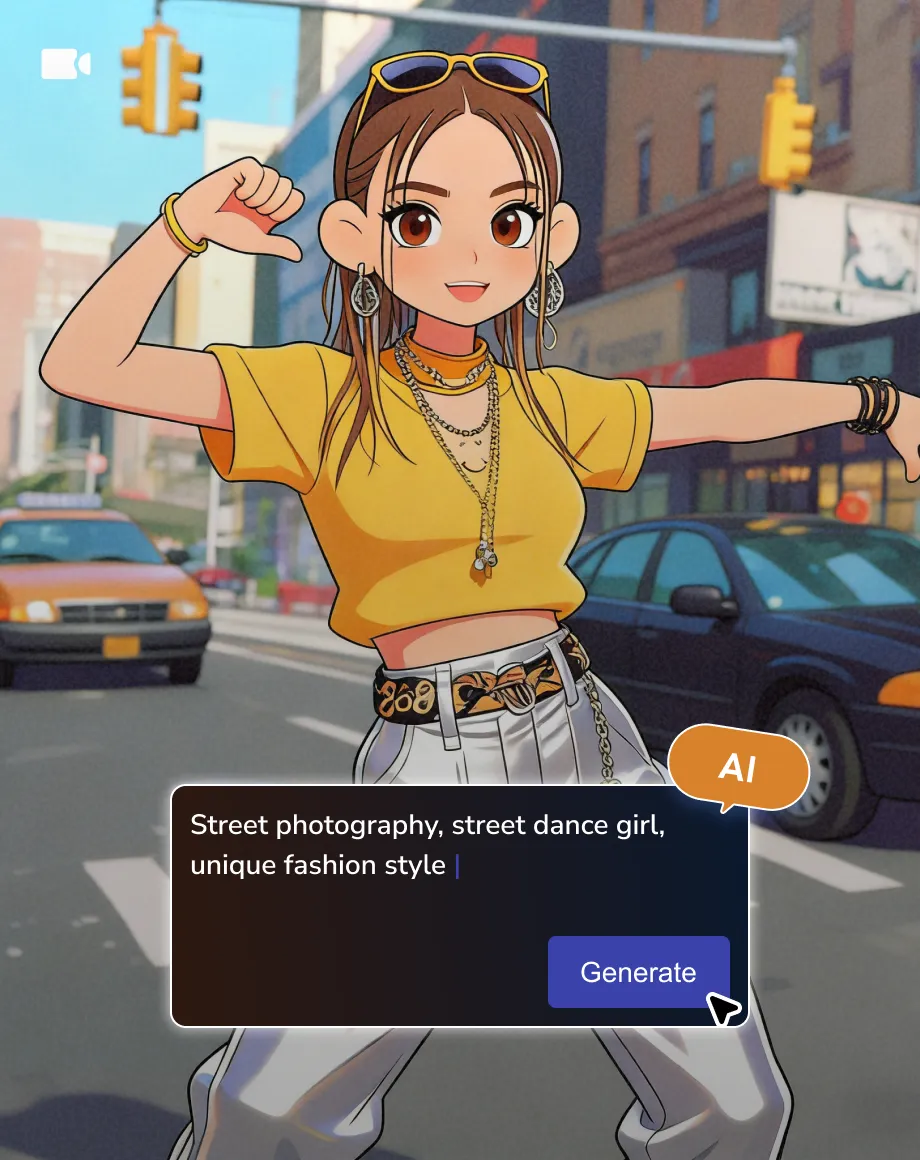
In the fields of cosplay and anime creation, AI can quickly generate characters fit to the manga world, setting, or storyline, helping fans construct the scenes they imagine. AI has become a flexible tool for personalized derivative works, enriching the creative output of the anime community.
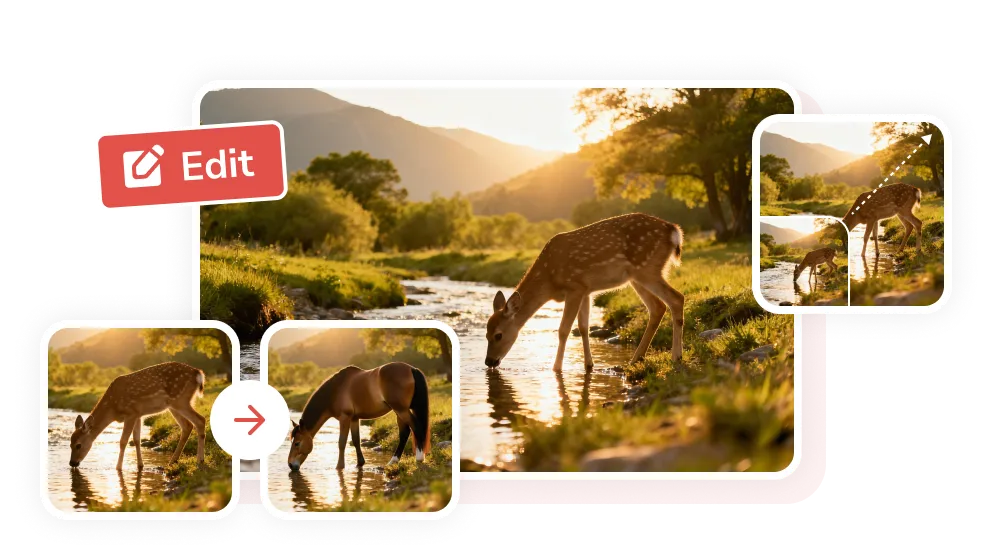
One Prompt, Endless Art Possibilities
Offload busywork to the AI art generator to release stress

Leading Edge
Employing cutting-edge deep learning algorithms to ensure optimal results.

Picture Perfect
Generate images with rich detail, exquisite composition, and 4K quality.

Unprecedented Speed
Shortening the creation process from hours or even days to seconds.

Streamlined Workflow
Intelligent prompt recognition and batch generation are seamlessly integrated into the process.
Supercharge Design
Inspire creativity and provide designers with endless creative solutions.

Full Ownership
You have full rights to use and commercialize the generated artworks.
How AI Art Generator Empowers Creative Vision
Step 1
Input Prompt Words
Clearly describe the core content in English, add details (environment, movement, lighting, etc.), and specify the art style. You can also upload images for reference.
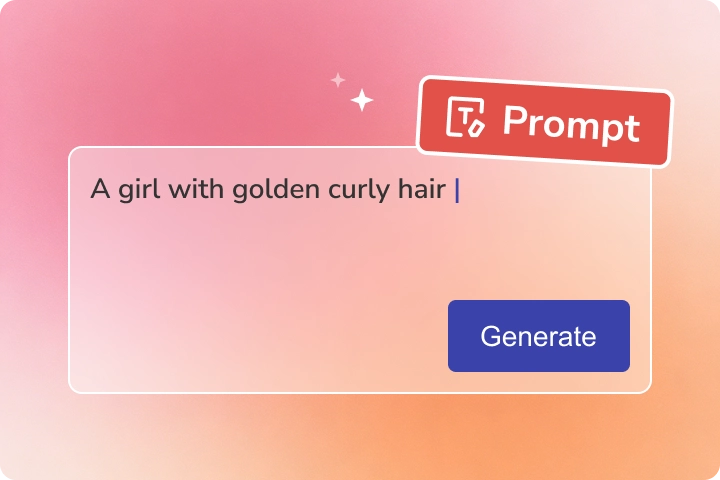
Clearly describe the core content in English, add details (environment, movement, lighting, etc.), and specify the art style. You can also upload images for reference.
Step 2
Adjust Parameters and Generate
Choose the image size, quality, and quantity (up to 7 images can be generated at once) according to the intended use.
You can iterate through the images multiple times by modifying the prompts, or further optimize the generated images. Then click "Generate" and waiting for the AI art image.
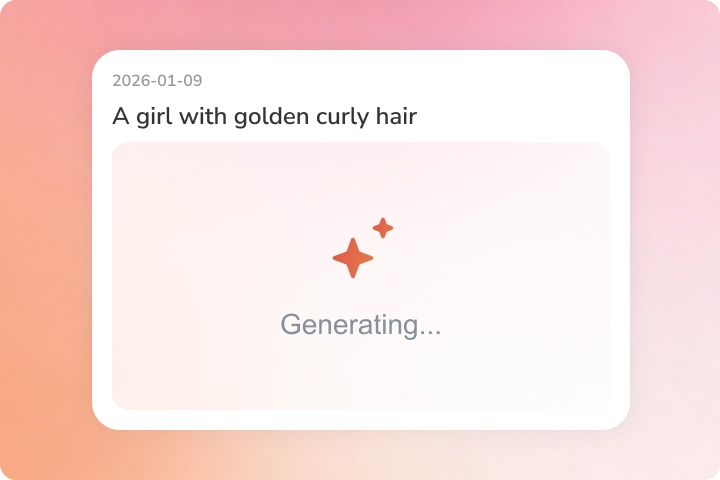
Choose the image size, quality, and quantity (up to 7 images can be generated at once) according to the intended use.
You can iterate through the images multiple times by modifying the prompts, or further optimize the generated images. Then click "Generate" and waiting for the AI art image.
Step 3
Preview and Download AI Artworks
Remember to click to preview the image, and then click "Download" to save the image.
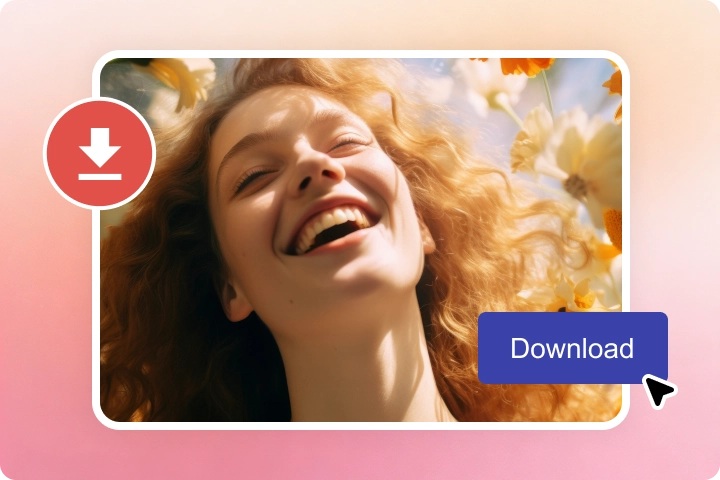
Remember to click to preview the image, and then click "Download" to save the image.
AI-First Tool , Designed For Everyone
Break down limitations; let AI assist in everything
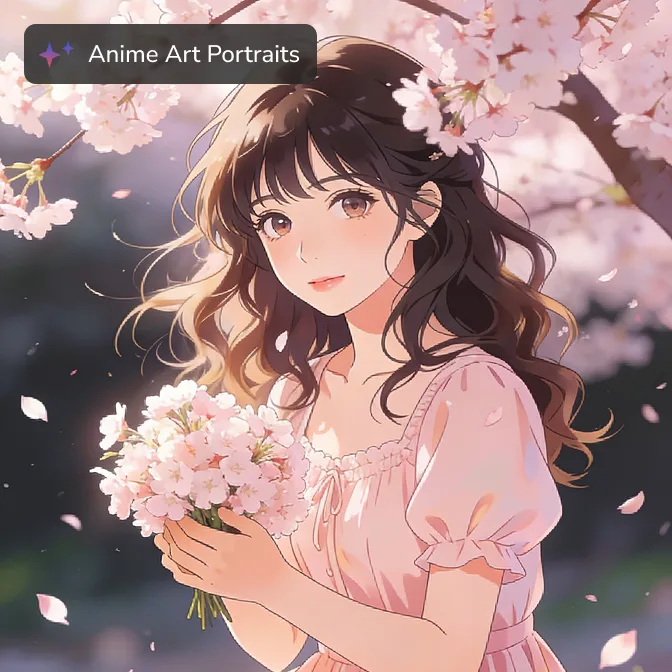
Animation Art
Images with traditional or modern animation styles, suitable for animation production.
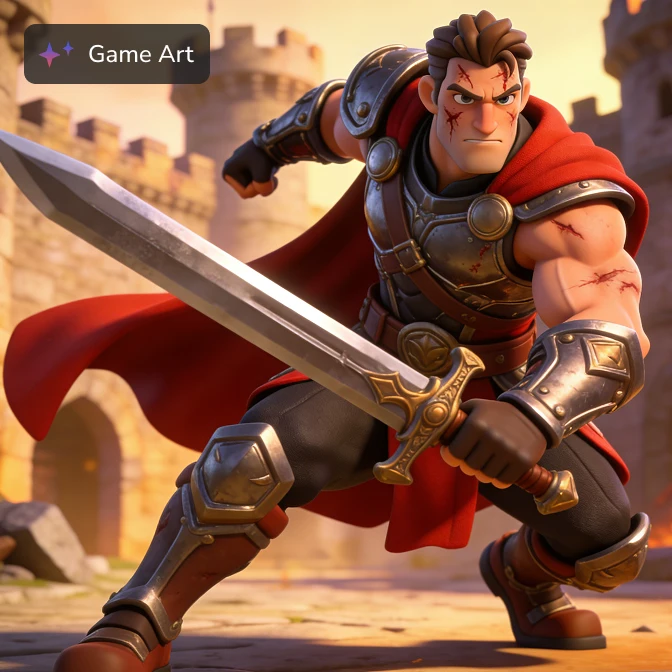
Game Art
Generate images of game-related characters, scenes, and props to reduce pre-production costs.
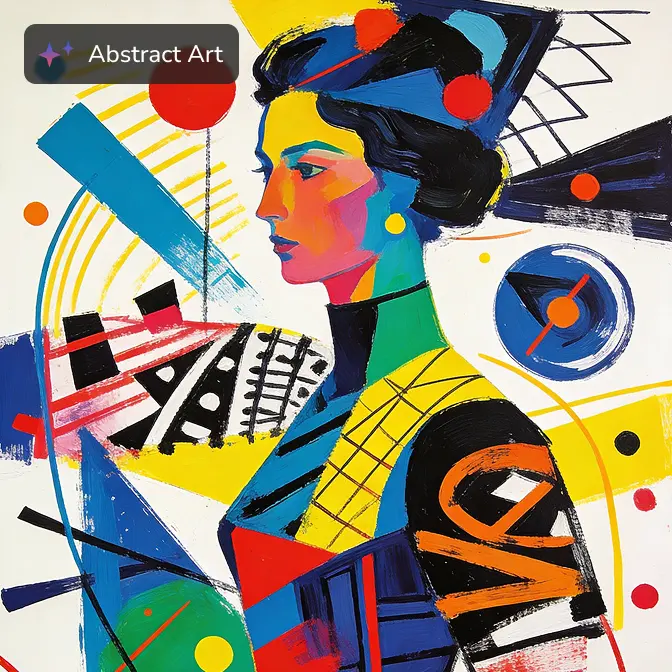
Abstract Art
Various abstract patterns, colors, compositions, and paintings explore the possibilities of vision.
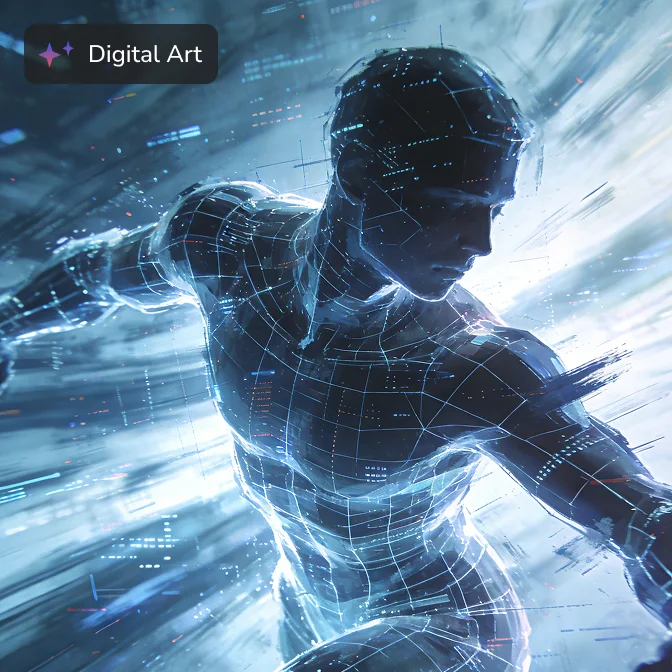
Digital Art
Integrate digital painting with algorithmic generation to create diverse digital works.
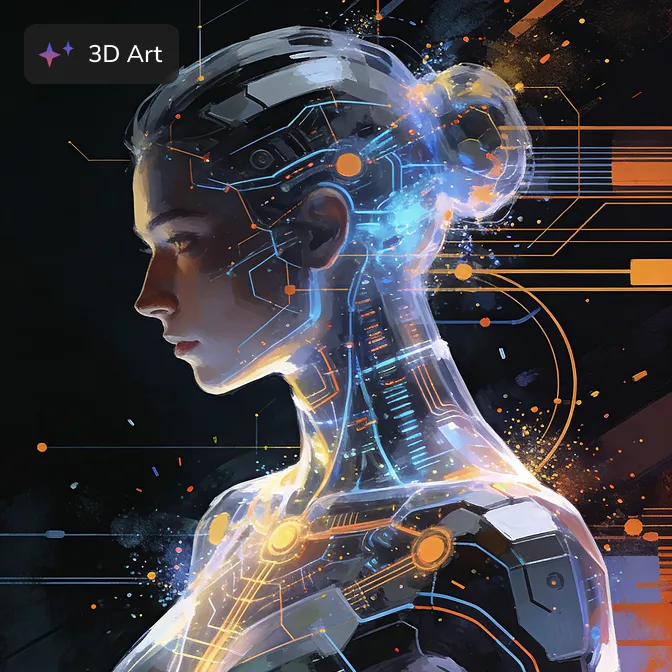
3D Style
Images with realistic 3D rendering and lighting effects, requiring no complex modeling.
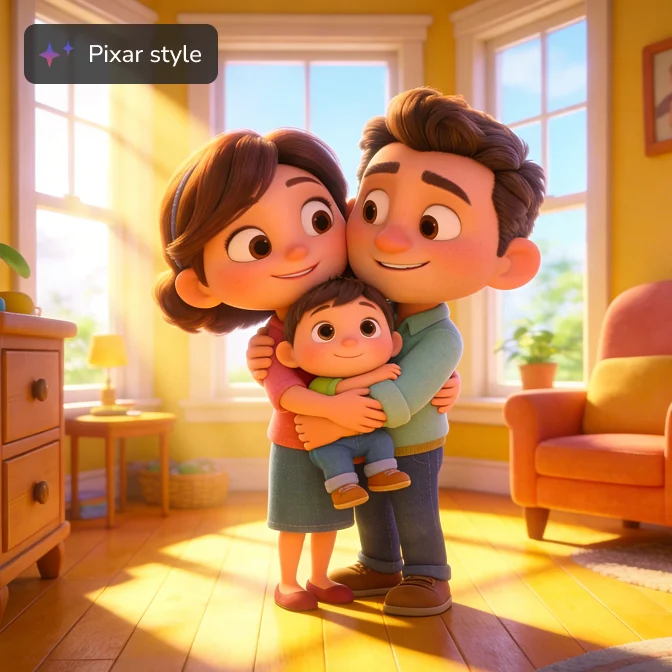
Pixar Style
Imitate the distinctive characters and warm visuals of Pixar animation for illustrations.
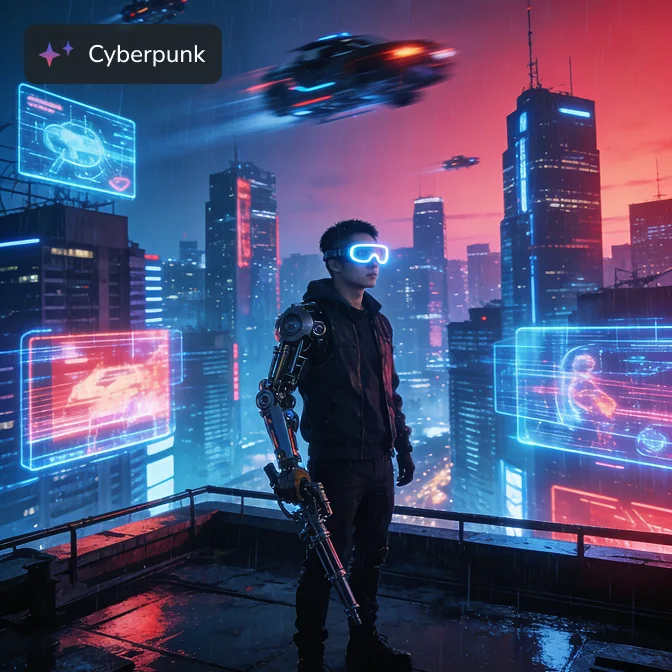
Cyberpunk Style
Quickly create a high-tech futuristic scene, highlighting neon lights and mechanical prosthetics.
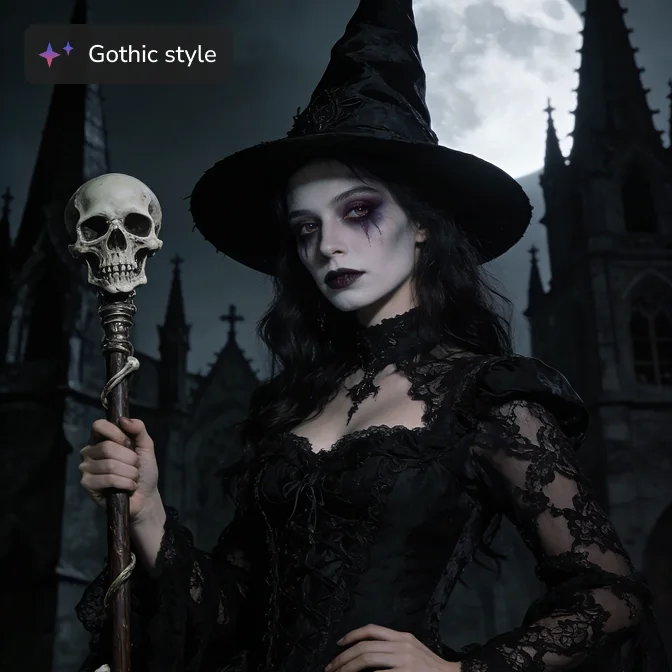
Gothic Style
Dark, mysterious style with medieval religious or retro horror elements.
Immerse Yourself in the AI Art Experience
Embark on a digital journey of senses and imagination

 Get Mac Version
 Get Windows Version
Discover More AI Generative Tools for Your Creative Work


FAQs about AI Art Generator
How to create AI art for free?
Use the AVC.AI online generator. Register an email address to get free credits and generate AI artworks.
Step 1: Open AVC.AI and log in to your account.
Step 2: Describe the image in English, providing specific details. Set the image aspect ratio, quality, and number of images.
Step 3: Click "Generate" to start generating the image.
Do I need to pay to use AVC AI Art Generator?
Our online AI art generator is free to use. You can earn credits for free simply by registering and logging into your account. You can use these credits to create artwork. If you feel that the online generator don't meet your needs, you can try our computer program, which will bring you a more powerful, stable, and efficient creative experience.
Is it available on mobile?
Yes. You can generate AI artwork directly on your mobile device.
Who is the AI art generator suitable for?
Anyone can use the AI art generator as long as they can type. Artists and designers can generate materials in batches; content creators can customize personalized illustrations for articles, videos, and social media; marketers can make exclusive visual content to avoid copyright issues; teachers can generate diagrams to aid teaching; and enthusiasts can create avatars, wallpapers, and more.
Can I edit AI-generated images after creating them?
Sure. You can enter text to modify only a part of the image and regenerate it. You can also further edit the image using AVCLabs Photo Enhancer AI or AVCLabs PhotoPro AI.
What are the differences between AI art and artists?
Artists possess subjective consciousness, and their creations are influenced by personal experience, cultural background, ideology, and social relationships. AI art, on the other hand, is an unconscious algorithmic tool, essentially a computational model that generates output based on data patterns.
AI art will not replace artists but rather become a new creative medium or collaborative partner. Artists can use AI to expand their expressive forms.
Tutorials from Beginner to Dream Maker
From tool user to visual director, from random generation to precise creation