Free Download
 Free Download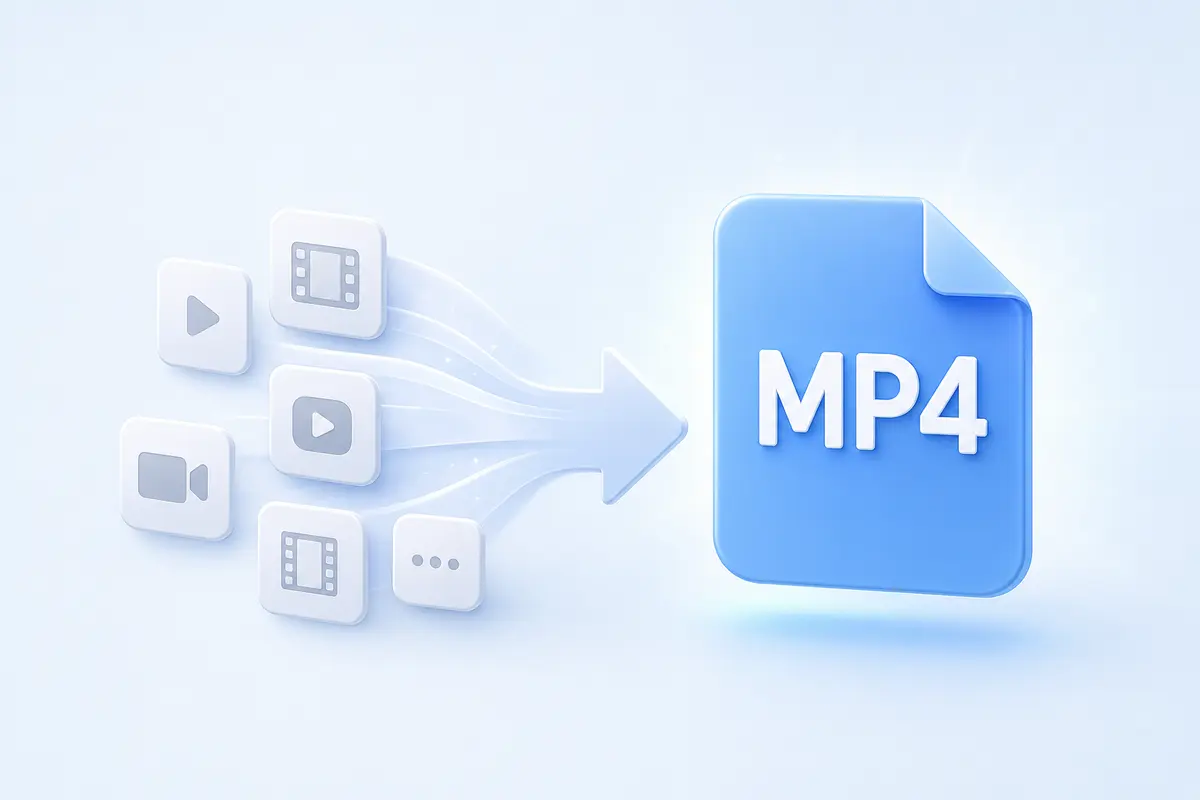
Convert Videos to MP4
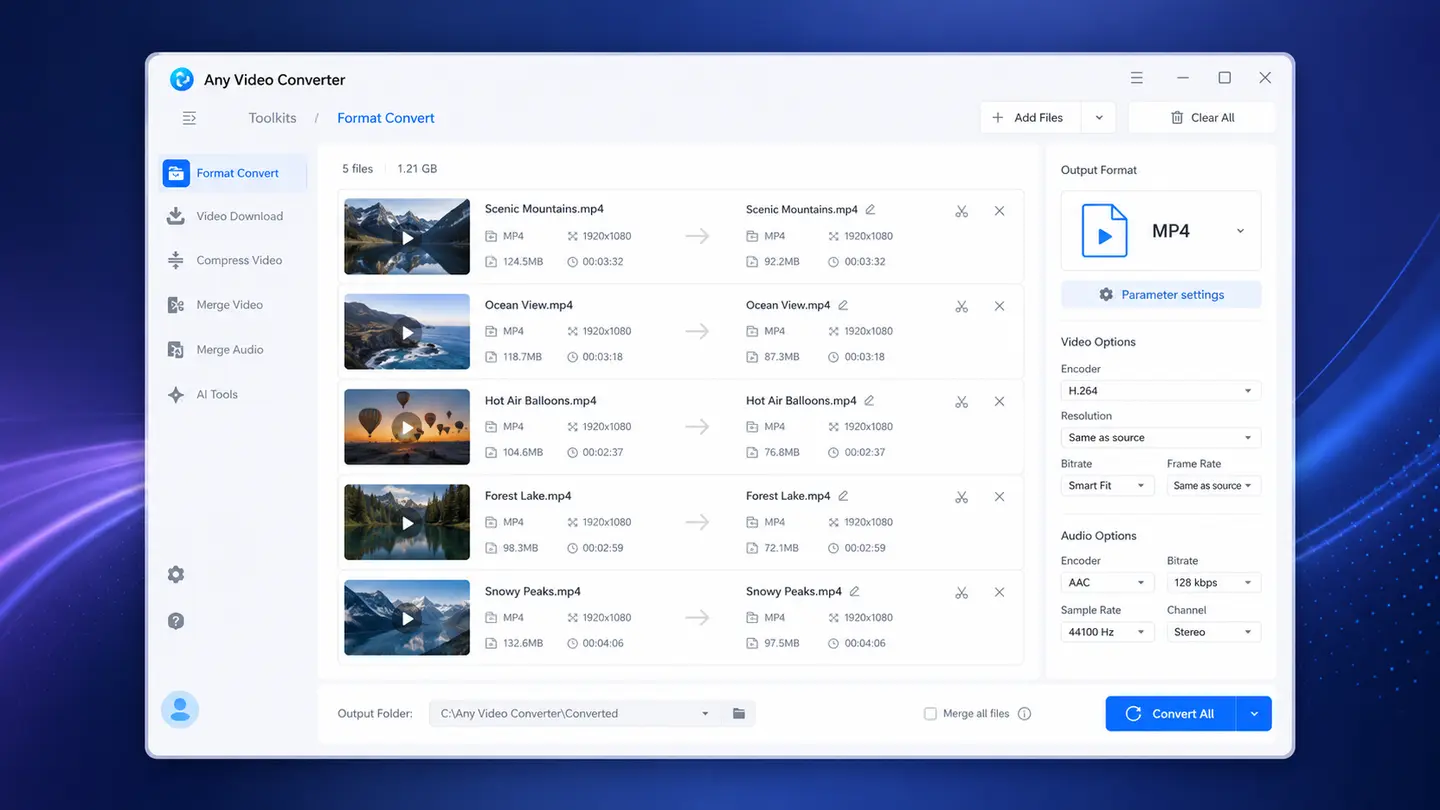
Convert MKV, MOV, AVI, WebM, FLV, RMVB, and more video formats to MP4 for better compatibility with mobile phones, computers, TVs, video editors, and more platforms.
Learn MoreConvert MKV, MOV, AVI, WebM, VOB, and other video formats to MP4 online for free
Upload a video, choose MP4 settings, and convert it to MP4 directly in your browser
-
MP4 Video
Add a video to start MP4 conversion.
Preparing file...
Preparing MP4 conversion...
Convert videos to MP4 for smoother playback, smaller file size, easier editing, and convenient online sharing
Convert MKV, MOV, AVI, WebM, FLV, RMVB, and more video formats to MP4 for better compatibility with mobile phones, computers, TVs, video editors, and more platforms.
Learn More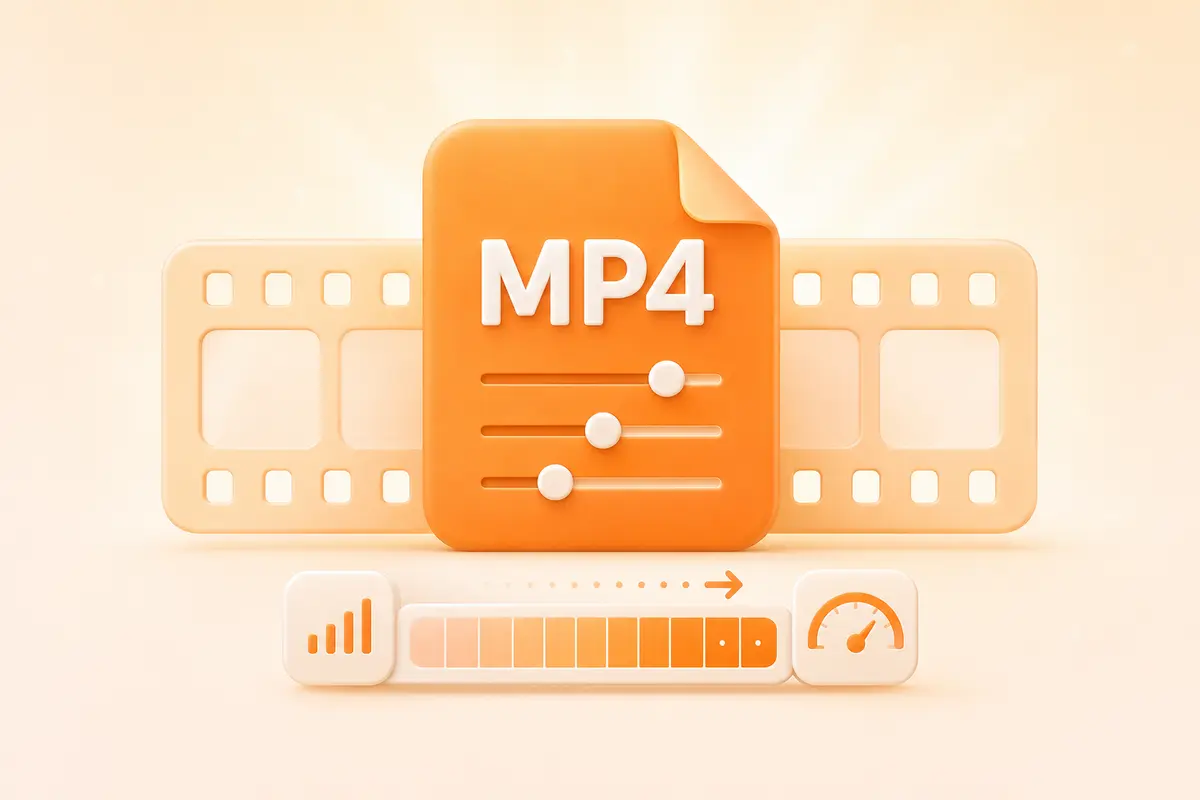
Choose H.264 as video codec for broad device compatibility or H.265/HEVC for more efficient compression to reduce file size.
Learn More
Create MP4 files ready for your cross-device playback, video editing, online uploading, sharing, device transfer, or other video workflows.
Learn MoreUse the online MP4 converter for quick conversion, and turn to the desktop video converter for batch and large-file conversion and more advanced output controls.
Best for quick, single-file conversions without installing software.
Best for large videos, multiple files, local privacy, and advanced settings.
| Capability | Online | Desktop |
|---|---|---|
| Quick single-file conversion | ✓ | ✓ |
| Large-file conversion | Limited | ✓ |
| Batch conversion | Limited | ✓ |
| Codec, resolution, bitrate, and frame rate | Basic | Advanced |
| Private local processing | — | ✓ |
| GPU acceleration | — | ✓ |
| Fast Conversion mode | — | 130x |
| Video editing Tools | — | ✓ |
| AI videotools | — | ✓ |
Choose a dedicated converter for MKV, MOV, AVI, WebM, VOB, TS, VOB, and other source formats
Create MP4 files ready for your devices, apps, and platforms

Convert videos to MP4 with the desktop video converter, which offers device-oriented presets.

Create MP4 files for TVs, media players, Plex, NAS libraries, and broader home playback.

Convert your video footage into an MP4 profile that is easier to import into common editing workflows.

Make videos easier to upload, send, store, and share across common online platforms.
Convert a video to MP4 online in three steps

Upload a video from your device to get started.
Select MP4, then keep the source settings or choose the video codec and quality.

Start the conversion, then download the finished MP4 for playback, editing, or sharing.
Take advantage of batch conversion, advanced editing, hardware acceleration, and local processing in the desktop app
Learn about MP4 conversion, supported video formats, common fixes, and when to use the desktop converter
An MP4 converter changes video files such as MKV, MOV, AVI, WebM, or VOB into the MP4 container. MP4 is widely supported, but playback compatibility also depends on the video and audio codecs encoded.
Yes. The online MP4 converter lets you convert supported videos to MP4 in a desktop or mobile browser without installing software. No registration or credits are required. For large files, batch conversion, local processing, or advanced output settings, you can use the desktop converter.
The online MP4 converter supports MKV, MOV, AVI, WebM, WMV, TS, VOB, and other common video formats. Format support and file-size limits may differ between the online and desktop versions.
Yes. Open the online MP4 converter in your browser, upload a supported video, choose MP4, and download the converted file when processing is complete. No separate app is required.
MP4 is a container, so playback depends on the codecs stored inside the file. If the MP4 has audio but no video or has video but no audio, the device may not support its video or audio codec. Reconvert the file with H.264 video and AAC audio for broader compatibility, or download a dedicated media player, like PotPlayer (for Windows), Infuse (for Apple TV, iPhone, iPad, and Mac), or VLC media player.
Start online for a quick file or download Any Video Converter for larger, private, and more advanced MP4 conversion workflows