Any Video Converter Free
 Any Audio Converter
 AVCLabs Video Enhancer AI
 AVCLabs Video Blur AI
 AVCLabs Photo Enhancer AI
 AVCLabs PhotoPro AI
 Mobile Data Manager
 Mobile Data Transfer
 WhatsApp Data Transfer
 PC Data Recovery
 iOS Data Recovery
 Location Changer
 iPhone Unlocker
 MKV to MP4
 AVI to MP4
 WEBM to MP4
 MOV to MP4
 HEVC to MP4
 MP4 to GIF
 4K Video Converter
 HD Video Converter
 Video to MP3
 MP4 to MP3
 MP4 to WAV
 Video to Audio
 FLAC to MP3
 Text to Image
 Text to Video
 Enhance Video
 Trim Video
 Merge Videos
 Compress Video
 Add Subtitles
 Add Watermark
 Text to Image AI
 Text to Video AI
 Image to Video AI
 AI Art Generator
 AI Headshot Generator
 AI Logo Generator
 Ghibli Video Generator
 Seedance AI Video Generator
 Video to Text
 Video Splitter
 Video Stabilizer
 Audio to Text
 Vocal Remover
 Image Enhancer
 Image Upscaler
 Image Denoiser
 Background Remover
 Object Remover
 Photo Restoration
 Color Correction

AI Headshot Generator: Create Studio-Quality Portraits
Create high-quality, photorealistic headshots for team or personal brand
- Turn authentic selfies into professional headshots
- Achieve perfect depth-of-field and studio lighting
- Tailor outfits and backgrounds for any scenario
- Professional results, minus the studio cost
 High-FidelityStudio-GradeCustomizableCost-Effective
 Switch to Mac Version
 Switch to Windows Version
- Features
- User Guide
- FAQ
-
 AI Headshot Generator
 -


Generate Professional Portraits for Every Scenario
Generate high-impact headshots tailored to specific industry and needs
For LinkedIn & Pro Branding
Generate studio-quality LinkedIn profile pictures to express confidence and authority. AVC AI delivers high-impact headshots that catch the eye of top recruiters and industry leaders, transforming your profile into a prestigious brand.
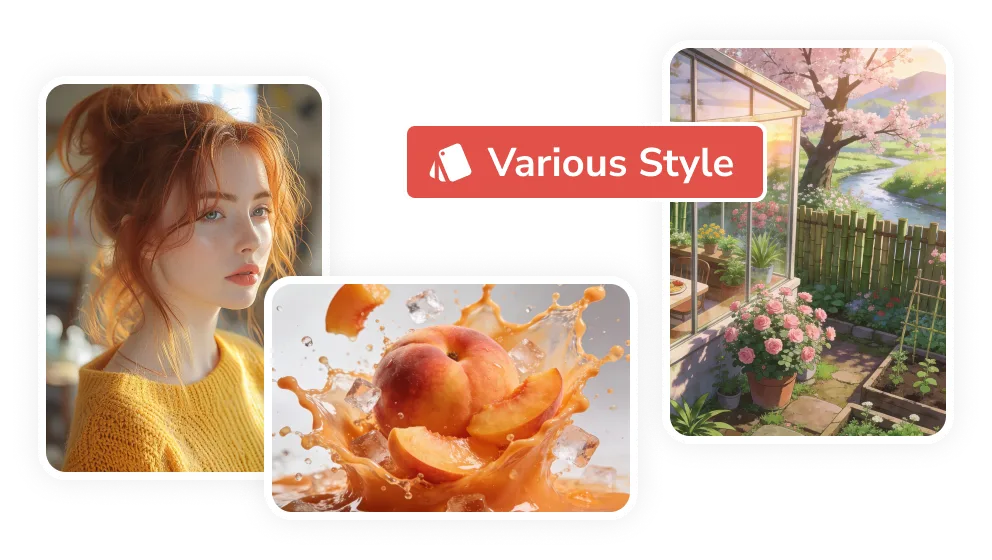
For Social Media & Personal Identity
Transform selfies into personalized headshots that broadcast a unique perspective on life and work. Optimized for platforms like YouTube, Instagram, and X, our AI-tailored portraits transcend casual selfies, showcasing a unique personality that resonates with followers.
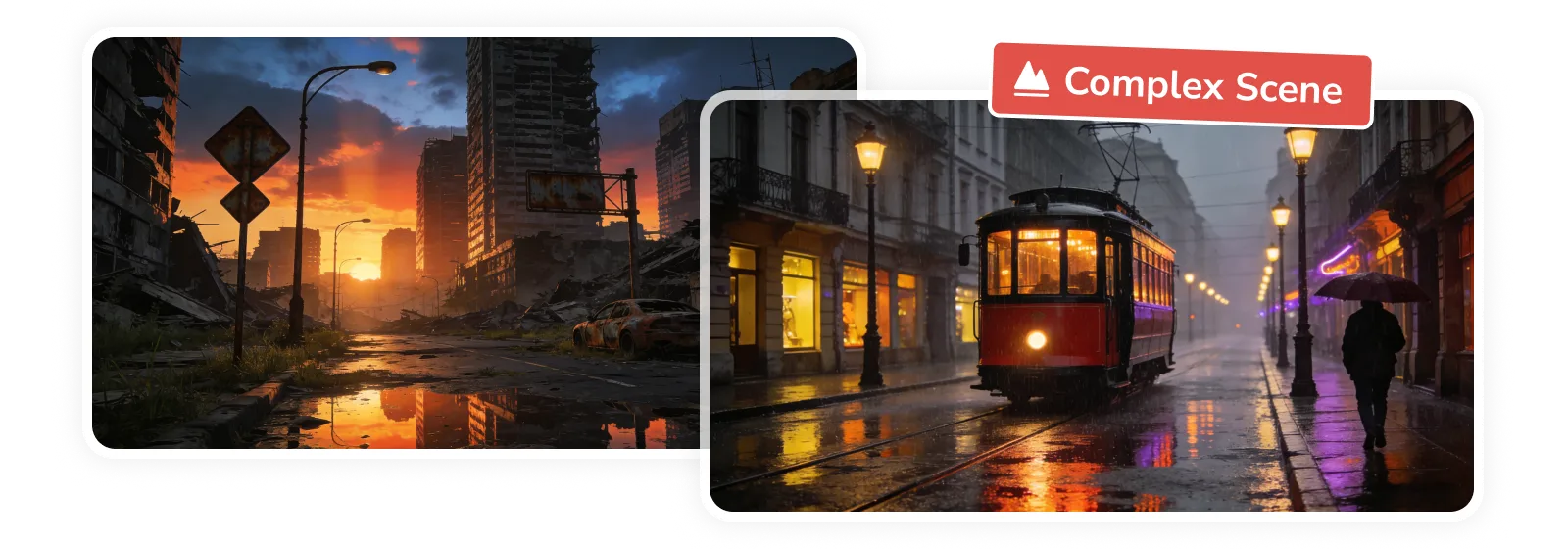
For Resumes & Job Applications
Skip the expensive studio sessions and secure your next role with ease. Upload your snapshots, define your preferred style, and let AVC AI generate studio-quality headshots in seconds, perfectly framed and ready for any modern resume or job application.
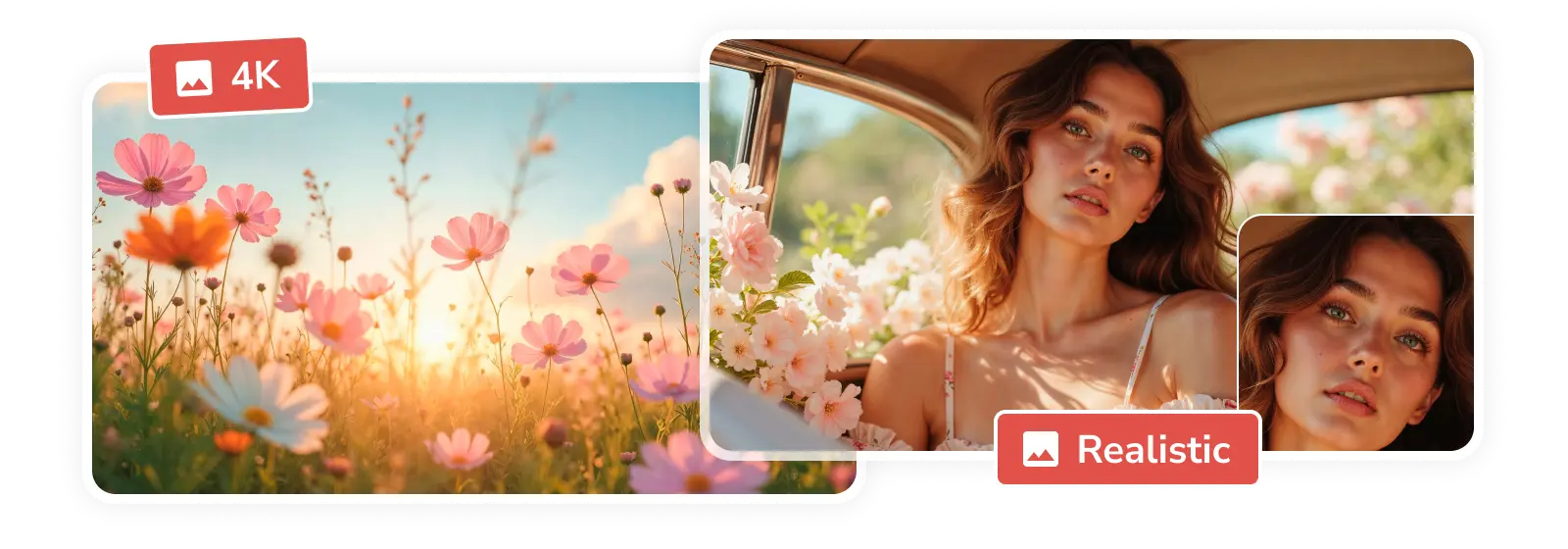
For Teams & Organizations
Create a cohesive brand identity with unified team headshots for your 'About Us' or 'Meet Our Team' pages. Eliminate the hassle of traditional photography and let AVC AI generate a consistent professional look for every member of your organization.
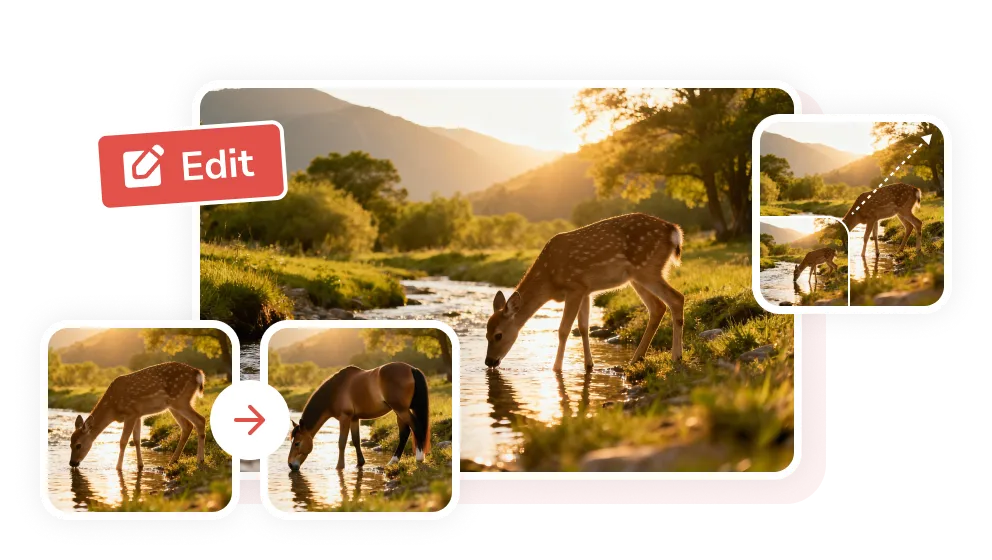
Why Choose AVC AI Headshot Generator
Professional Online AI headshot generator to generate all kinds of headshots
Smart Style
Upload your selfies and describe your vision, then let AI interpret your prompts and generate the headshots in your exact desired style.

Privacy & Data Security
Your uploaded photos are strictly used as the reference for generation and are automatically deleted within 24 hours.

High-Fidelity Output
Studio-quality 4K resolution and 300 DPI, optimized for high-definition digital profiles and premium-quality printing on resumes.
How to Generate Professional Headshots Online Free with AVC AI
Step 1
Upload and Define Style
Upload a clear selfie and describe your desired look or career scenario.
Tips: Ensure your face is clearly visible and unobstructed.
Prompt Formula: [Subject] + [Attire] + [Expression & Pos] + [Lighting] + [Background]
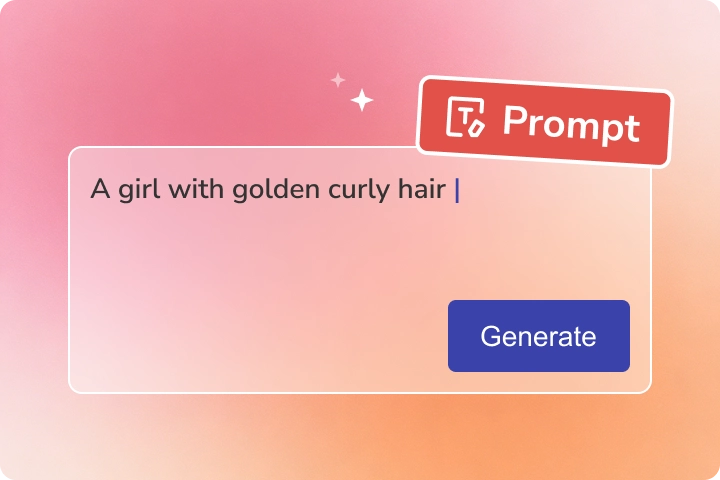
Upload a clear selfie and describe your desired look or career scenario.
Tips: Ensure your face is clearly visible and unobstructed.
Prompt Formula: [Subject] + [Attire] + [Expression & Pos] + [Lighting] + [Background]
Step 2
Configure Settings
Select your preferred output quality, ratio, and quantity.
Choose 2K or 4K as the output quality, 1:1 as the aspect ratio, and the number of variations (1-7).
Select your preferred output quality, ratio, and quantity.
Choose 2K or 4K as the output quality, 1:1 as the aspect ratio, and the number of variations (1-7).
Step 3
Generate and Download
Click the 'Generate' button to generate the headshots within seconds. Browse the results and download your favorites, perfectly ready for LinkedIn, CVs, or social media.
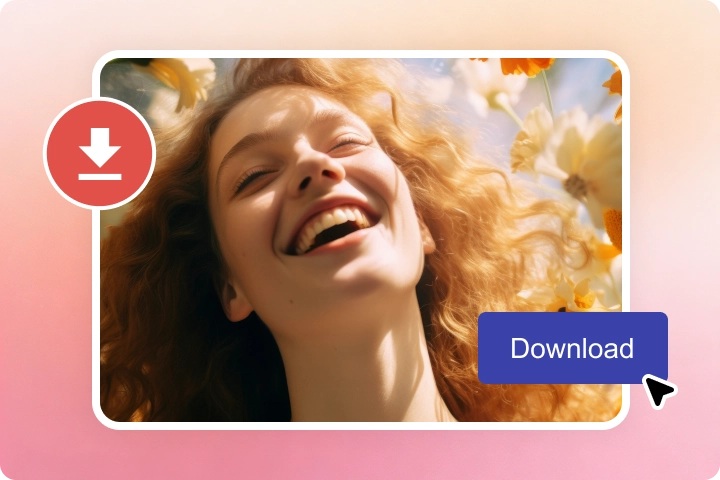
Click the 'Generate' button to generate the headshots within seconds. Browse the results and download your favorites, perfectly ready for LinkedIn, CVs, or social media.
Explore AI-Powered Tools for Image Editing
Create and edit images seamlessly in a single workflow
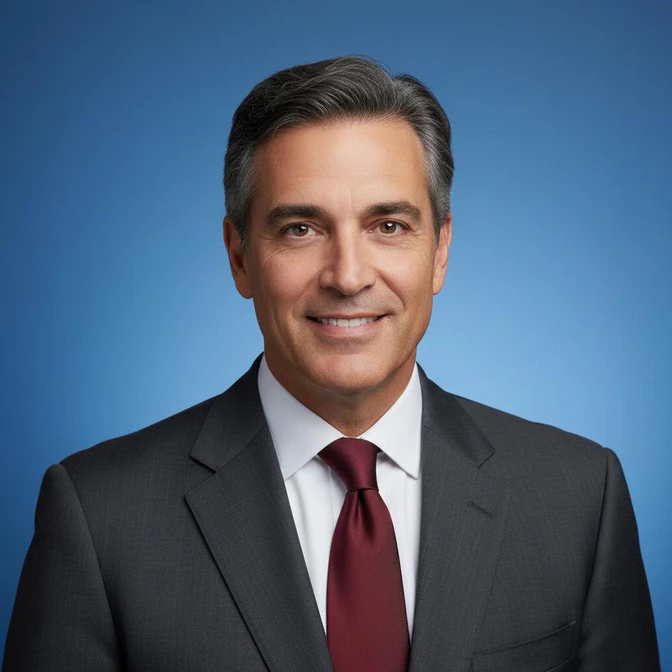
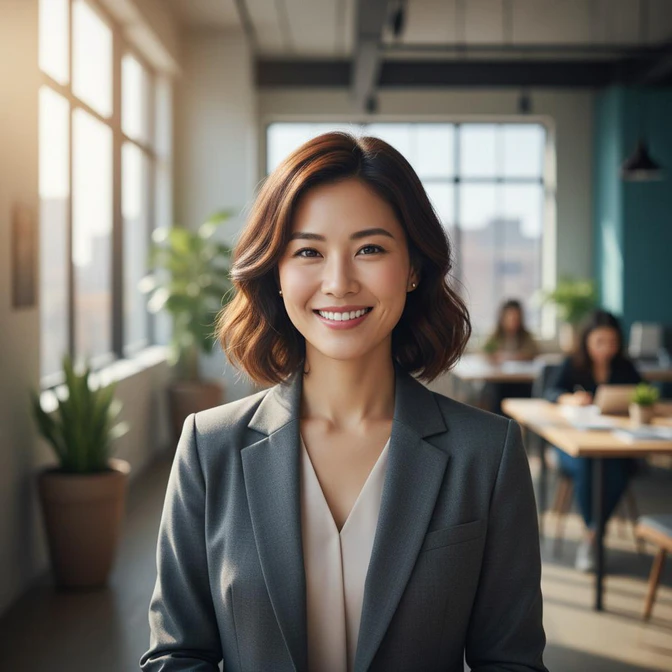
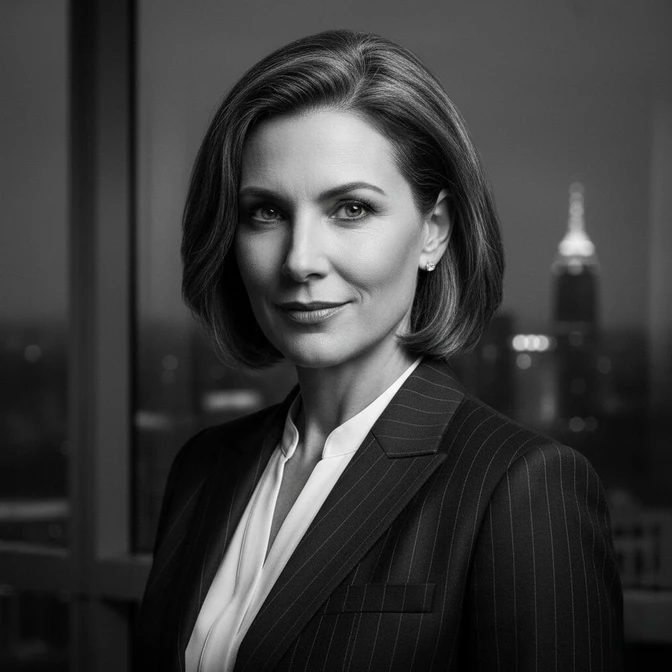
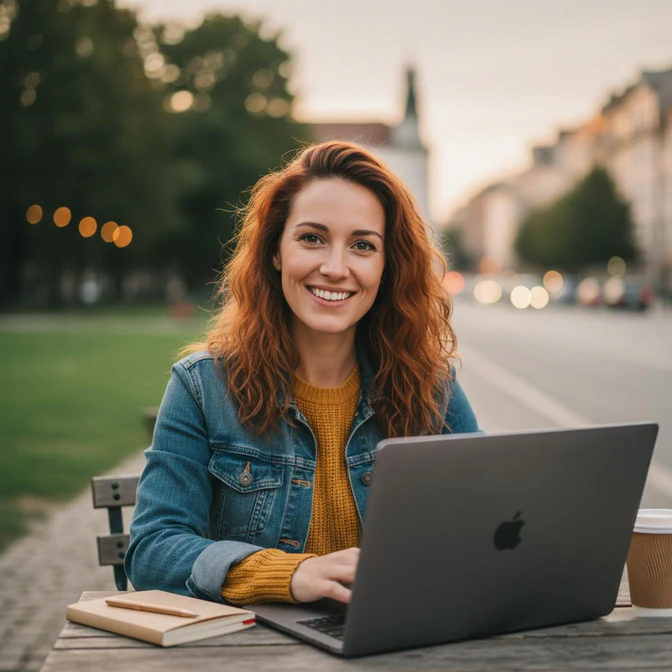
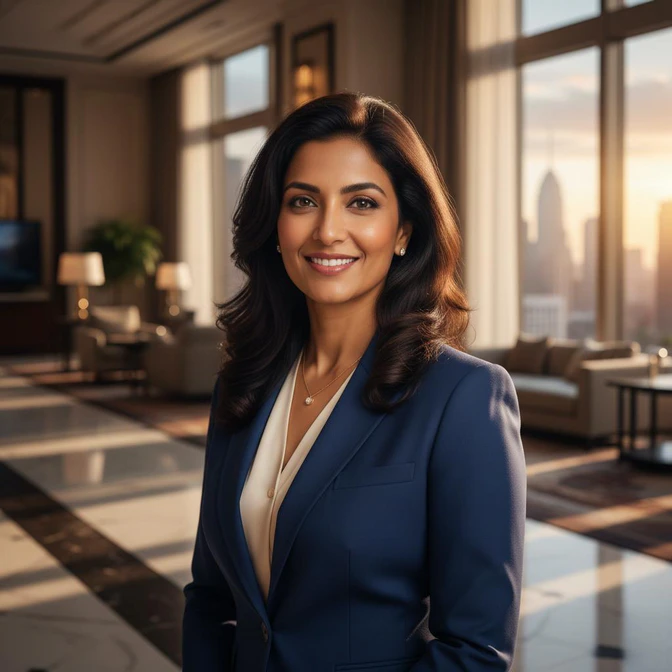
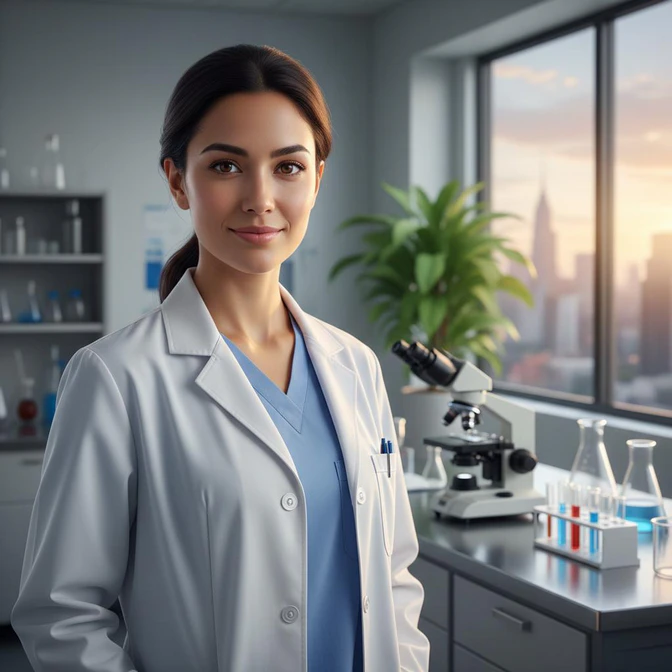
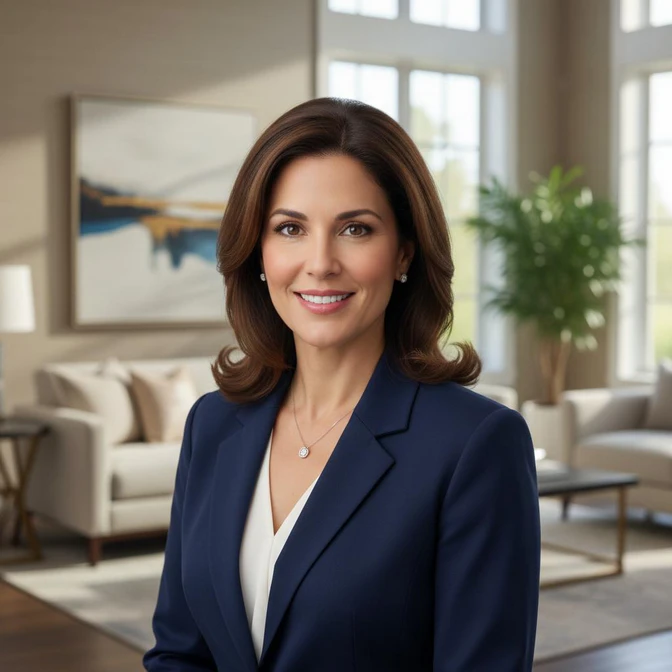
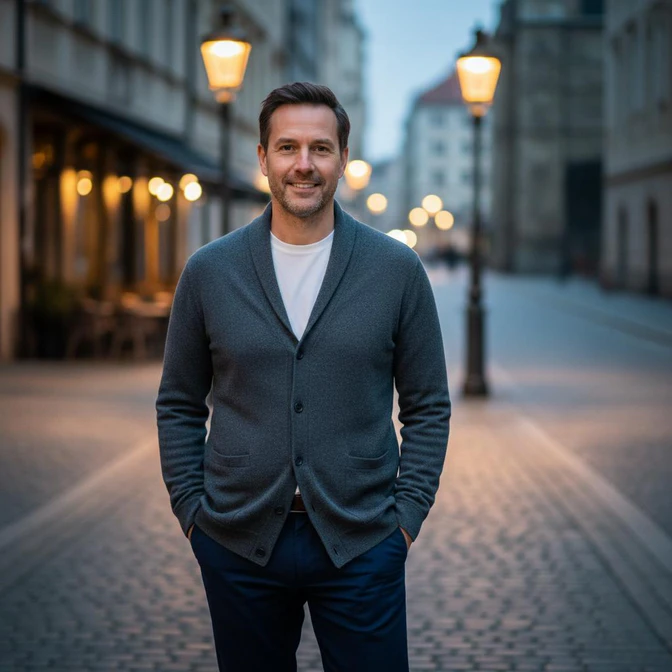
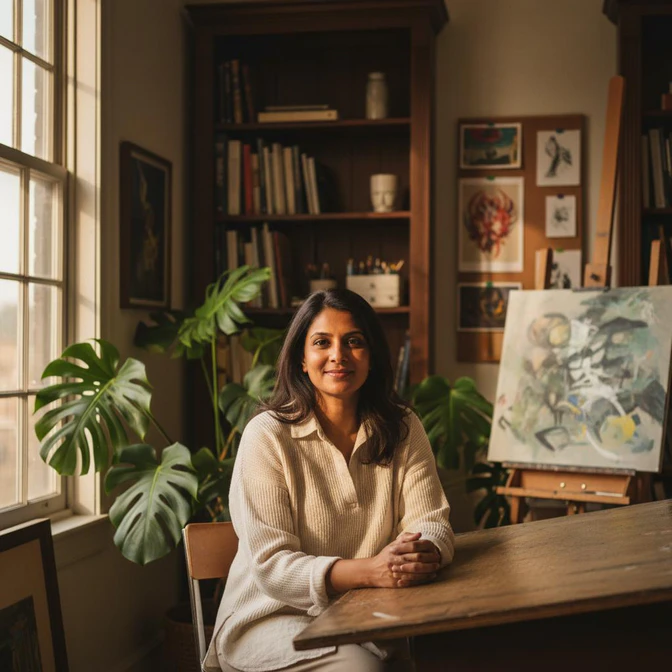
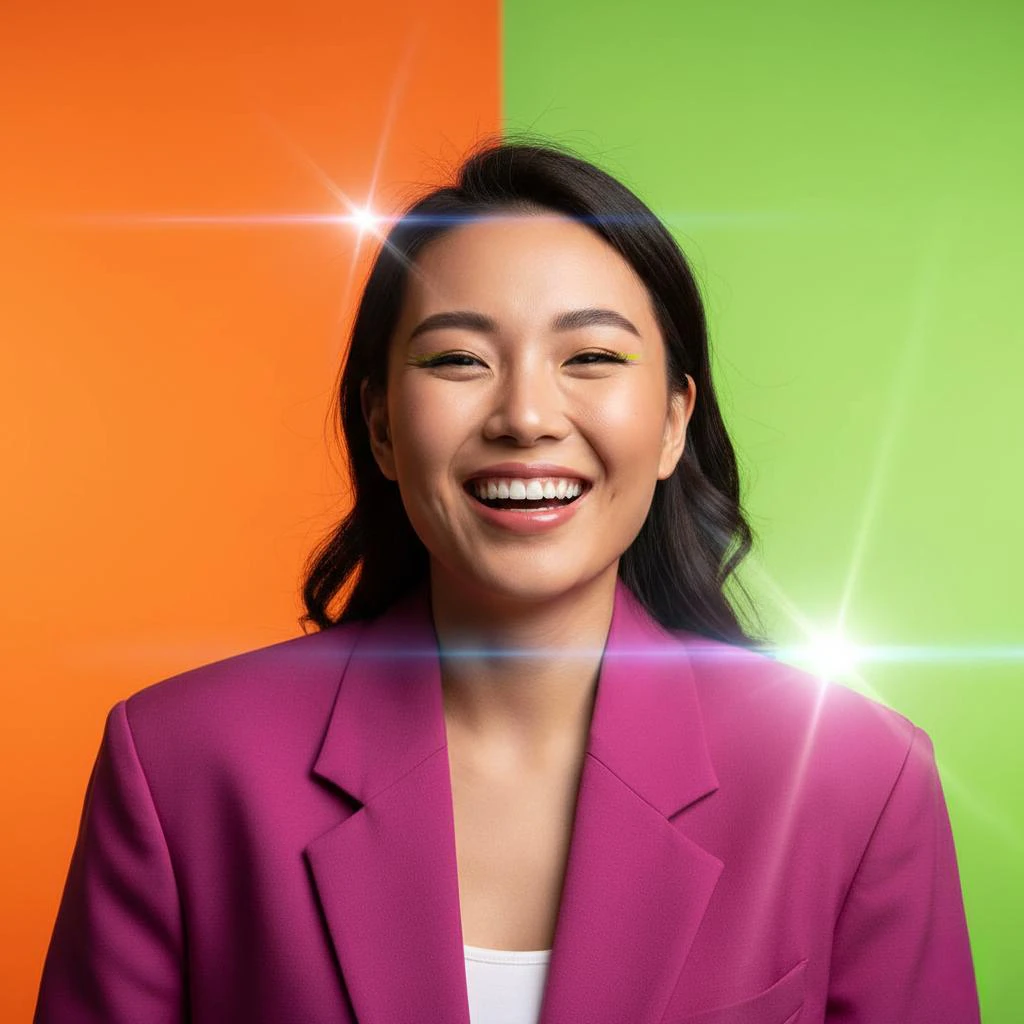
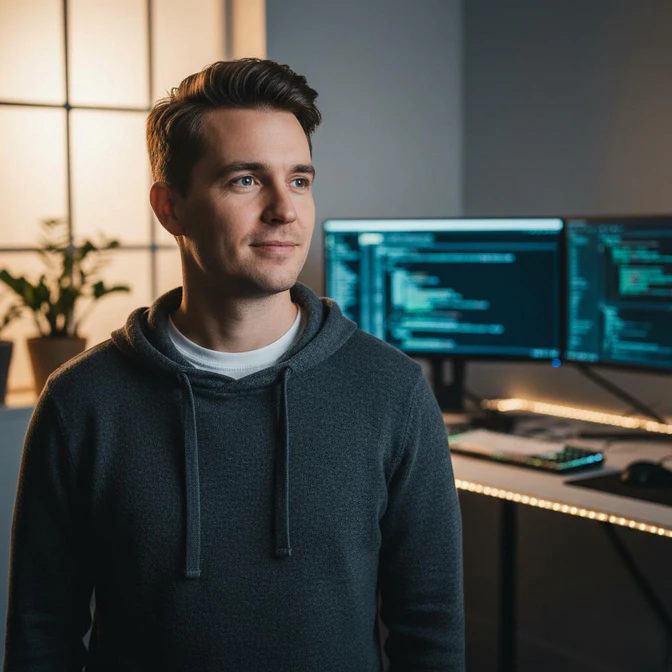
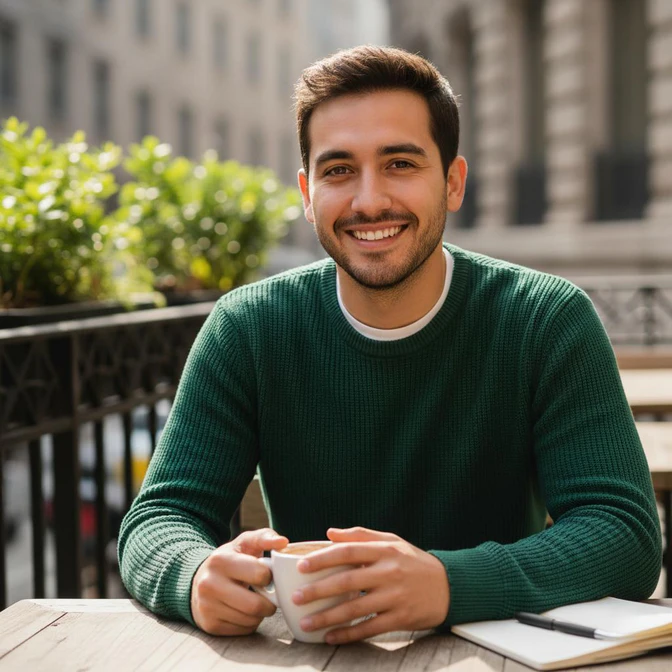
Professional or Personalized Headshots, Instantly and Effortlessly
Get studio-quality headshots, perfect for LinkedIn, resumes, social media, and all professional platforms

 Get Mac Version
 Get Windows Version
Discover More AI Generative Tools for Your Creative Work


FAQs about AI Headshot Generator
What is the best AI headshot generator?
AVC AI is engineered with a focus on Subject Consistency and Deep Multi-Image Blending, ensuring your identity remains consistent and recognizable, preserving the essence of who you are. So it is your top choice to generate professional headshots.
Is there a free AI headshot generator?
Yes, AVC AI provides free credits for each new user to generate headshots online for free. It also offers multiple ways to earn free credits, allowing you to unlock even more creation.
How to use AI to generate professional headshots?
To generate more professional headshots with AI, here are some practical practices:
1. Upload high-quality selfies in which the face is visible, with natural lighting, no shadows, no filters, no grain.
Tips: As AVC AI supports multi-image blending, you can upload photos from slightly different angles to help the AI understand your facial structure.
2. Master your prompt to improve professionalism. You can define the attire by using words like "silk cream blouse" and add photography terms like "85mm lens".
You can use the formula like this: [Subject] + [Attire] + [Expression] + [Lighting] + [Background] + [Camera Settings]
Can ChatGPT make you a headshot?
Yes, ChatGPT can make headshots, but with limitations compared with the dedicated generative tools like AVC AI. As ChatGPT is a text-to-image generator, it solely generated headshots from your description. It cannot integrate your reference images, which is essential for maintaining the identity consistency and true-to-life-realism.
Are AI headshots legal?
Yes, not worry, the AI-generated headshots are entirely legal to use. While official government documents, such as ID cards, bank cards, passports, and visas, strictly require traditional unedited photography, AI headshots are a legal and widely accepted solution in most scenarios.
Tips: The best practice is to use your own selfies as the reference to generate AI headshots.
Is it unprofessional to use an AI headshot?
Not at all, as long as the generated headshots are of good quality, no plastic look, staying true to yourself, with an aligned dress code with your industry.
Tips & Tricks about AI Generative Tools
AI generative guidelines, prompt techniques, and more tips