avc logo

Any Audio Converter One

All-in-one audio processing and video editing suite for creators. Create, edit, and enhance media files with one powerful workflow.

  • Edit videos, manage audio tracks, and create content in one powerful workflow
  • Trim, merge, extract, and edit audio tracks with studio-level precision
  • Convert audio to text and separate vocals with AI transcription technology
  • Record screen activity with crystal-clear system audio and microphone input
  • Deliver seamless audio and video synchronization for professional media creation
checkbox iconAudio Conversion
checkbox iconVideo Editing
checkbox iconAI Processing
checkbox iconOne-Stop Workflow
apple iconSwitch to Mac Version
windows iconSwitch to Windows Version
any audio converter one top banner for pc
any audio converter one top banner for mobile

Powerful Audio Tools, Unified in One Workflow

Transform, edit, and create with professional audio tools designed for short video creators, YouTubers, and content production teams

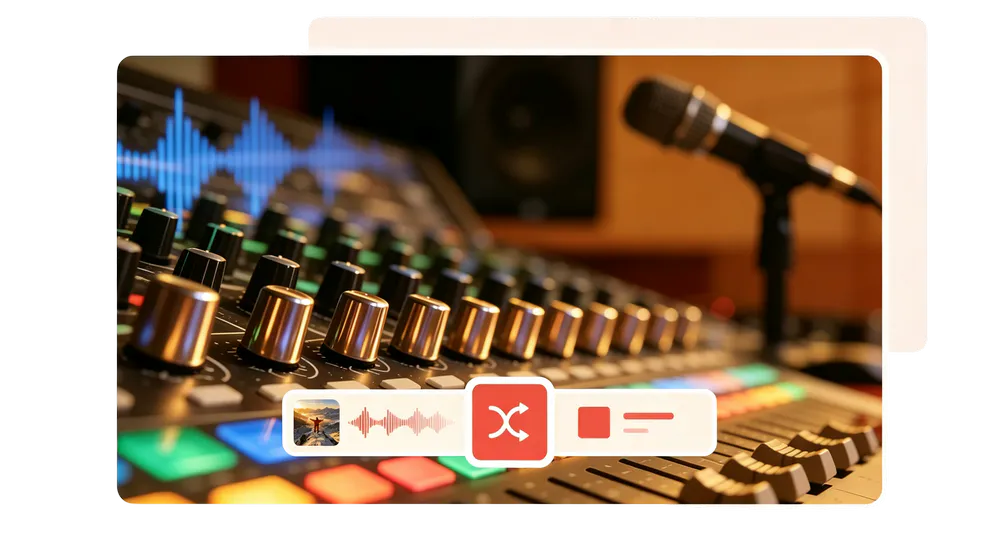
Unlimited Audio Conversion

From MP3 for everyday playback to WAV and lossless formats for studio editing, it provides flexible audio conversion with customizable codec, bitrate, and sample rate settings, delivering batch output for any workflow.

unlimited audio conversion

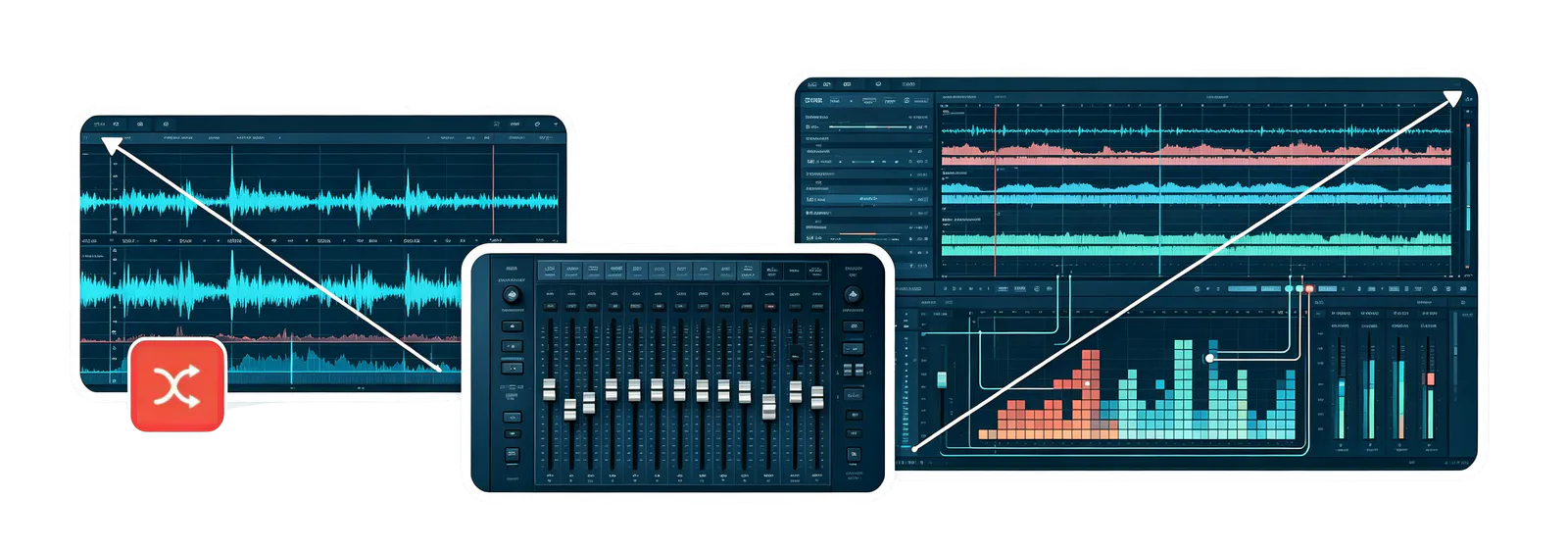
Multi-Track Audio & Video Editing

Built-in professional multi-track editing tools support the processing of multiple video and audio tracks, allowing you to freely combine video clips and audio content. With flexible track management, you can achieve precise editing, seamless audio-video synchronization, and advanced media compositing for short videos, professional productions, and creative projects.

multi audio track editing

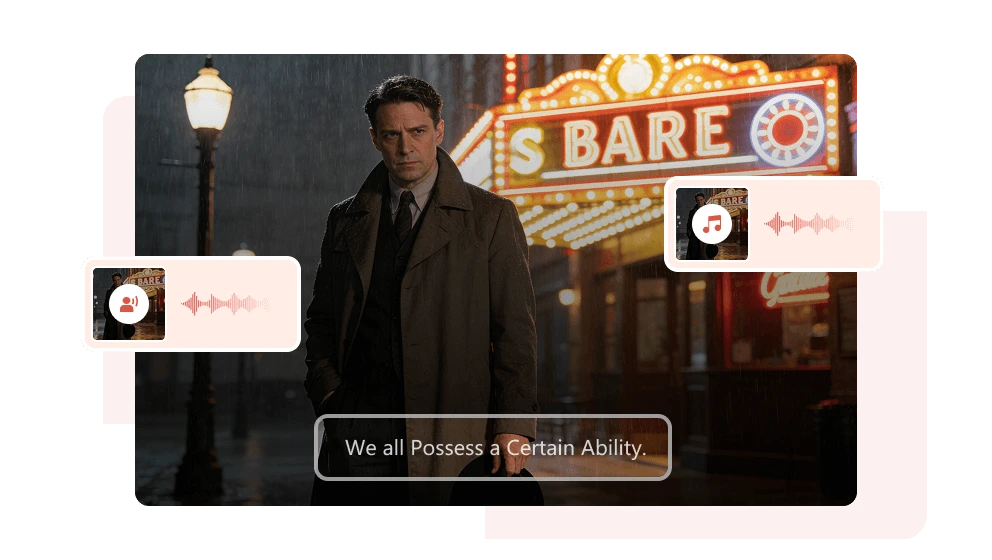
Audio Merging & Mixing

You can quickly merge multiple audio files into a single audio track, or combine different audio materials such as music, voice, and sound effects to achieve richer sound effects. Whether creating background music, podcast content, or video dubbing, Any Audio Converter One can quickly complete audio merging.

audio merging and mixing

Original Quality Preservation

Match source audio codecs and preserve original sound quality with intelligent encoding technology, reducing quality loss during conversion.

vocal remover to extract vocal and instrumental from music

Smart AI Tools for Next-Level Audio Creation

Accelerate audio creation with intelligent AI-powered processing

AI Speech-to-Text

AI-powered speech recognition quickly converts multilingual audio into accurate text transcripts. Whether for meeting recordings, interviews, podcasts, or video projects, it automatically generates editable text for easier review, editing, and content creation.
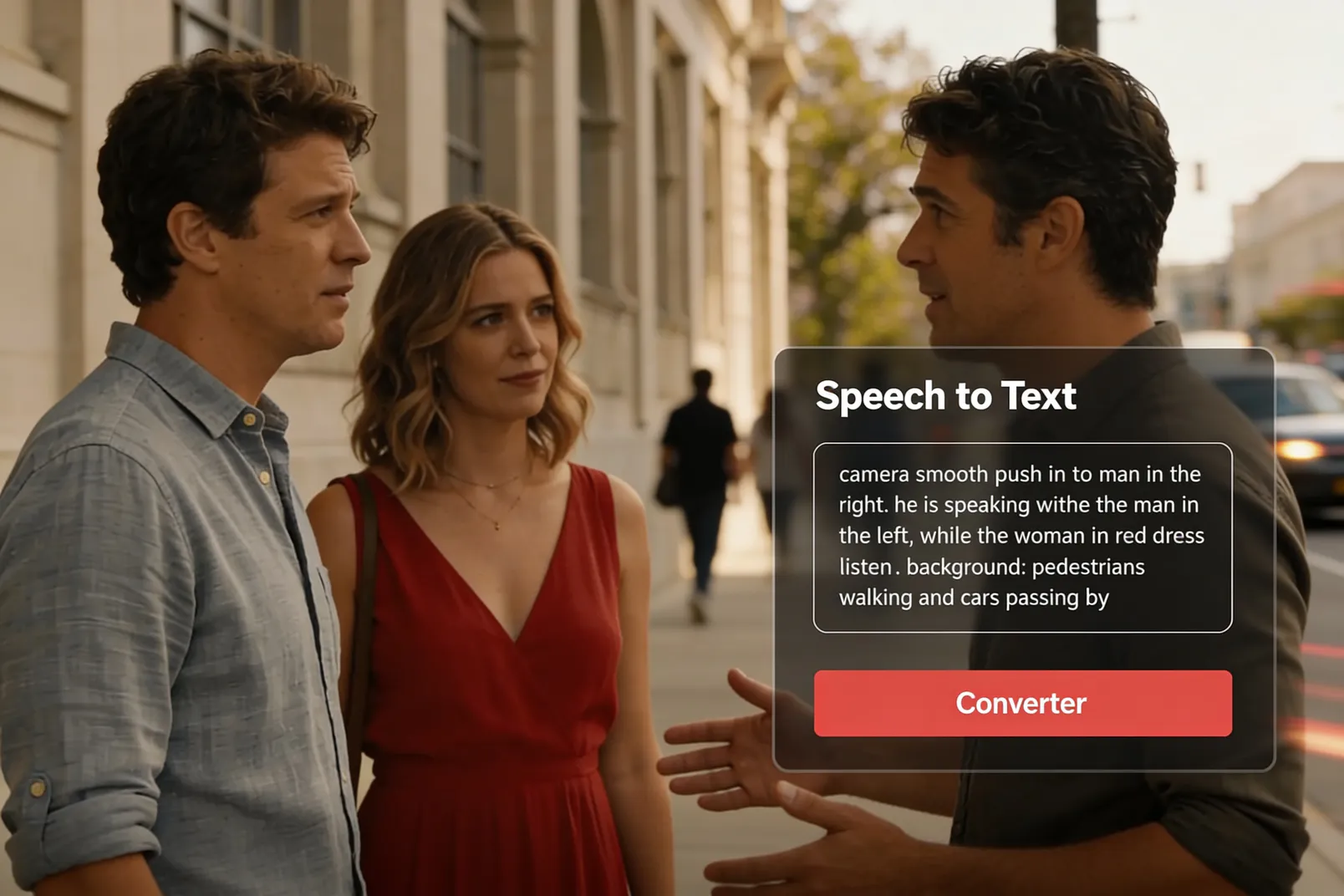
speech to text conversion

AI Vocal Separation

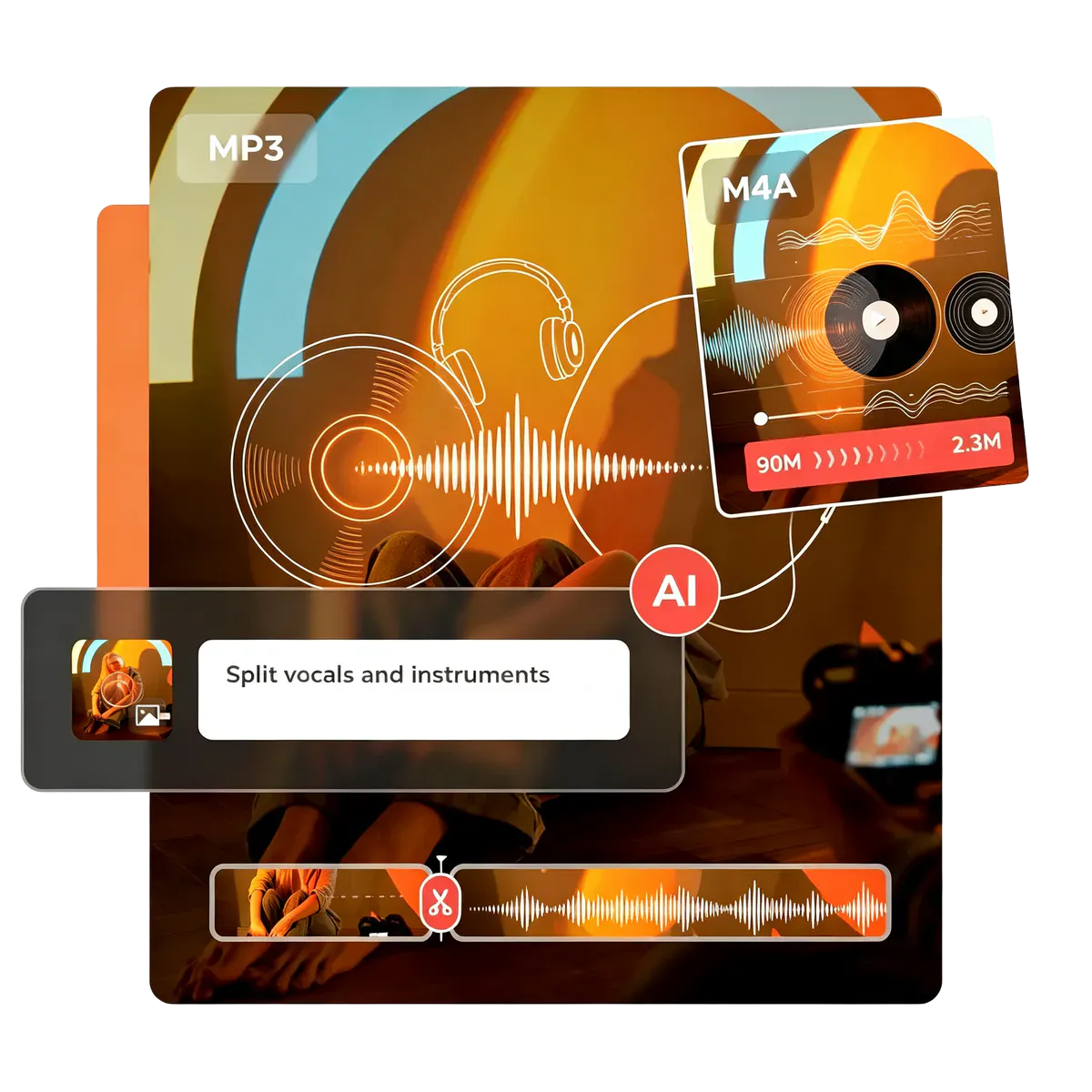
AI-powered audio separation intelligently detects vocals and background music, separating them into individual tracks. Easily extract isolated vocal or instrumental tracks for video editing, music creation, cover production, and mixing workflows.
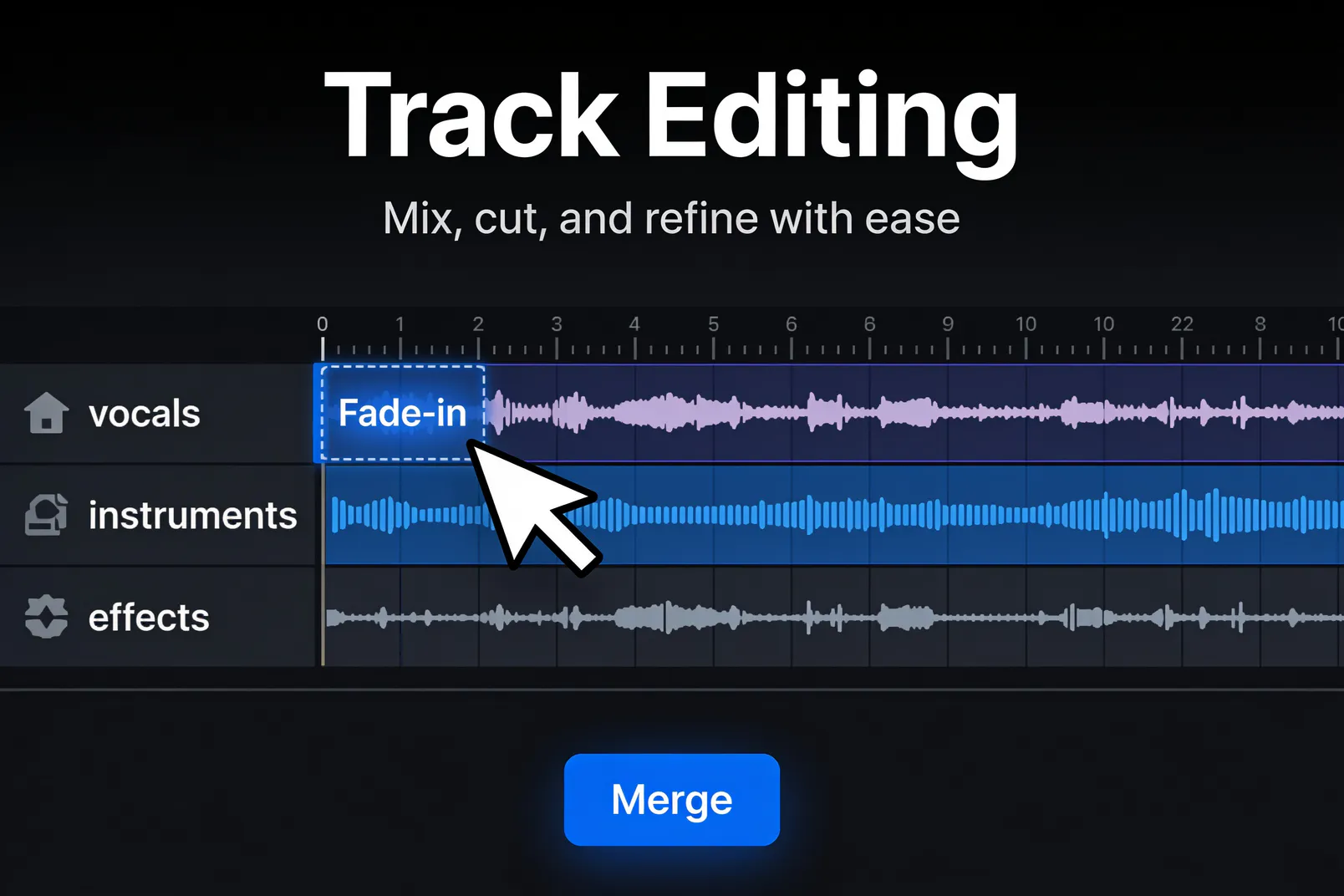
sperate audio

All-in-One Audio Processing

From media conversion, audio enhancement, and track editing to AI-powered processing and final export, Any Audio Converter One delivers a complete workflow from raw materials to finished content without the need to switch between multiple applications.
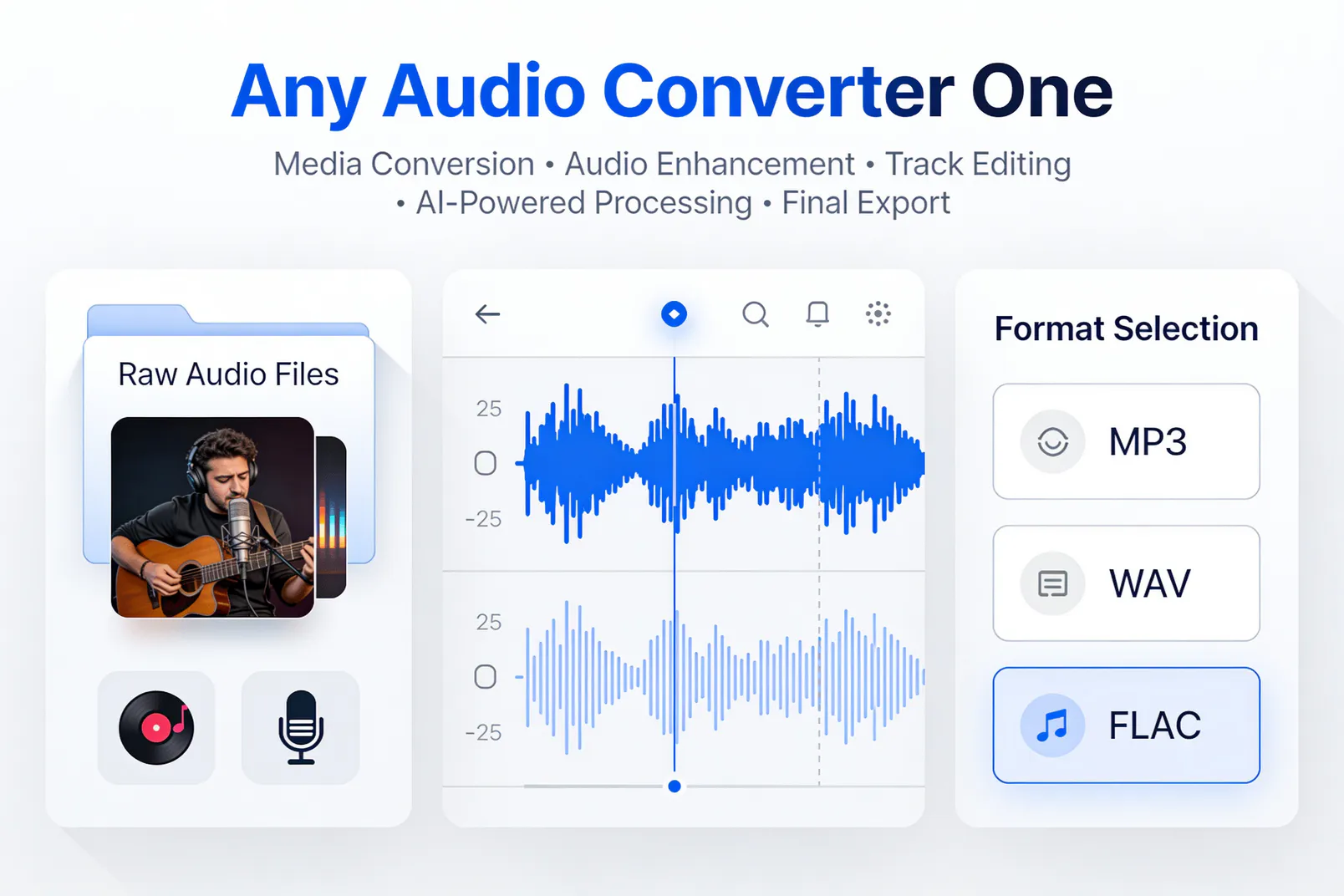
all in one converter
speech to text conversion sperate audio all in one converter

Edit Audio Files Smarter, Faster, Better

icon all in one toolkit
User-Friendly Experience

An intuitive and user-friendly interface enables both beginners and professionals to get started quickly.

icon hassle free video tool
Multi-Purpose Workflow

Designed for creators, professionals, and everyday users with flexible tools for editing workflow.

icon priority support
Audio & Video Integration

Includes all Pro version audio tools plus professional-grade video features.

icon free updates
Priority Support

Get faster assistance from our professional support team.

icon free updates
Long-Term Value

Stay up to date with ongoing improvements and new media features.

icon more ai tools
Future-Ready Tools

Access evolving audio and video solutions for future creative needs.

From Media Files to Finished Content in Just a Few Steps

Upload, edit, and export your media with an easy and streamlined process

Step 1

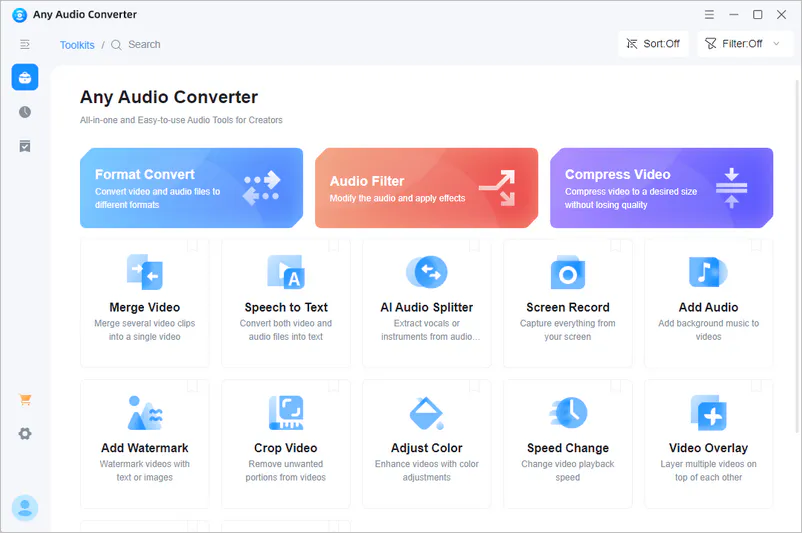
Select a Tool You Prefer

Launch Any Audio Converter One and select the desired tool for your project.

select a tool in any audio converter one

Launch Any Audio Converter One and select the desired tool for your project.

select a tool in any audio converter one

Step 2

Upload & Edit

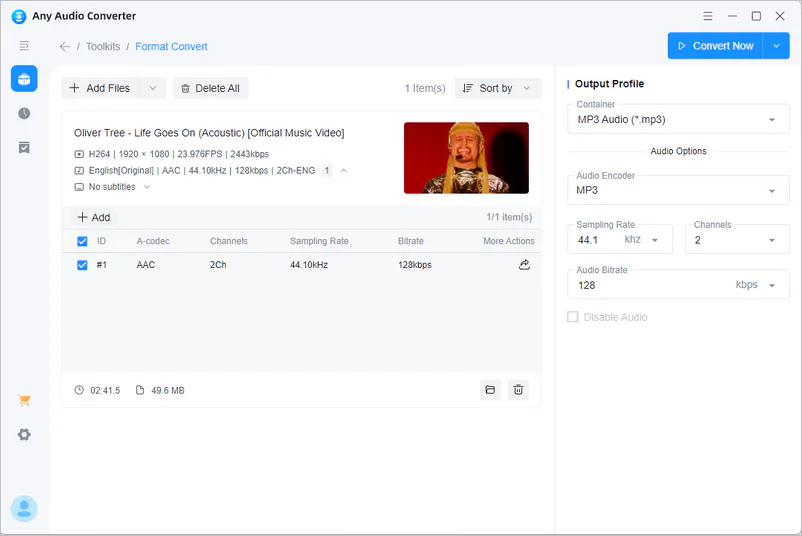
For Audio Editing: Upload your audio files, then freely set the format, encodec, bit rate, etc. in 'Output Profile'.

For Video Editing: Import videos and you can perform the same editing.

upload media files and edit with any audio converter one

For Audio Editing: Upload your audio files, then freely set the format, encodec, bit rate, etc. in 'Output Profile'.

For Video Editing: Import videos and you can perform the same editing.

upload media files and edit with any audio converter one

Step 3

Refine & Finalize Your Content

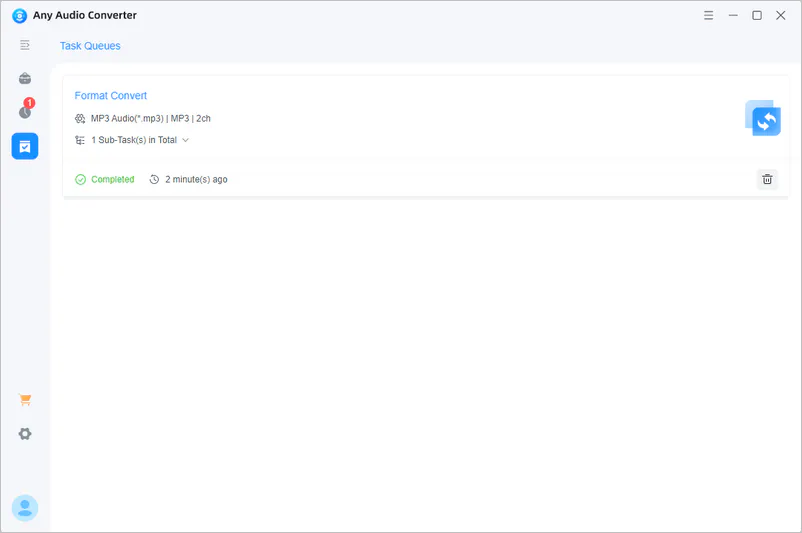
Complete your initial processing, you can also continue editing and polishing your audio and video content within the same workflow.

output mp3 file

Complete your initial processing, you can also continue editing and polishing your audio and video content within the same workflow.

output mp3 file

Real Stories from Our Users

See what our users say, not just what we claim

Any Audio Converter One makes a reliable software that has consistently helped me with my video / audio projects over the last eight years. On two occasions I've had the need of customer service, and on both questions they've been friendly and swift with solutions. This has to be one of the best software investments I've ever made

Emma Johnson
five star

It's a solid option for users who want a single program to handle most video and audio processing needs without juggling several separate apps.

Michael Anderson
five star

This is a powerful package of video and audio editing apps that are really easy to understand and use. Designed with built-in features to create a workflow that fits your uses. An excellent value.

Sophia Williams
five star

I use Any Audio Converter One to convert and edit my videos and audio files. The programs are quick and simple. I've used many other conversion programs, and this seems to be the most efficient and easy to use.

Daniel Brown
five star

One of the standout features of this converter is its impressive speed. What used to take me ages with other programs is now completed in a matter of seconds. The quality of the converted files is outstanding as well; I noticed no loss in audio fidelity, which is a huge plus for an audiophile like me. Additionally, the batch conversion option is a game-changer, allowing me to convert multiple files simultaneously without sacrificing quality or speed.

Olivia Taylor
five star

The wide range of applications meet all my needs, especially the audio splitter, which I regularly use. I highly recommend AVC for both the excellent program and their first-class customer support.

James Wilson
five star

Streamline Your Workflow with Audio & Video Power

Enjoy high-quality audio conversion, AI-powered processing, and integrated video editing — all in one application.

FAQs about Any Audio Converter One

What is Any Audio Converter One?

Any Audio Converter One is an all-in-one audio and video production solution that delivers professional audio conversion and processing tools. It specializes in audio format conversion, sound effects, audio-video integration, and high-quality exports. Building on its powerful audio capabilities, it also offers professional-grade video editing, merging, screen recording, and visual effects features, making it an ideal choice for short video creators, YouTubers, and content production teams seeking a complete audio and video creation workflow.

Is Any Audio Converter One easy to use for beginners?

Yes. Any Audio Converter One is designed with an intuitive interface that makes it easy for beginners to get started. Users can quickly convert audio files and complete common editing tasks with simple steps. At the same time, it also provides advanced features and professional-quality output options for users who require more comprehensive audio and video processing workflows.

Does Any Audio Converter One offer a free trial?

Any Audio Converter One requires a paid registration code to unlock all features. It offers flexible subscription options, including monthly, annual, and permanent plans. If you would like to try the software before purchasing, please contact our support team at [email protected] for more information about available trial options.

Can I convert multiple audio files at once?

Yes. Any Audio Converter One supports batch processing, allowing you to convert multiple audio files simultaneously without processing them one by one. This feature simplifies your workflow, saves time, and improves efficiency, making it ideal for users who need to handle large batches of audio files.

Does audio conversion reduce sound quality?

No. Any Audio Converter One provides studio-grade audio processing tools and uses high-quality conversion technology to preserve original audio details and maintain sound quality throughout the conversion process. You can convert audio formats with confidence while achieving high-quality audio output.

Can I edit or enhance audio files?

Yes. With the built-in sound filter, you can apply effects such as noise reduction, equalizer adjustments, and reverb to enhance audio quality. It also allows you to extract, add, and manage audio tracks, providing greater flexibility for different audio editing and content creation needs.

Create Without Limits with Any Audio Converter One

Find the exact tool thar meets your needs