Contents of How-to Guides

How to Extract and Remove Audio Track from Video
The following is the tutorial on how to extract (remove and export) the audio tracks from a video with Any Audio Converter. It is convenient for users to extract music, dialogue, or other audio content from a video file for later editing or use.


Step 1 Open Any Audio Converter
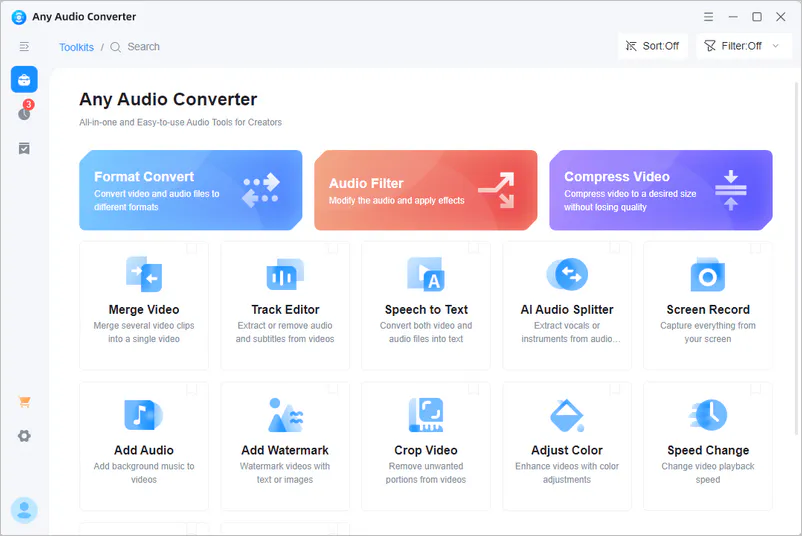
Run the Any Video Converter, and you can see the 'Track Editor' option on the main interface.
Step 2 Add a Video
Click the '+ Add Files' button, then choose the video file you want to edit.
Step 3 Export Audio Track
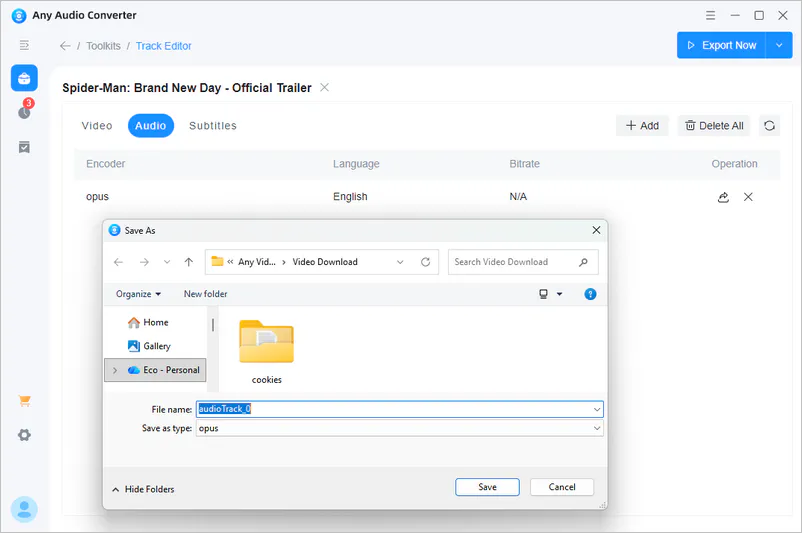
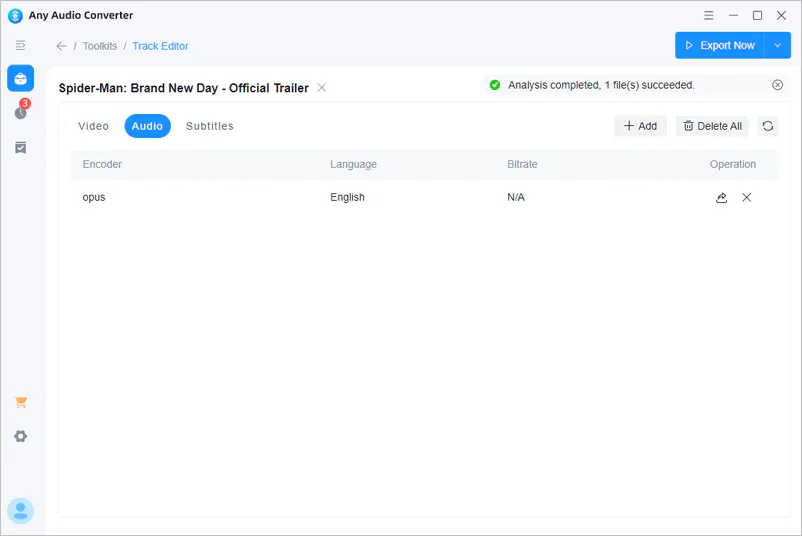
Switch to the 'Audio' option. Click the 'Export' button and define a folder to save the exported file. And then the program will export the audio track of the video.