


TS, MTS, and M2TS files often come from camcorders, broadcast captures, surveillance exports, or disc-based workflows. The video may be palyable, but the container can be awkward. Converting TS to MP4 gives you a cleaner and more compatible copy for phones, browsers, TVs, media players, and editors.
TS to MP4 Converter Online
Convert TS, MTS, and M2TS videos to MP4 for smoother playback, easier sharing, and less format trouble
- Convert TS, MTS, and M2TS recordings into easier-to-open MP4 files quickly
- Fix playback problems from camera recordings, DVR clips, and broadcast captures
- Handle uneven timestamps locally for more reliable MP4 output
Some TS, MTS, or M2TS files are harder for browsers to process. The desktop version converts locally and helps avoid common conversion errors.
Online TS to MP4 Converter
Upload a TS, MTS, or M2TS video, choose MP4 settings, and download a more playable MP4
Uploaded Video
-
Output Video
MP4 Video
Add a TS, MTS, or M2TS video to start MP4 conversion.
Converting
Preparing file...
Preparing MP4 conversion...
Convert TS to MP4 Without Transport Stream Headaches
Turn camera clips, DVR recordings, and M2TS/MTS files into MP4 files
A transport stream file can be a recording split from a camera, a TV capture, or a clip with timing data that some apps dislike. Create an MP4 version if your original TS file is hard to preview, upload, import into an editor, or send to someone else.
Some TS, MTS, and M2TS recordings carry uneven timestamps, segmented streams, or unusual audio and video combinations. The desktop converter keeps processing local, adds repair-tolerant handling for container and timestamp issues, and opens advanced codec, resolution, audio, and saved preset controls for repeat MP4 exports.

TS to MP4

TS / MTS / M2TS

Advanced MP4 Export
How to Convert TS to MP4 Online
Click “Upload a Video” and add a TS, MTS, or M2TS file from your computer or mobile phone.
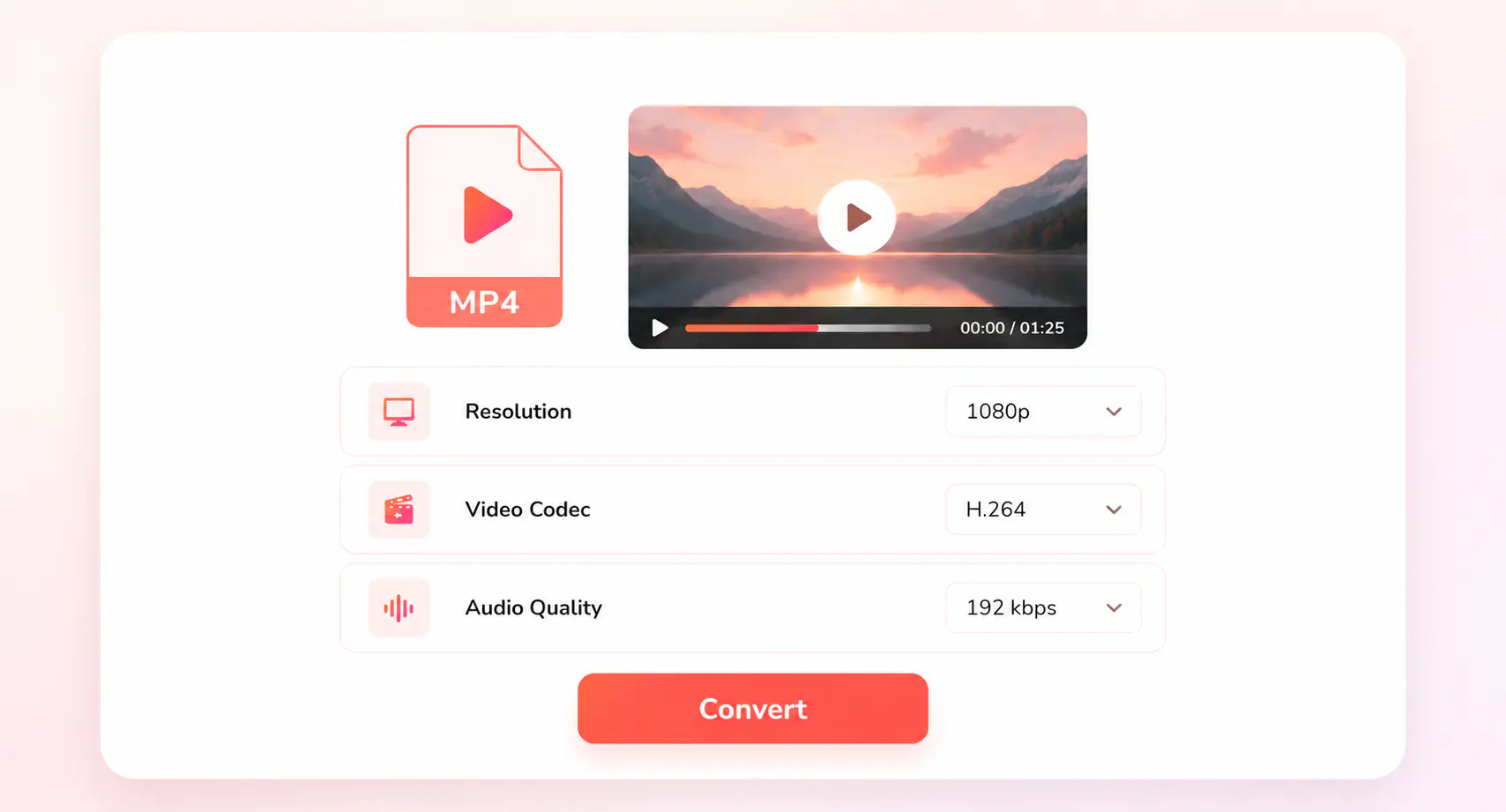
Keep MP4 as the output format, then choose resolution, video codec, and audio quality.
Start converting your TS file, then download the MP4 video after the conversion is finished.

More Video Converters for Problem Files
Find format-specific converters for camera clips, screen recordings, downloads, DVDs, and everyday playback fixes
Explore More MP4 Conversion SolutionsTake Control of TS to MP4 Conversion
Convert complex TS, MTS, and M2TS files locally with advanced codec settings, container repair tolerance, and saved presets
FAQs about TS to MP4 Converter
Useful answers about TS, MTS, and M2TS playback and conversion
What is the easiest way to convert TS to MP4?
For a quick and small file, the easiest way is to use an online TS to MP4 converter. Upload the TS, MTS, or M2TS video, keep MP4 as the output format, choose simple export settings, and download a more compatible MP4 copy.
Can I convert MTS and M2TS files with a TS to MP4 converter?
Yes. TS, MTS, and M2TS files are often used for transport stream video from cameras, camcorders, broadcasts, or Blu-ray-related workflows. A TS to MP4 converter can help turn these files into MP4 for easier playback, editing, and sharing.
Why does my TS video play in VLC but not on my phone or editor?
TS files may contain codecs, timestamps, segments, or audio streams that some apps do not handle well. VLC may play the file because it supports many media structures, while a phone, browser, or editor may expect a more standard MP4 file.
Why might an online TS to MP4 conversion fail?
TS, MTS, and M2TS recordings can include uneven timestamps, split segments, unusual audio streams, or damaged container data. Browser-based conversion is best for straightforward clips; desktop conversion is better when the file needs local processing, repair-tolerant container handling, and advanced export settings.
Will converting TS to MP4 keep the original quality?
TS to MP4 conversion can stay close to the original quality when you keep the source resolution and avoid aggressive compression. Quality changes are more likely when you lower the resolution, choose a smaller bitrate, or re-encode a heavily compressed recording.
How do I turn the timestamp off while converting MTS to MP4?
When you download from your Panasonic digital camcorder to your computer, the file is in MTS format and has no timestamp. When you convert it to MP4, it shows a timestamp. How do you turn the timestamp off so it doesn't show on the converted MP4 version? In this case, you can use the Track Editor in Any Video Converter to remove the subtitle track and then convert it to MP4 without a timestamp.
When should I use a desktop TS to MP4 converter?
You can use a desktop TS to MP4 converter for long recordings, camera folders, batches of MTS or M2TS clips, or files with uneven timestamps, segmented streams, or container issues. Any Video Converter Free processes TS videos locally and now opens advanced codec settings, container repair tolerance, reusable presets, and customized export options.