

Free Discord Video Compressor
No pixels, no distortion. Restore fidelity in sound and video quality.
- Freely compress any 1+ GB video to MP4 10 MB for Discord
- H.265/AV1 high compression efficiency for better quality
- Smart compression strategies balance video FPS and resolution
- Delete/trim unnecessary audio tracks/clips to reduce video size
- No watermark, no stutter, no voice desynchronization after compression
 Hassle FreeNo MalwareSmart CompressionBatch Process

 Switch to Mac Version
 Switch to Windows Version
Compress Video to Reduce Size Online Free
Reduce your video size to 10 MB or less for free. MP4, MKV, MOV, and 1000+ video formats are available for compression
Maximum file size: 80 MB
-
Choose a compression strategy
Choose a preset and start compression
Compressing your video
Preparing file...
Preparing compression...
- Features
- User Guide
- FAQ
- Tech Spec
-
 Any Video Converter Free
 -

Compress Video for Discord from 1+ GB to 10 MB
Bypass Nitro and break video size limits for Discord
Smart Compress Control
Built-in intelligent compression strategy to automatically balance 30/60 FPS and 720P/1080P resolution for Discord. H.264, H.265, and AV1 encoding for better quality while reducing file size.
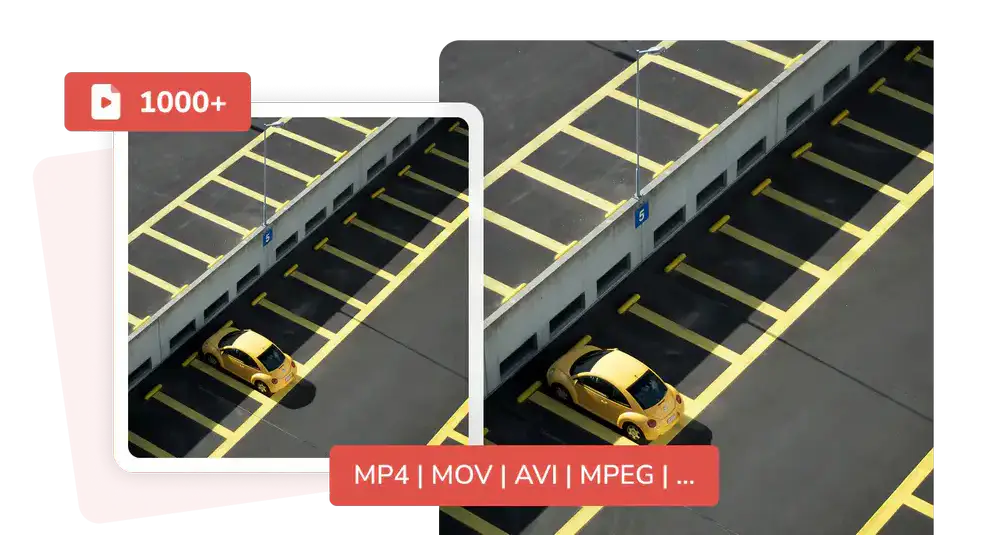
Free Video Compressor for Discord
Bypass the paid Discord Nitro and offer a zero-cost compression solution. The compressed videos are small, making them suitable not only for Discord but also for easy uploading to email, Telegram, and WhatsApp.
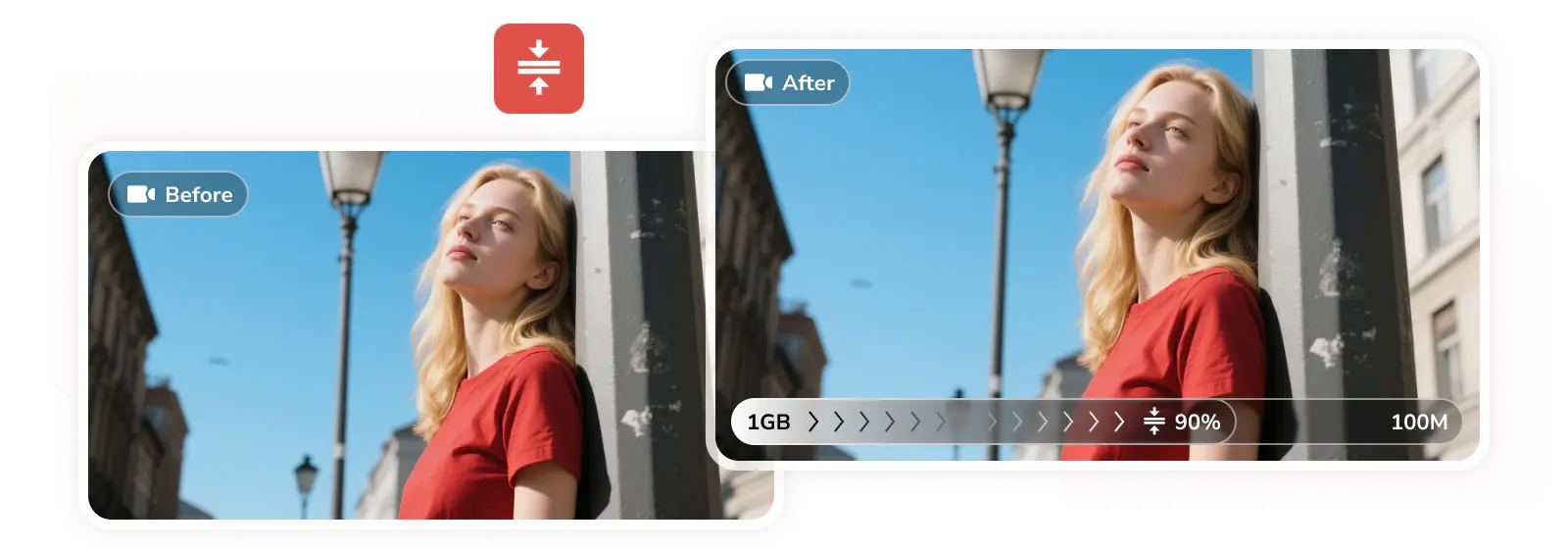
Various Methods to Reduce Video Size
Integrate several video shrinking methods in one stop: trim video into several clips, remove unnecessary audio tracks/subtitles, and manually lower the bitrate to directly reduce video size for Discord. All in one stop.
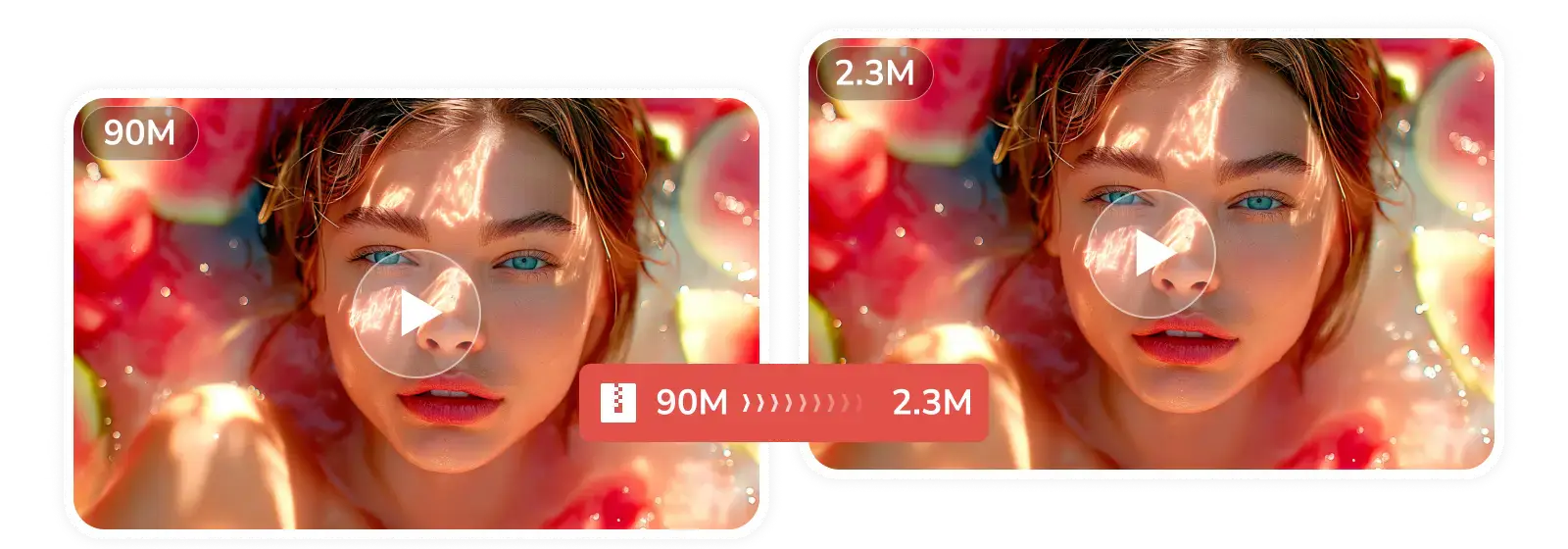
Compress Video in Bulk
Set the compression parameters once, unify the final size, compression strategy, and format of all videos, and let this Discord video compressor process on its own.
Why Compress Video for Discord with Any Video Converter

All-Round Video Compressor
A one-stop video compression solution for conversion, trimming, and further processing.

No Limit on Uploaded Video Size
No upload restrictions, and it can be as large as 20+ GB 4K Blu-ray video.

1000+ Media Formats Supported
From MP4, AVI, and MOV to professional MKV, WEBM, FLV, and 1000+ formats.

High Compression Speed
H.264, H.265, and AV1 encoding utilize GPU acceleration for the compression process.

Release Storage Space
Relieve storage pressure on your computer or in the cloud to store more valuable content.

Secure Encryption
All uploads and processing are encrypted to ensure your private videos are not leaked.
How to Compress Video for Discord ( Free Way )
Step 1
Upload Large Videos
Upload large videos to the 'Compress Video' tool in Any Video Converter.
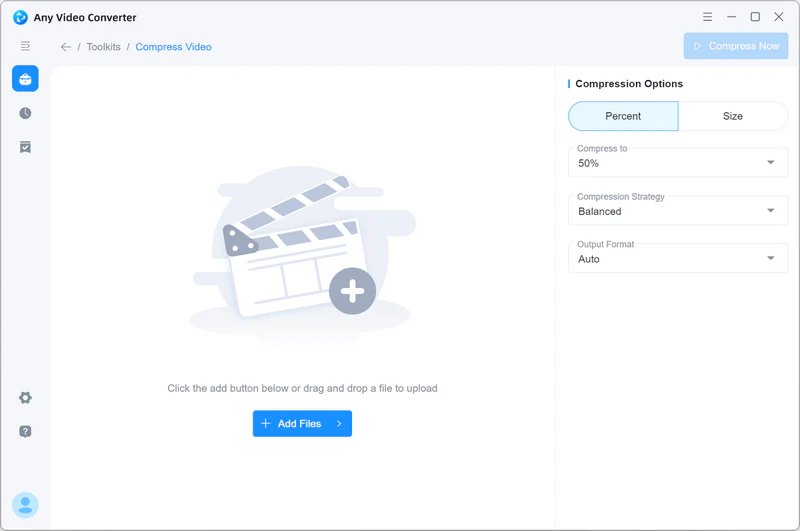
Upload large videos to the 'Compress Video' tool in Any Video Converter.
Step 2
Set Compression Size to 10 MB
For Discord, you can set it to 10 MB. Then select your compression preference in the compression strategy. Select output format: 'MP4 H264', 'MP4 HEVC', 'MP4 AV1'.
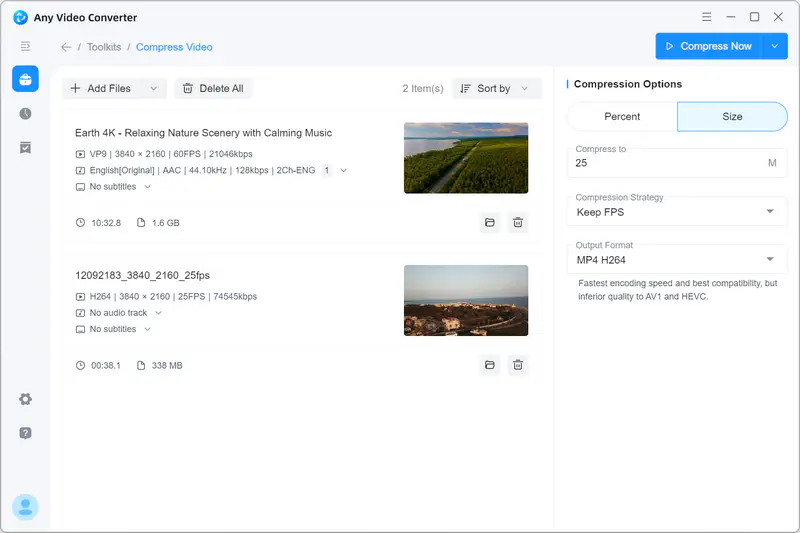
For Discord, you can set it to 10 MB. Then select your compression preference in the compression strategy. Select output format: 'MP4 H264', 'MP4 HEVC', 'MP4 AV1'.
Step 3
Compress Video for Discord
Click the 'Compress Now' button, and once the compression is complete, you can share it to Discord.
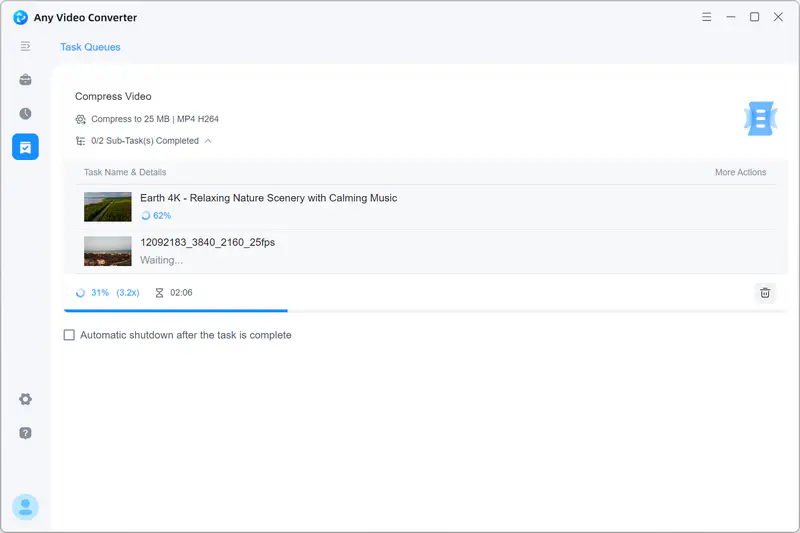
Click the 'Compress Now' button, and once the compression is complete, you can share it to Discord.
Why People Trust this Video Compressor for Discord
Hear from our community
I enjoyed using the app, as it is very easy to use. I manage to also use it to compress a few videos to my required sizes. I am yet to try the add audio and possibly the AI video enhancer. I used the app to add a watermark to my confidential document. This app is a one-stop shop for all video conversion. I recommend it to you.

This program is absolutely free, and you can convert/compress and use all other cool features for all your video needs.
One of its standout features is its ability to compress large MP4 files into more manageable sizes without compromising on quality, which has been incredibly useful for sharing videos online or saving storage space on my devices.
In addition to format conversion, I regularly utilize features like Trim Video, Compress Video, and Merge Video. Although I haven't explored all the options extensively, these tools have seamlessly integrated into my video editing routine.
You can format, download, merge, trim, compress, speech to text, burn DVD, video enhancement, add audio, add watermark, screen record, crop videos, change speed and color, video overlay, extract tracks, split video into segments and merge them together.
You can resize your videos, change formats and compress them so they take up less space without losing quality. This gives me the advantage of not having to spend as much time online streaming and using up all my data.
 4.8 on




Advanced Discord Video Compressor
Simple, speedy, and high-quality. This is the ultimate Discord compression strategy.

FAQs about Video Compressor for Discord
Does Discord automatically compress videos?
Yes. The Discord mobile app compresses videos.
When you upload a large video file via your phone, Discord will pop up an option that allows you to automatically compress it to a reasonable size. On a computer, if you upload video files exceeding the limit, Discord will directly display an error message. In this case, you can use Any Video Converter to compress the video for free. There's no need to upgrade to Nitro.
How to get a video under 10 MB for Discord?
Easy! In Any Video Converter, simply type in 8 MB or any number less than 10.
Step 1: Open 'Compress Video' tool in Any Video Converter.
Step 2: After uploading the video, click 'Size' in 'Compression Options' and enter a value less than 10, such as 8 MB.
Step 3: Don't forget to select a compression strategy, as it will ensure you get the correct compression result. Then, click 'Compress Now' to get a video under 10 MB for Discord.
Can I reduce Discord video size without losing quality?
From a technical standpoint, it's impossible to reduce file size without any loss of quality. However, you can achieve a loss of quality that is imperceptible to the naked eye by using more efficient encoding formats (H.265 and AV1). The video compressors mentioned in the next question can achieve this.
What is the best free MP4 video compressor for Discord?
For desktop software, Handbrake and Any Video Converter are recommended. Handbrake requires you to manually change the encoding and set the value between 22 and 28 in 'Constant Quality' (the smaller the number, the higher the quality but the larger the file size). Any Video Converter eliminates this hassle; simply input your desired video size for Discord.
On your mobile device, you can compress it directly in the Discord app.
Can VLC compress video for Discord?
Yes. However, it's not the simplest video compressor for Discord. Here are the steps to compress video to a Discord size using VLC:
Step 1: Open VLC, click 'Media' -> 'Convert / Save' in the menu bar, click the 'Add' button to select the video you want to compress, and then click 'Convert / Save' at the bottom.
Step 2: In the 'Profile' row, select 'Video - H.264 + MP3 (MP4)' or 'Video - H.265 + MP3 (MP4)'.
Step 3: Adjust key compression parameters. Click the wrench icon on the right to access detailed settings. Switch to the 'Video codec' tab. Set the scale to 0.5 in the 'Resolution' section. You also need to reduce the bitrate.
Step 4: Click 'Save' to start compressing the video for Discord.
How to compress video online for Discord?
8mb.video online Discord video compressor, because it was designed specifically for Discord.
Step 1: After opening the website, click 'Browse' to upload your video.
Step 2: Choose your output size: 8 MB, 25 MB, 50 MB, or 100 MB (Nitro users). You can also click 'Options' to mute or trim the video.
Step 3: Click 'Export' and wait for the compressed file to download.


