avc logo

Free Video Converter for Windows & Mac

Free Video Converter to Convert MP4, MP3, AVI, MOV, DVD& More

  • 100% free video converter with no hidden fees
  • No watermarks, no file size limits, and no daily usage limits
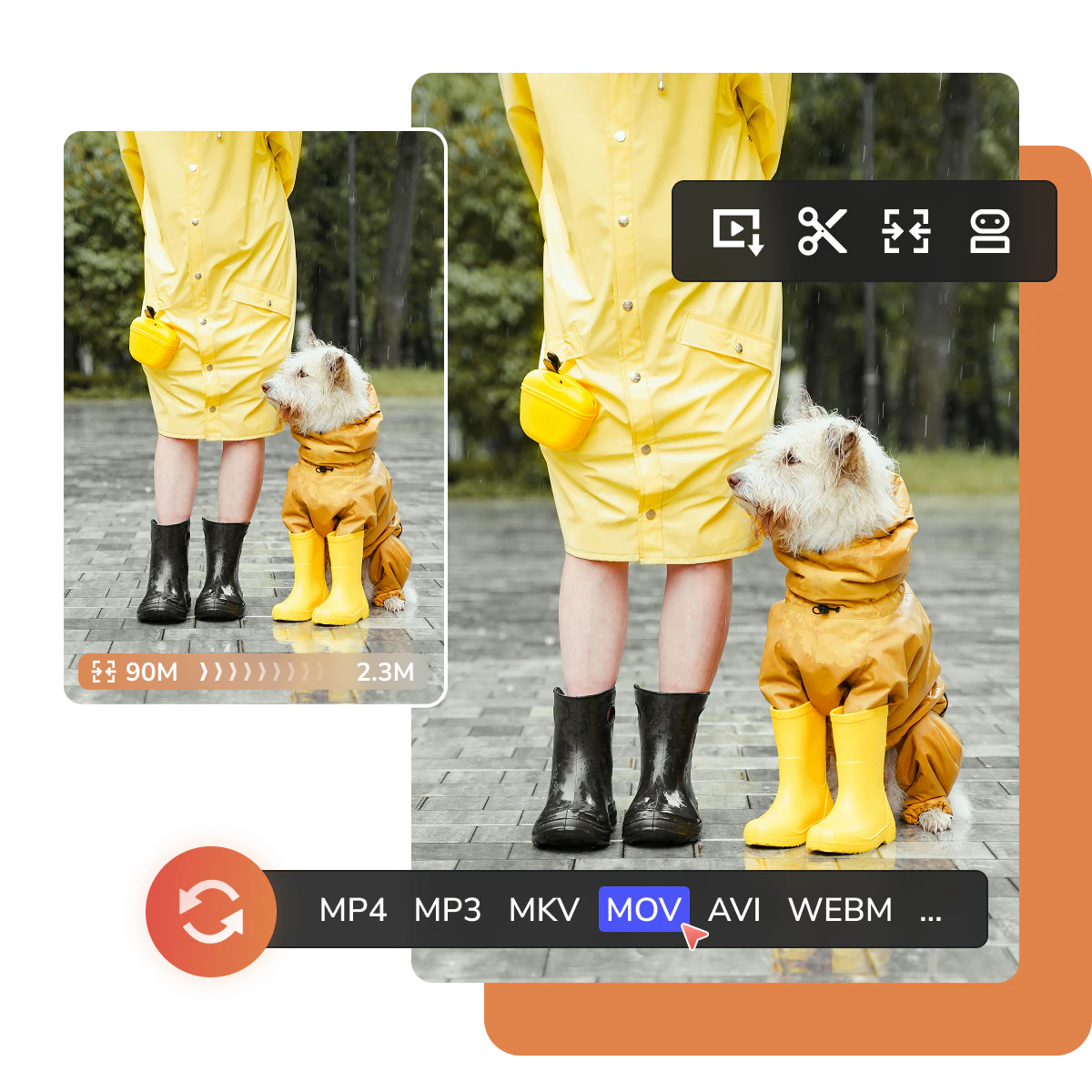
  • Convert to MP4, MP3, MOV, MKV, AVI, WebM, and more
  • Batch convert multiple large video files at once
  • Safe local processing on Windows and Mac
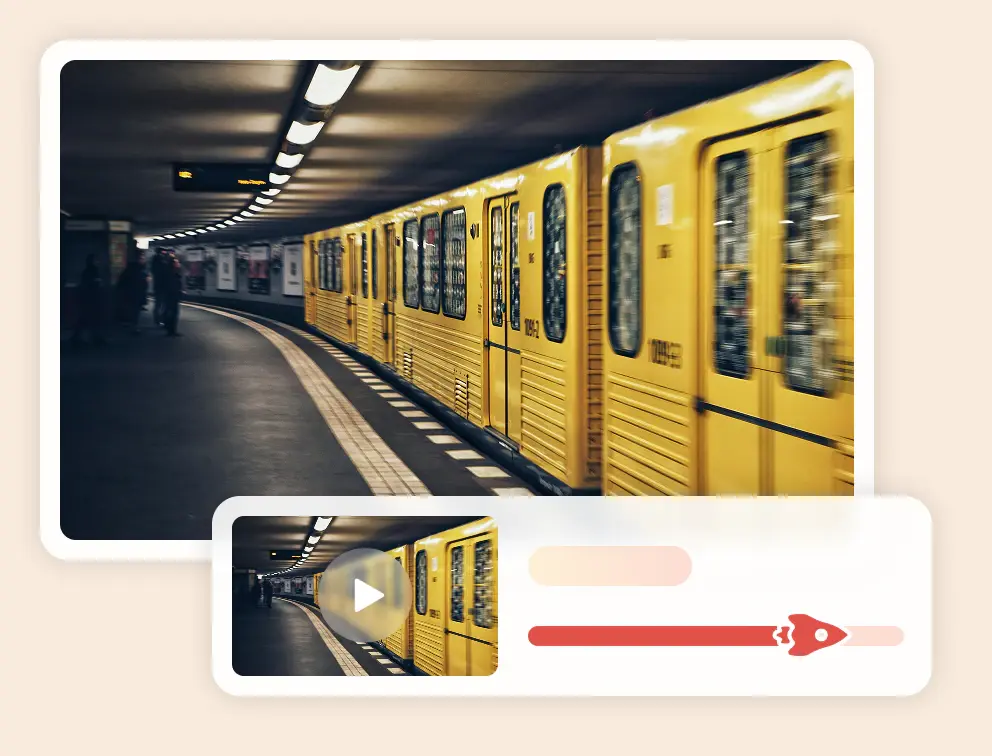
  • Up to 130X faster with GPU acceleration
checkbox icon100% FREE
checkbox iconNO WATERMARK
checkbox iconNO SIZE LIMITS
checkbox iconLOCAL PROCESSING
Trusted by millions of users worldwide for 20+ years
apple iconSwitch to Mac Version
windows iconSwitch to Windows Version
any video converter free top banner for pc
any video converter free top banner for mobile
Convert videos for free — no watermark, no size limits, and batch conversion close icon

What You Can Do with Any Video Converter Free

Convert videos to popular formats, handle large files, batch process videos, and extract audio easily

convert video to mp3 for free free video converter to mp3

Convert Videos to MP3 for Listening or Reuse

Save audio from videos, music clips, tutorials, lectures, recordings, or local media files as MP3. Listen offline on almost any device, or reuse the extracted audio as background music, voice clips, or sound effects in your own videos.

convert videos to mp4 for free free video converter to mp4

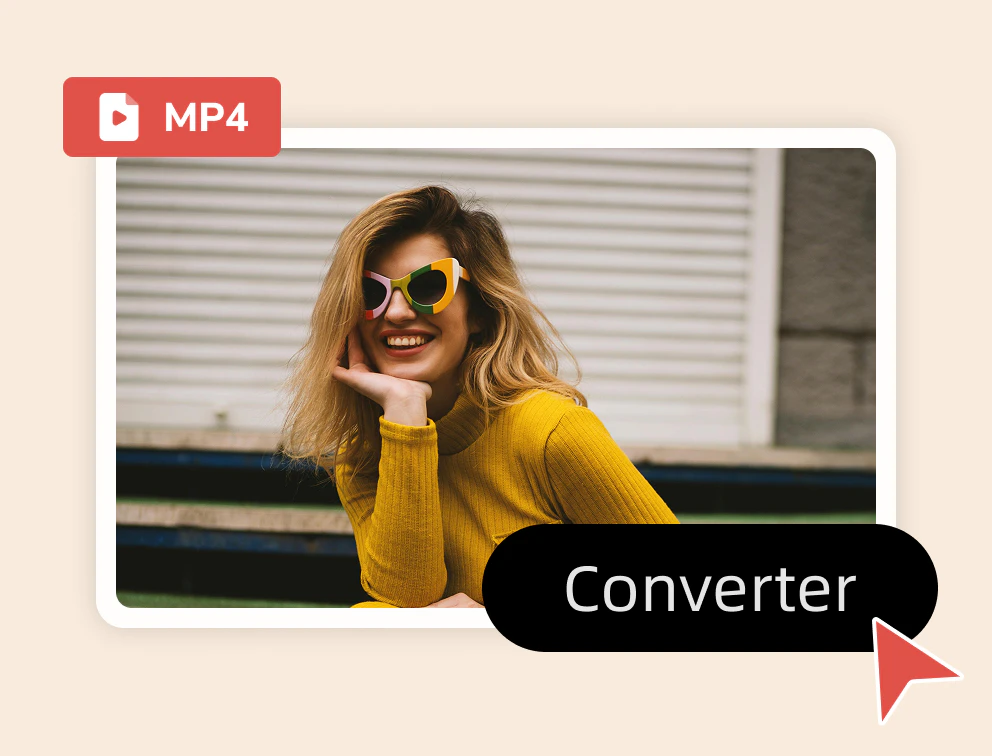
Convert Videos to MP4 for Easy Playback, Editing, and Sharing

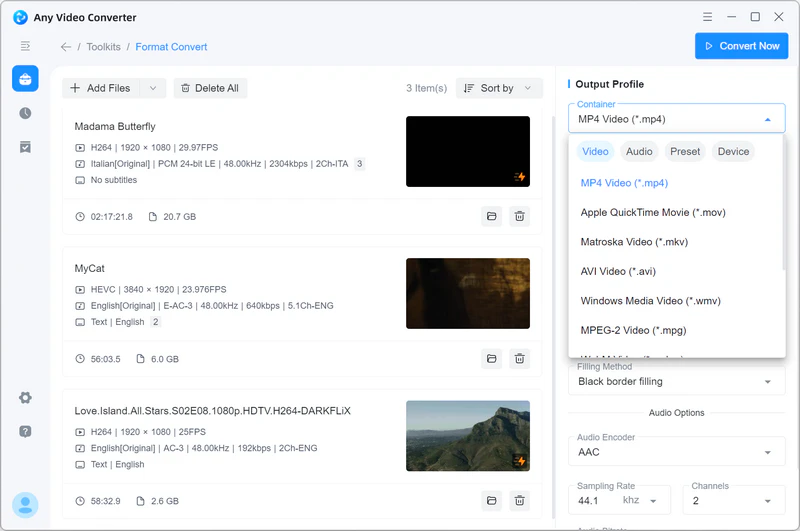
Convert MOV, MKV, AVI, WebM, WMV, and other video files to MP4 for smoother playback, easier sharing, and better compatibility with phones, computers, TVs, social platforms, and media players.
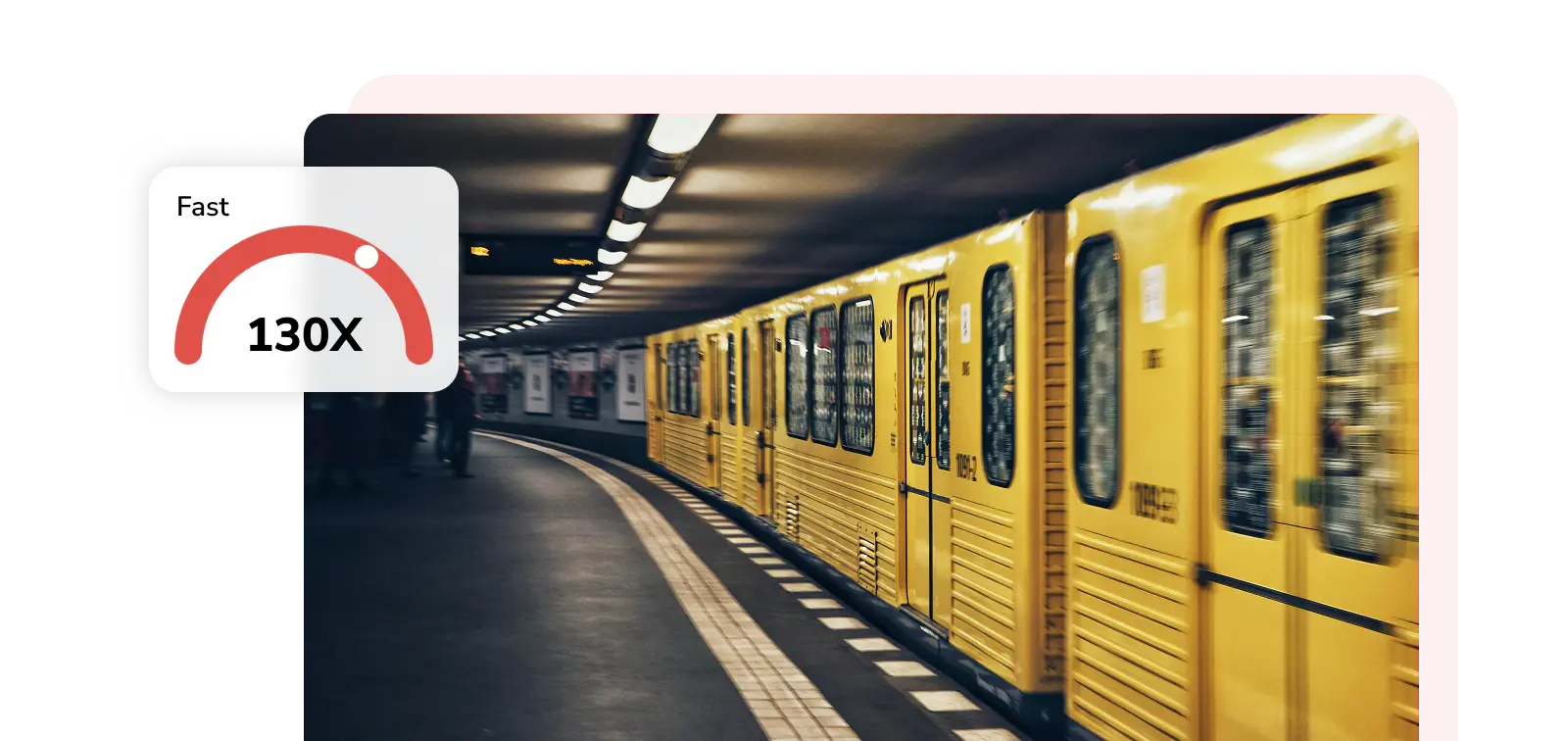
fast video conversion 130x lighting-fast video conversion

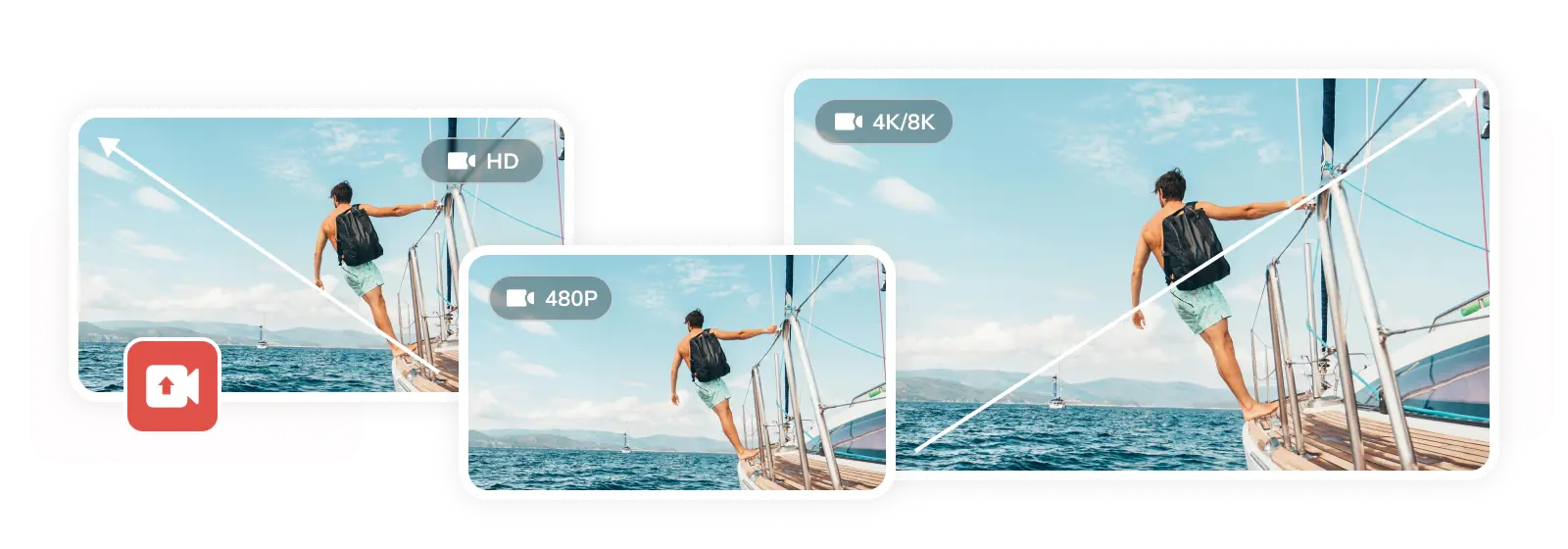
Convert Large Videos - No Slow Uploads or Size Limits

Online converters can be slow, unstable, or limited when handling large files. Whether it is a 4K recording, a long lecture, or a 20GB+ video project, Any Video Converter Free lets you process videos locally on your Windows or Mac computer, avoid upload failures, and keep your files under your control.
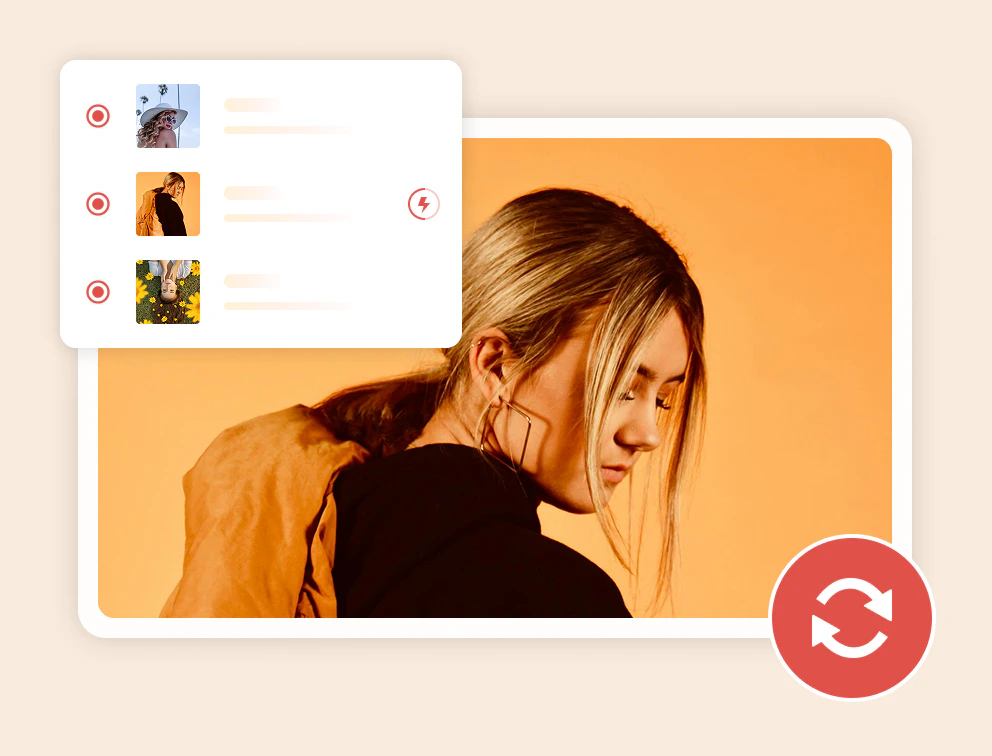

bulk video conversion free and unlimited video conversion

Batch Convert Multiple Videos in One Go

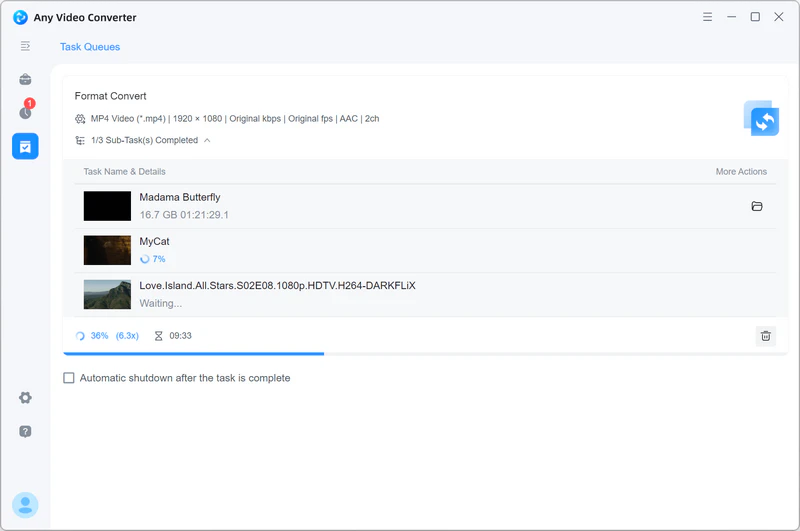
Add multiple video files or an entire folder, choose your preferred output format and settings once, or apply a saved custom preset, then convert everything together. Save time when working with large folders or repeated conversion tasks.
More Than a Video Converter: Complete Your Video Workflow

Convert, edit, compress, enhance, and create videos in one place — from raw files to ready-to-share content

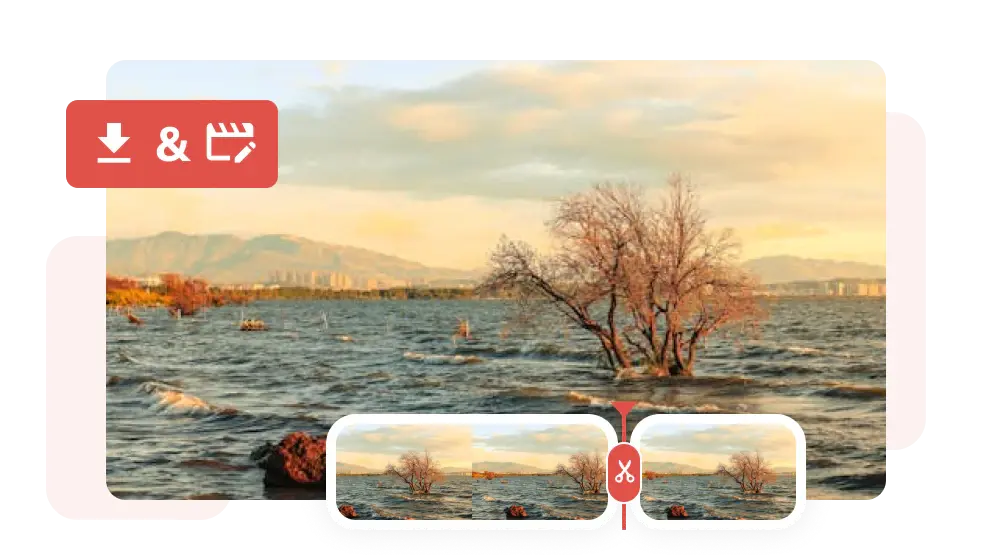
Edit Before Converting

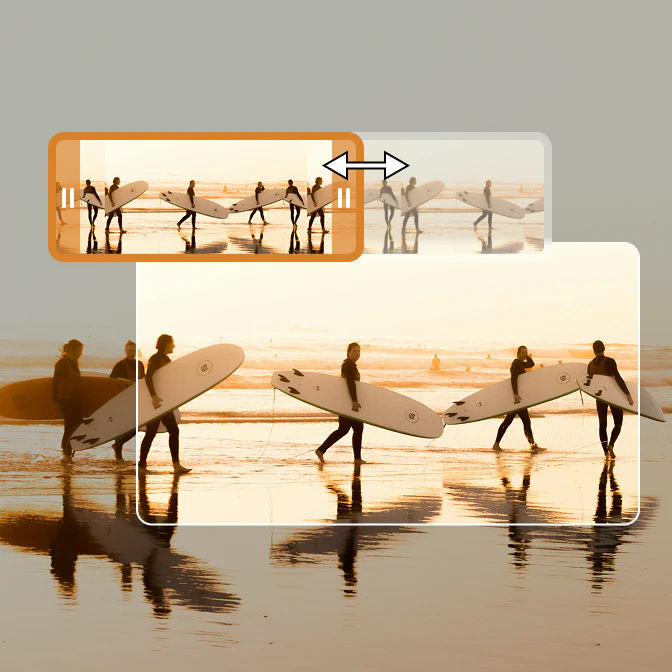
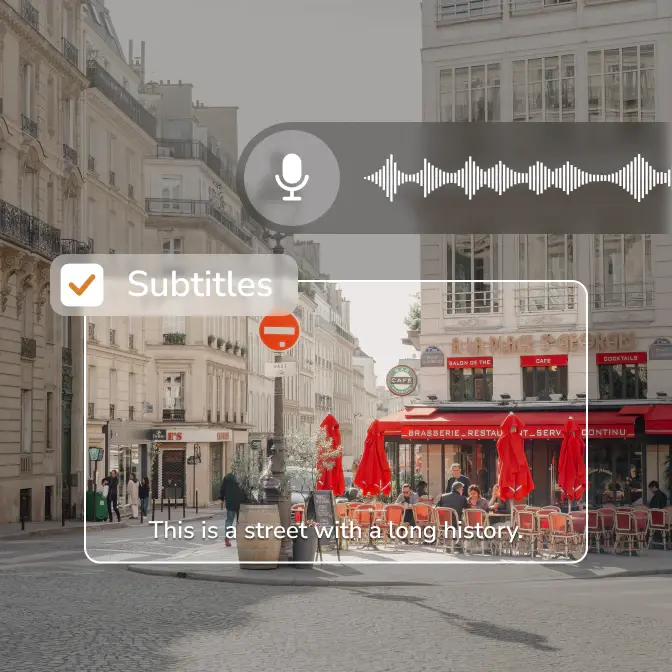
Start with raw footage and shape it the way you want. Trim, crop, merge, adjust audio, or add subtitles before conversion, then convert and export a cleaner, more shareable video for any device or platform.

free video editor

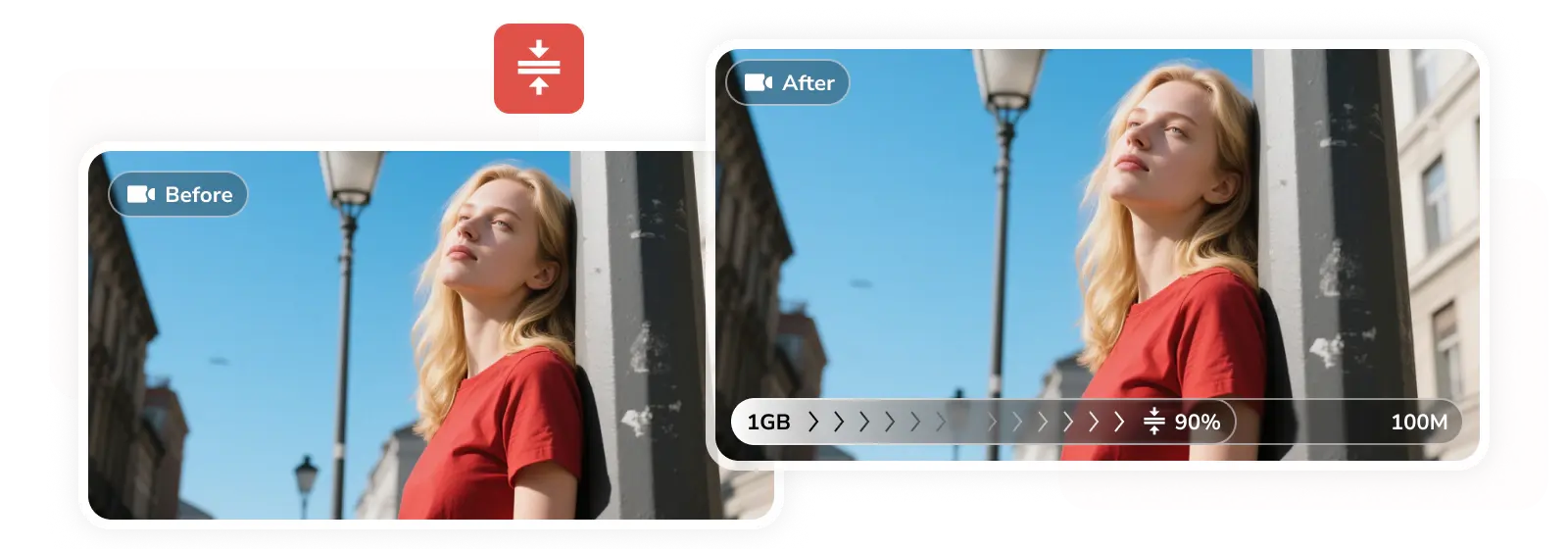
Compress Large Videos with Easy Presets

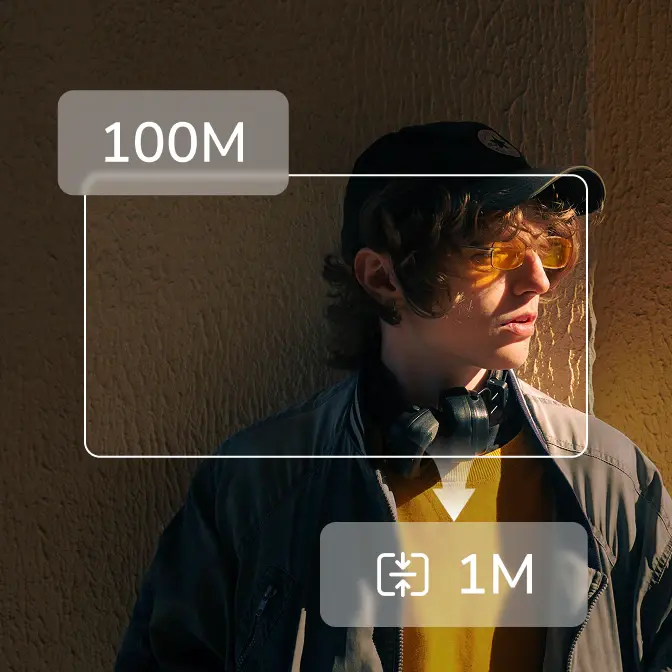
Reduce the size of 4K, 8K, HDR, MKV, MOV, or WebM videos without guesswork. Choose to compress by percentage or target file size, then select a strategy like Balanced, Quality First, Keep FPS, or Keep Resolution to fit your needs. Save disk space, avoid upload issues, and make large files easier to send, store, or share while keeping them clear and smooth.

free video compressor

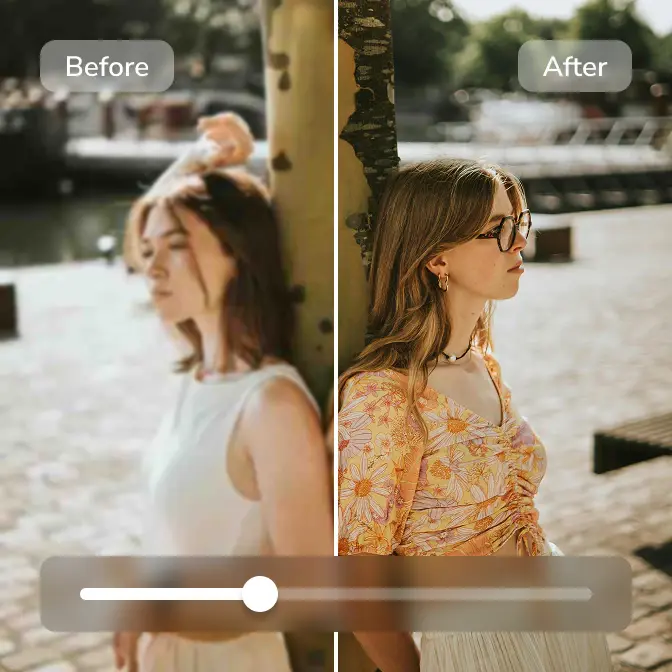
Enhance Video Quality When Needed

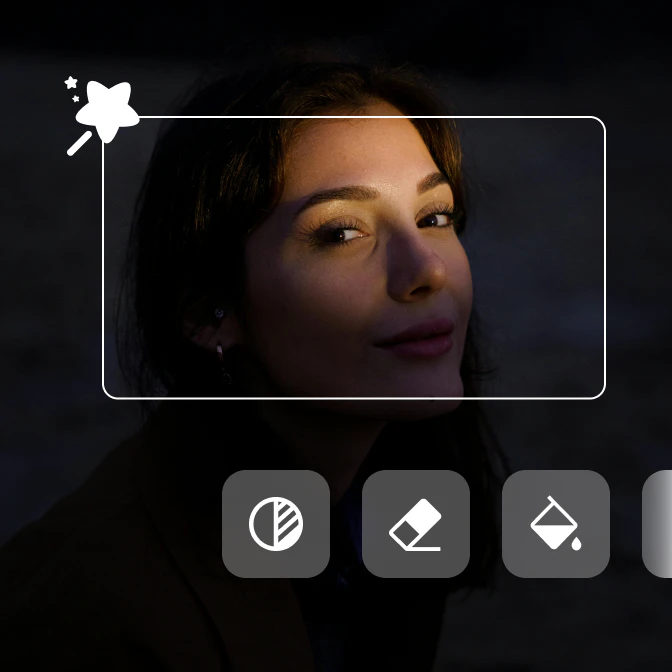
Restore old clips, improve blurry recordings, refine compressed videos, or make faces look sharper with dedicated AI enhancement models. Use Standard for everyday quality improvement, Ultra for sharper details, Anime for animated content, and Face Enhancement for portraits or close-up videos.

any video converter supports now ai generation

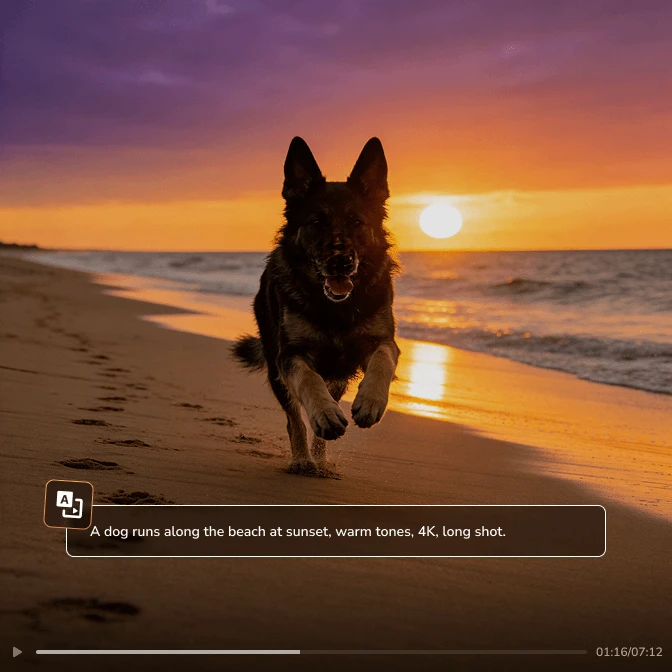
Create More with AI Tools

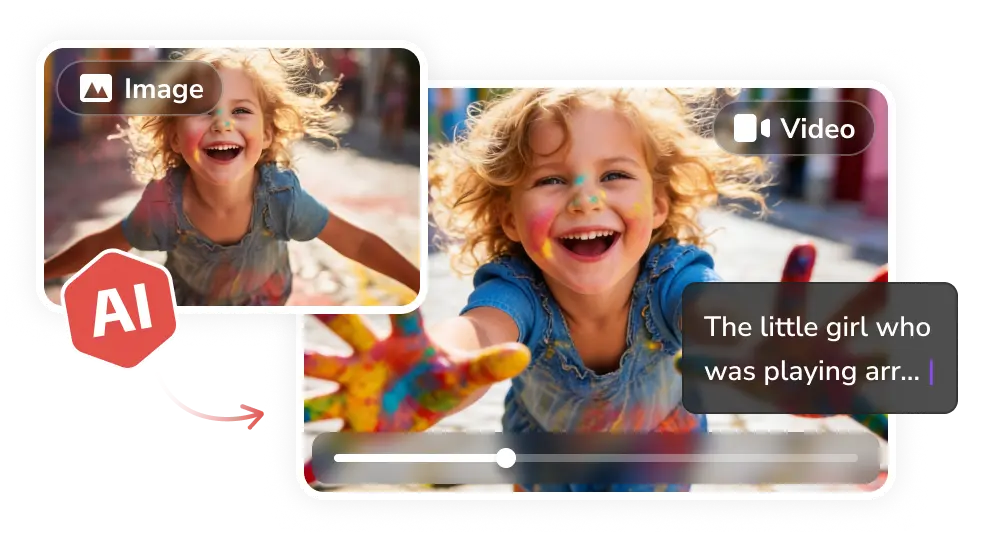
Generate images or videos from text, images, clips, or creative ideas when you need more than basic conversion. Use AI tools to explore new content without leaving Any Video Converter.

create videos and images with any video converter

Convert with Confidence. Edit, Compress, and Create with Freedom

Start with video conversion, then polish your files with editing, compression, enhancement, and AI tools in one place

Always Improving: Free Video Converter Updates

New conversion features, format support, AI enhancements, and performance improvements

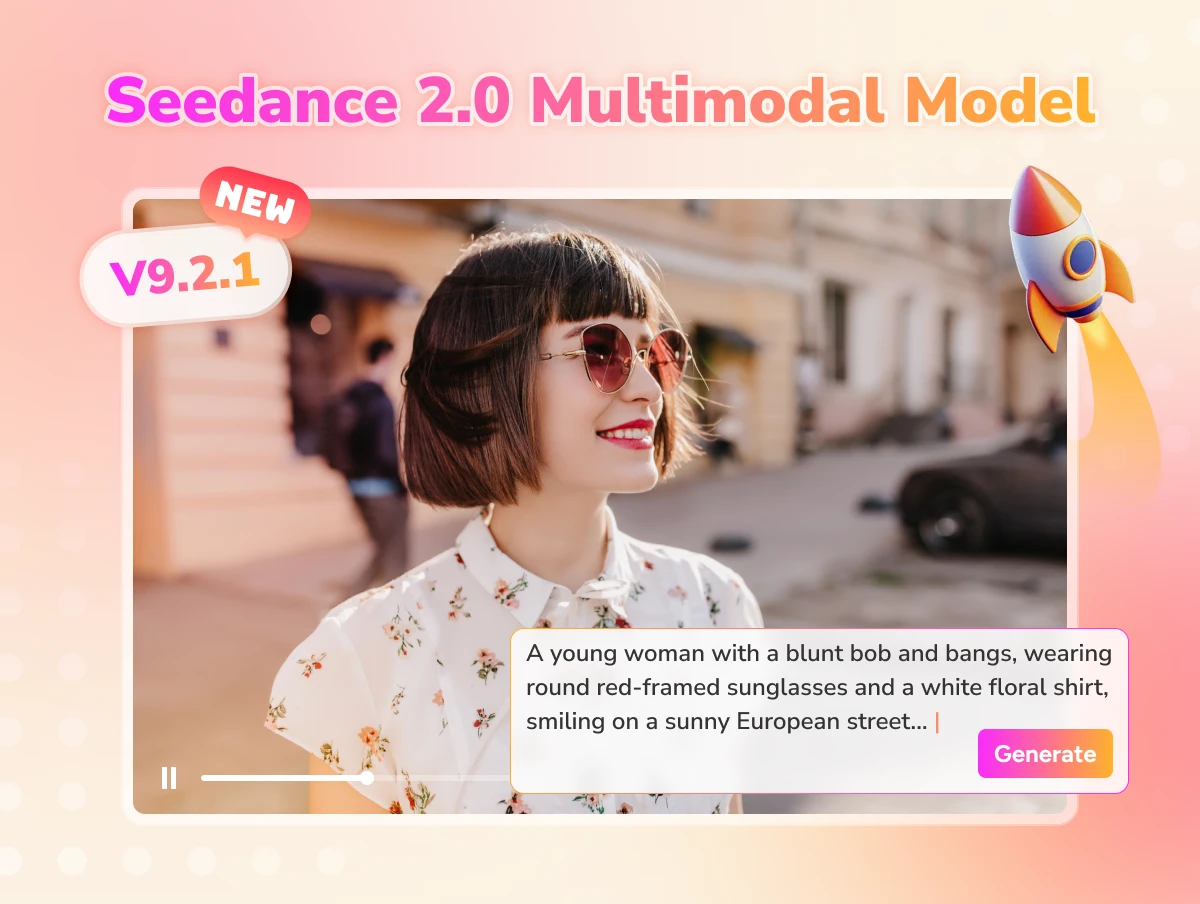
any video converter v9.2.1 released to support seedance 2.0 multimodal model

Smoother Editing and Smarter AI Tools

  • Optimized Video Trimming. Improved both AI and manual trimming tools, making it easier to cut, refine, and prepare videos before conversion or export.
  • CPU Support for AI Video Enhancement. AI Video Enhancer now supports CPU processing, so more users can enhance videos even without dedicated GPU acceleration.
  • Seedance 2.0 AI Video Generation. Create more realistic AI videos with the upgraded Seedance 2.0 multimodal model.
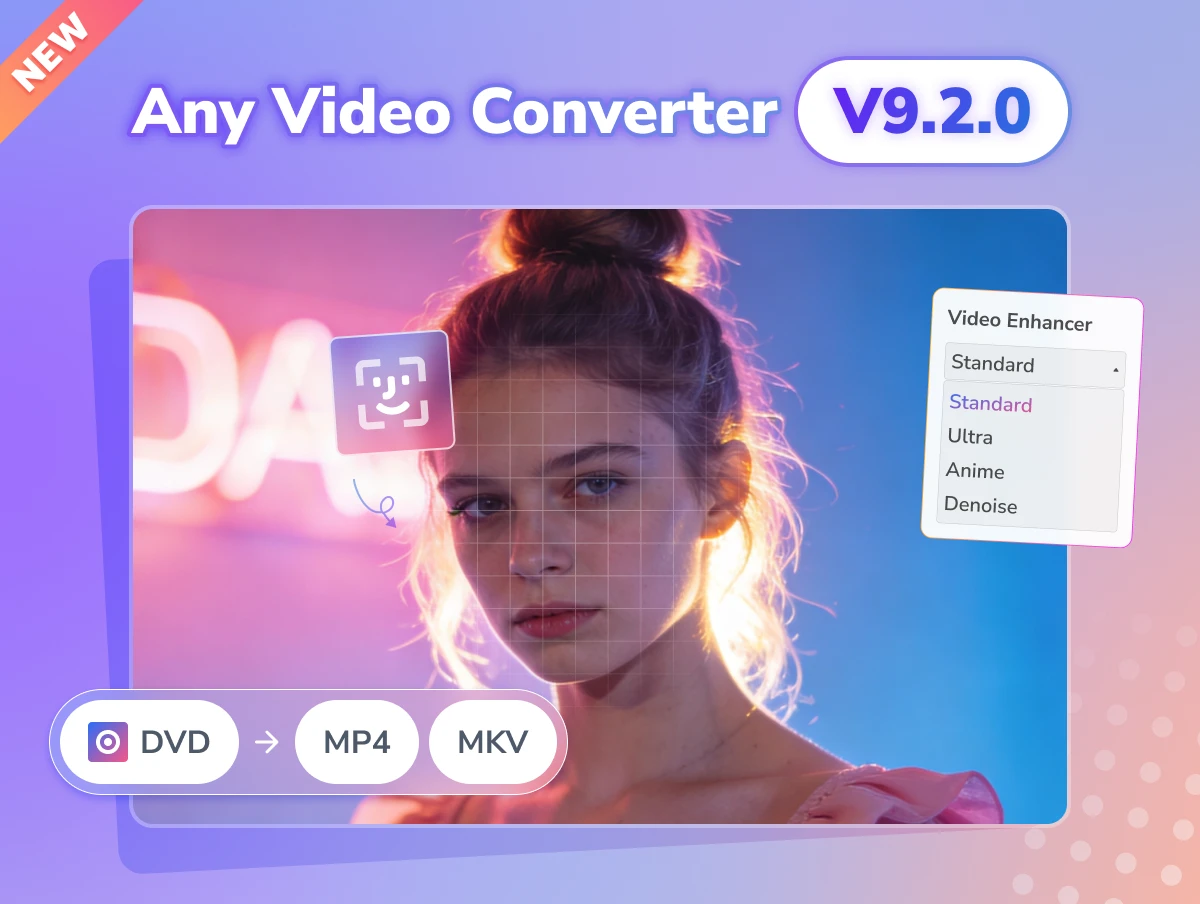
any video converter v9.2.0 supports dvd ripping

DVD/CD Support & New AI Enhancement Models

  • DVD/CD Import for Conversion. Rip and import DVD or CD media directly into Video Converter, Compressor, and Merger for easier local processing.
  • New AI Enhancement Models. Use Denoise, Anime, and Face Enhancement models to improve different types of videos before exporting or sharing.
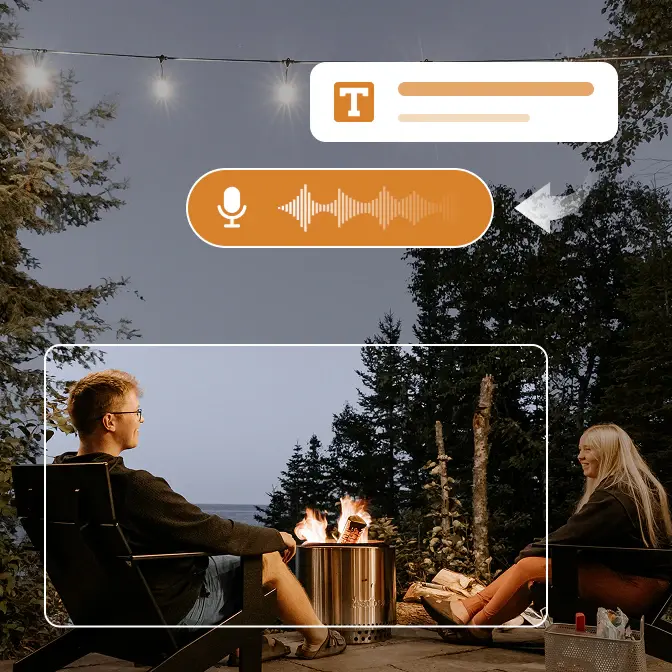
  • Speech-to-Text Improvements. Convert speech from video or audio into editable text more smoothly.
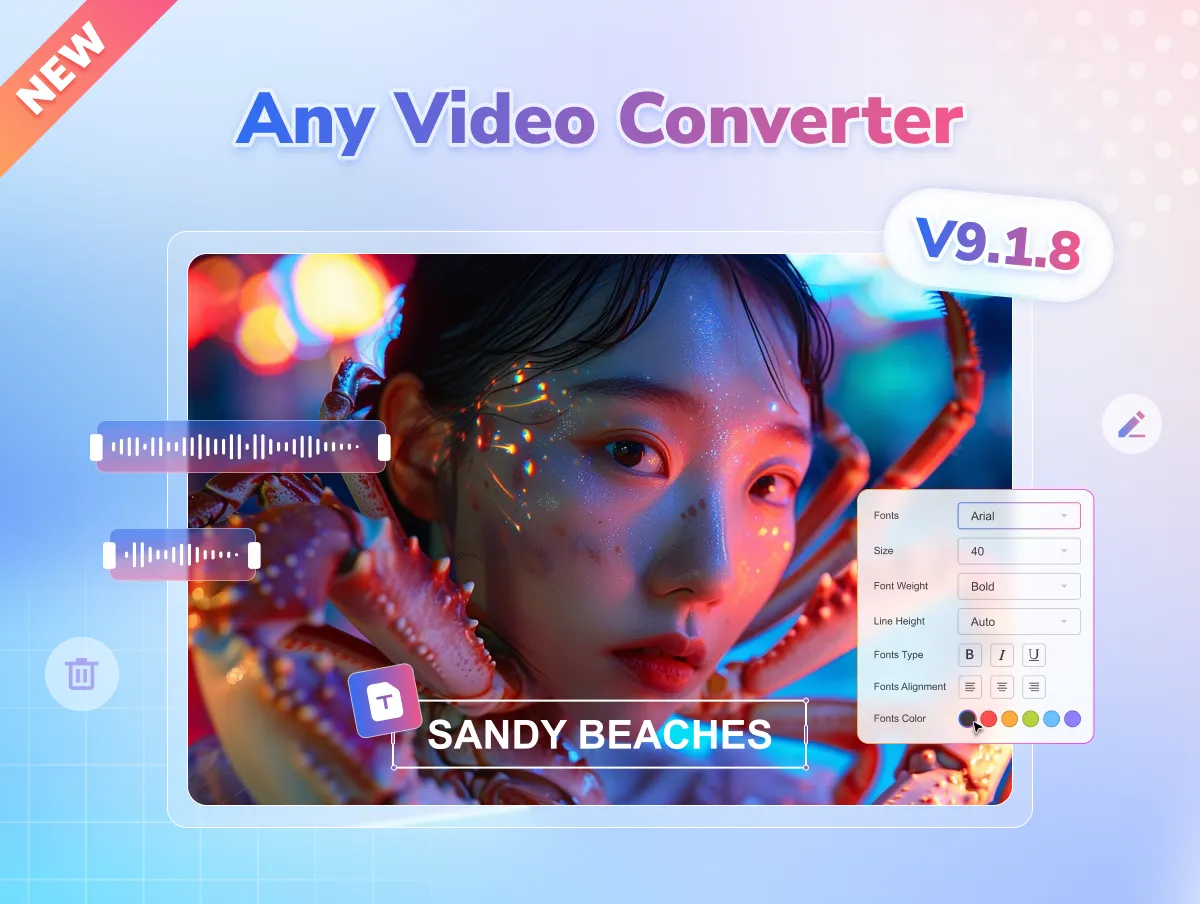
any video converter v9.1.8 supports track management in video converter

Full Control Over Audio & Subtitle Tracks

  • Expanded subtitles support. PGS, WebVTT, and DVDSub subtitles can now be preserved with conversion.
  • Advanced track management. Add, remove, and export subtitle and audio tracks within the Video Converter tool.
  • Prompt Library. Introduced prompt references in AI generative tools get sparked.
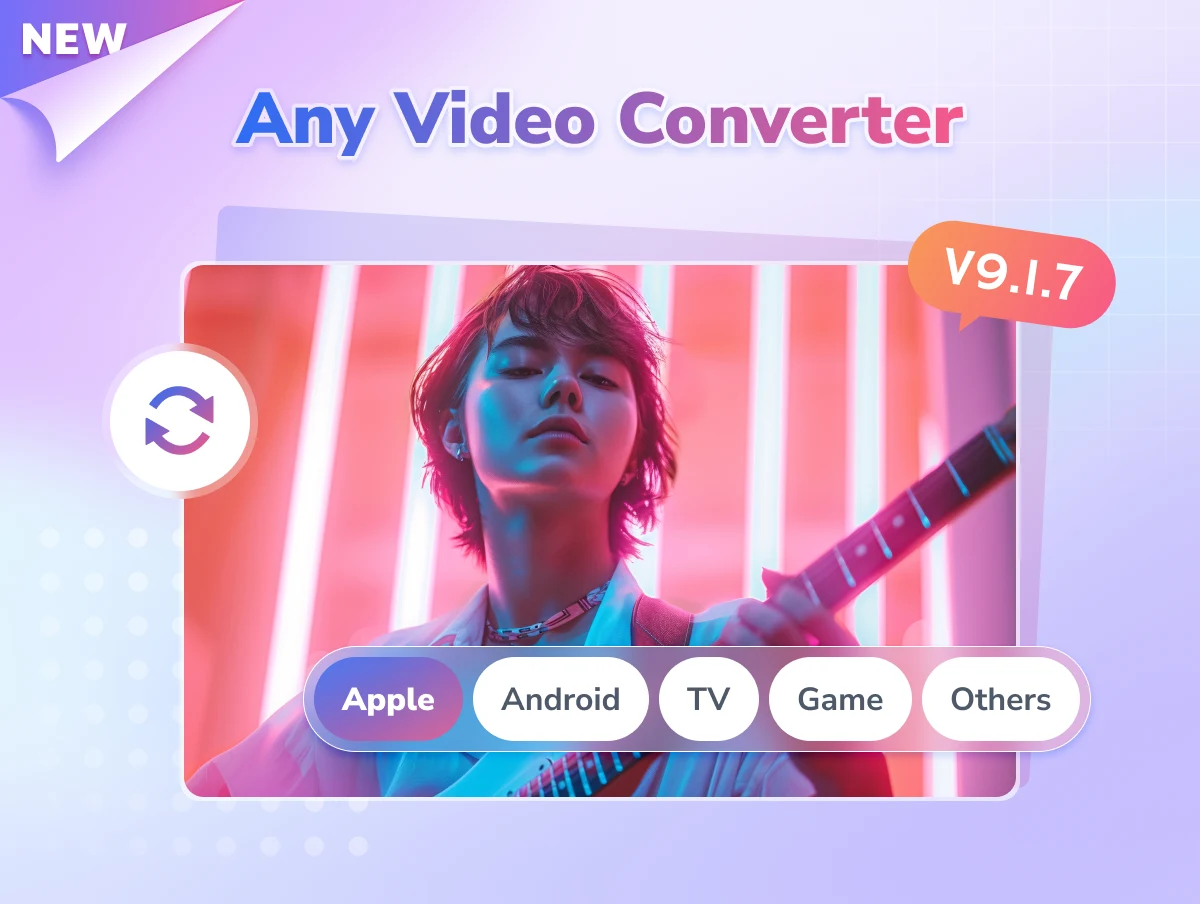
any video converter v9.1.7 supports output profile for devices

Faster Performance and Better Compatibility

  • Added optimized conversion presets for different devices.
  • Added MPEG4 encoding for MP4/MOV.
  • Support M4R and WAV audio formats.
  • New options for video compression strategy.
  • Improved the accuracy of speech to text conversion.

Start Free, Upgrade When You Need More

Start free for conversion, compression, and editing. Upgrade only for advanced downloads, presets, AI, and creative tools

Monthly
Annual
Permanent
icon free

Start Free

  • icon checkboxConvert 1000+ video and audio formats
  • icon checkboxNo watermark or file size limits
  • icon checkboxBatch video conversion
  • icon checkboxFree video compression
  • icon checkboxEssential editing tools
  • icon checkboxBest-quality video downloads
  • icon lockCustom output presets
  • icon lockCustom download formats
  • icon lockPro 'Custom' download mode
  • icon lockDownload multi-track audio & subs
  • icon lockUnlimited 4K screen recording
  • icon lockDVD burning & templates
  • icon lock10X faster turbo download
  • icon lockBonus AI creation credits
  • icon lockAI video enhancement
  • icon lockAI speech-to-text (subs)
  • icon lockAI vocal & music splitter
icon ultimate

Get Ultimate

  • icon checkboxConvert 1000+ video and audio formats
  • icon checkboxNo watermark or file size limits
  • icon checkboxBatch video conversion
  • icon checkboxFree video compression
  • icon checkboxEssential editing tools
  • icon checkboxBest-quality video downloads
  • icon checkboxCustom output presets
  • icon checkboxCustom download formats
  • icon checkboxPro 'Custom' download mode
  • icon checkboxDownload multi-track audio & subs
  • icon checkboxUnlimited 4K screen recording
  • icon checkboxDVD burning & templates
  • icon star10X faster turbo download
  • icon star300 bonus AI creation credits
  • icon starAI video enhancement
  • icon starAI speech-to-text (subs)
  • icon starAI vocal & music splitter
icon pro

Upgrade to Pro

  • icon checkboxConvert 1000+ video and audio formats
  • icon checkboxNo watermark or file size limits
  • icon checkboxBatch video conversion
  • icon checkboxFree video compression
  • icon checkboxEssential editing tools
  • icon checkboxBest-quality video downloads
  • icon checkboxCustom output presets
  • icon checkboxCustom download formats
  • icon checkboxPro 'Custom' download mode
  • icon checkboxDownload multi-track audio & subs
  • icon checkboxUnlimited 4K screen recording
  • icon checkboxDVD burning & templates
  • icon lock10X faster turbo download
  • icon lockBonus AI creation credits
  • icon lockAI video enhancement
  • icon lockAI speech-to-text (subs)
  • icon lockAI vocal & music splitter
icon free

Start Free

  • icon checkboxConvert 1000+ video and audio formats
  • icon checkboxNo watermark or file size limits
  • icon checkboxBatch video conversion
  • icon checkboxFree video compression
  • icon checkboxEssential editing tools
  • icon checkboxBest-quality video downloads
  • icon lockCustom output presets
  • icon lockCustom download formats
  • icon lockPro 'Custom' download mode
  • icon lockDownload multi-track audio & subs
  • icon lockUnlimited 4K screen recording
  • icon lockDVD burning & templates
  • icon lock10X faster turbo download
  • icon lockBonus AI creation credits
  • icon lockAI video enhancement
  • icon lockAI speech-to-text (subs)
  • icon lockAI vocal & music splitter
icon ultimate

Get Ultimate

  • icon checkboxConvert 1000+ video and audio formats
  • icon checkboxNo watermark or file size limits
  • icon checkboxBatch video conversion
  • icon checkboxFree video compression
  • icon checkboxEssential editing tools
  • icon checkboxBest-quality video downloads
  • icon checkboxCustom output presets
  • icon checkboxCustom download formats
  • icon checkboxPro 'Custom' download mode
  • icon checkboxDownload multi-track audio & subs
  • icon checkboxUnlimited 4K screen recording
  • icon checkboxDVD burning & templates
  • icon star10X faster turbo download
  • icon star600 bonus AI creation credits
  • icon starAI video enhancement
  • icon starAI speech-to-text (subs)
  • icon starAI vocal & music splitter
$59.95 / $69.95
Upgrade Now Upgrade Now
$10 OFF
icon pro

Upgrade to Pro

  • icon checkboxConvert 1000+ video and audio formats
  • icon checkboxNo watermark or file size limits
  • icon checkboxBatch video conversion
  • icon checkboxFree video compression
  • icon checkboxEssential editing tools
  • icon checkboxBest-quality video downloads
  • icon checkboxCustom output presets
  • icon checkboxCustom download formats
  • icon checkboxPro 'Custom' download mode
  • icon checkboxDownload multi-track audio & subs
  • icon checkboxUnlimited 4K screen recording
  • icon checkboxDVD burning & templates
  • icon lock10X faster turbo download
  • icon lockBonus AI creation credits
  • icon lockAI video enhancement
  • icon lockAI speech-to-text (subs)
  • icon lockAI vocal & music splitter
icon free

Start Free

  • icon checkboxConvert 1000+ video and audio formats
  • icon checkboxNo watermark or file size limits
  • icon checkboxBatch video conversion
  • icon checkboxFree video compression
  • icon checkboxEssential editing tools
  • icon checkboxBest-quality video downloads
  • icon lockCustom output presets
  • icon lockCustom download formats
  • icon lockPro 'Custom' download mode
  • icon lockDownload multi-track audio & subs
  • icon lockUnlimited 4K screen recording
  • icon lockDVD burning & templates
  • icon lock10X faster turbo download
  • icon lockBonus AI creation credits
  • icon lockAI video enhancement
  • icon lockAI speech-to-text (subs)
  • icon lockAI vocal & music splitter
icon ultimate

Get Ultimate

  • icon checkboxConvert 1000+ video and audio formats
  • icon checkboxNo watermark or file size limits
  • icon checkboxBatch video conversion
  • icon checkboxFree video compression
  • icon checkboxEssential editing tools
  • icon checkboxBest-quality video downloads
  • icon checkboxCustom output presets
  • icon checkboxCustom download formats
  • icon checkboxPro 'Custom' download mode
  • icon checkboxDownload multi-track audio & subs
  • icon checkboxUnlimited 4K screen recording
  • icon checkboxDVD burning & templates
  • icon star10X faster turbo download
  • icon star700 bonus AI creation credits
  • icon starAI video enhancement
  • icon starAI speech-to-text (subs)
  • icon starAI vocal & music splitter
$69.95 / $89.95
Upgrade Now Upgrade Now
$20 OFF
icon pro

Upgrade to Pro

  • icon checkboxConvert 1000+ video and audio formats
  • icon checkboxNo watermark or file size limits
  • icon checkboxBatch video conversion
  • icon checkboxFree video compression
  • icon checkboxEssential editing tools
  • icon checkboxBest-quality video downloads
  • icon checkboxCustom output presets
  • icon checkboxCustom download formats
  • icon checkboxPro 'Custom' download mode
  • icon checkboxDownload multi-track audio & subs
  • icon checkboxUnlimited 4K screen recording
  • icon checkboxDVD burning & templates
  • icon lock10X faster turbo download
  • icon lockBonus AI creation credits
  • icon lockAI video enhancement
  • icon lockAI speech-to-text (subs)
  • icon lockAI vocal & music splitter
$49.95 / $79.95
Upgrade Now Upgrade Now
$30 OFF

Proven Excellence: Why Choose Any Video Converter Free?

A free video converter built for real conversion needs: no watermark, no file size limits, batch processing, and safe local conversion

icon truly free video converter
Truly Free Video Converter

Convert videos and audio files for free without hidden fees.

icon no watermark
No Watermark or Hidden Limits

Export videos without watermarks, daily caps, or surprise limits.

icon no size limitation
No File Size Limits

Handle multi-GB, 4K, 8K, MKV, WebM, AVI, or MOV files more reliably.

icon unlimited and bulk conversion
Batch Convert Videos

Add files or folders and convert them together with one setup.

icon fast conversion
Up to 130X Faster

Use GPU acceleration to speed up large video conversion.

icon safe
Safe Local Processing

Keep private videos on your Windows or Mac computer.

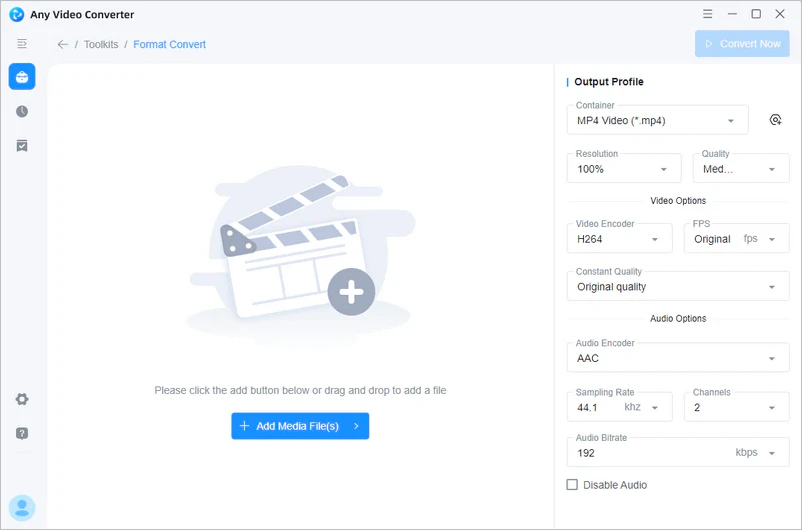
Easy Video Conversion: Convert Videos to MP4 for Free

Convert videos to MP4, MP3, and more with no watermark, no size limits, and no upload required

add video files to Any Video Converter Free choose MP4 as the output format in Any Video Converter Free start converting videos to MP4 for free in Any Video Converter Free

Real Users. Real Video Conversion Results

See why users trust Any Video Converter Free for simple, fast, and watermark-free conversion

Rated 5/5 based on 95 verified Any Video Converter user reviews

I love the seamless and simple downloading process and you don't get a lot of ads like the other sites that claim to be a video converter or downloader and it's a great quality of video and sound.

user avatar 1
Aquel Page
five star

It has many great functions, from video and audio enhancements to converting large video files from over 20 gigs to under just 1 gig, and the quality of the converted video is undeniable.

user avatar 2
Andrew Musiclife
five star

I mainly use it to convert GoPro MP4 into HVEC files for use with a video editing program, and the conversion takes very little time. Unlike other free software, this one works and is actually free without putting watermarks on your files.

user avatar 3
Pretty Vacant
five star

I have been using Anvsoft for many years now. It makes converting films, etc., into different formats so very easy, and I am an old girl in my early 60s! I don not think anyone would ever find another program like this so easy to use.

user avatar 4
Elle Wilky
five star

I use Any Video Converter to download videos and convert them to audio and other video formats. The programs are quick and simple. I've used many other download and conversion programs, and this seems to be the most efficient and easy to use. I'm really happy with AVC!

user avatar 5
Gwen
five star

Any Video Converter is the most reliable converter and the fastest as well. I have used several others in the past with mixed results, which is why I kept looking, but I have not found the need to try any others since downloading Any Video Converter.

user avatar 6
S.Miller
five star
Excellent 4.8 star 4.8 on green star icon trustpilot based on 970 reviews
Also Trusted by Media: logo teachradar logo cnet logo g2 logo wikipedia

Ready to Convert Videos for Free?

Convert MP4, MP3, MOV, MKV, and more for free — with no watermark, no size limits, and local processing on Windows or Mac.

Any Video Converter Free FAQs

Find quick answers about free video conversion, formats, watermarks, limits, and batch conversion

Which is the best free video converter?

Any Video Converter Free is a strong and reliable choice if you need a truly free video converter with no watermark, no file size limits, batch conversion, and local processing. It helps you convert large or multiple videos safely on your computer without online uploads.

Yes. Any Video Converter Free lets you convert, compress, and edit videos for free. Core video conversion features are available without hidden fees, watermarks, daily conversion limits, or file size limits. Pro and Ultimate plans are optional upgrades for advanced downloads, presets, AI tools, and more creative features.

Yes. Any Video Converter Free can export converted videos without adding a watermark, even for batch conversions. It is suitable for personal videos, school projects, social media clips, tutorials, and everyday video conversion needs.

Yes. Any Video Converter Free is a desktop video converter, so you can convert large video files locally without uploading them to an online server. It is useful for multi-GB videos, 4K files, long recordings, MKV videos, MOV files, and other large media files.

Any Video Converter supports common video and audio formats, including MP4, MOV, MKV, AVI, WebM, WMV, MPEG, MP3, AAC, WAV, FLAC, and 1000+ video and audio formats. You can convert videos for playback on phones, computers, TVs, media players, and social platforms.

Yes. Any Video Converter Free supports batch video conversion. You can add multiple video files or an entire folder, choose the output format and settings once, and convert them together to save time.

Yes. Any Video Converter Free lets you convert MOV, MKV, AVI, WebM, WMV, M2TS, TS, and other video files to MP4 for free. It is useful when a video will not play, upload, or edit properly, and you can adjust quality, file size, resolution, codec, audio, and subtitles to create an MP4 that fits your device or platform.

Yes. Any Video Converter Free can convert video to MP3 and extract audio from video files. You can save music, lectures, tutorials, recordings, or background audio as MP3 for offline listening or reuse in your own projects.

Yes. Any Video Converter Free processes video files locally on your Windows or Mac computer, so your files do not need to be uploaded to an online converter for basic conversion tasks. The official installer is clean, with no bundled software or unnecessary add-ons, helping reduce privacy, upload, and installation-related concerns.


Any Video Converter Free covers essential video conversion, compression, and editing needs. Pro and Ultimate are optional upgrades for users who need advanced downloads, custom presets, AI-powered tools, or more creative features.

An online video converter is convenient for small, simple files, but it often has upload limits, speed issues, or privacy concerns. A desktop video converter like Any Video Converter Free is better for large videos, batch conversion, local processing, and files you do not want to upload.

Explore Popular Video Converter Tools

Quick links to convert videos to MP4, MP3, GIF, and other popular formats

More Video Converter Guides

Convert now with Any Video Converter Free, or explore guides for MP4, MP3, WebM, HEVC, DVD, and more.